The topic Gemini app for macOS gets new icon and hotkey screenshot shortcut is currently the subject of lively discussion — readers and analysts are keeping a close eye on developments.
This is taking place in a dynamic environment: companies’ decisions and competitors’ reactions can quickly change the picture.
Google is rolling out the latest version of the Gemini app for macOS today with a handful of updates.
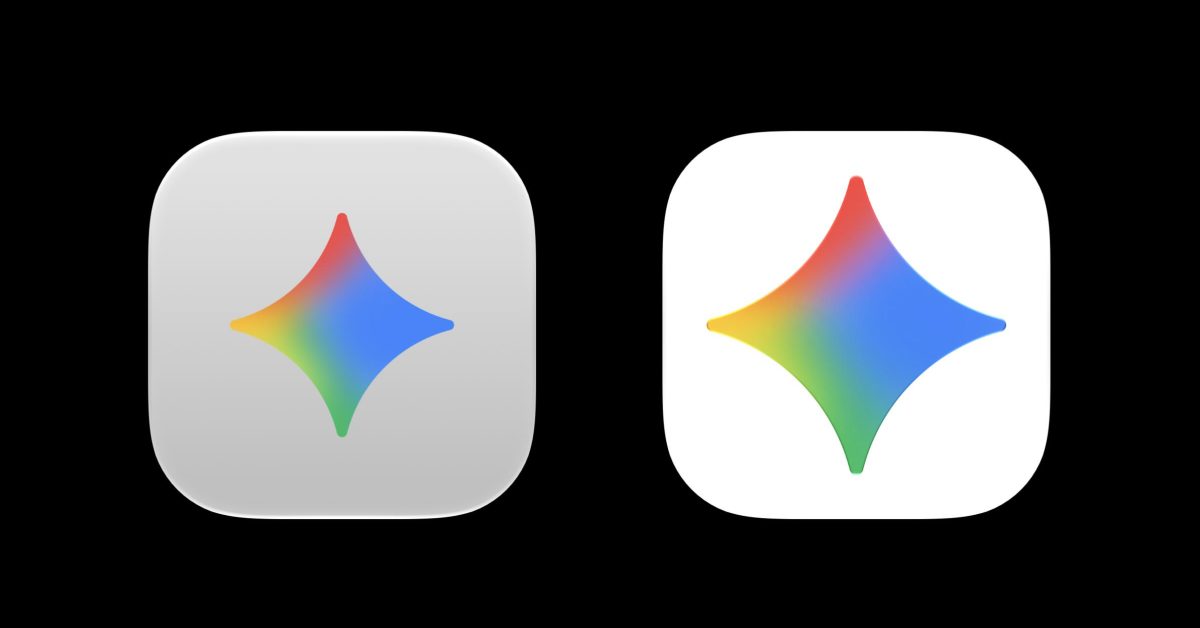
After updating to version 1.72.2.419 (from 1.64.1.362), you’ll immediately notice that Google has updated the app icon. Instead of a gray background that muted things, the container is now white like on iOS, Android, and the app’s download page. The Gemini spark is also a bit bigger now.
In the sidebar, the Library icon has been updated to better match other platforms, while the top-right corner buttons for Temporary chat and Minimize have been scaled down.
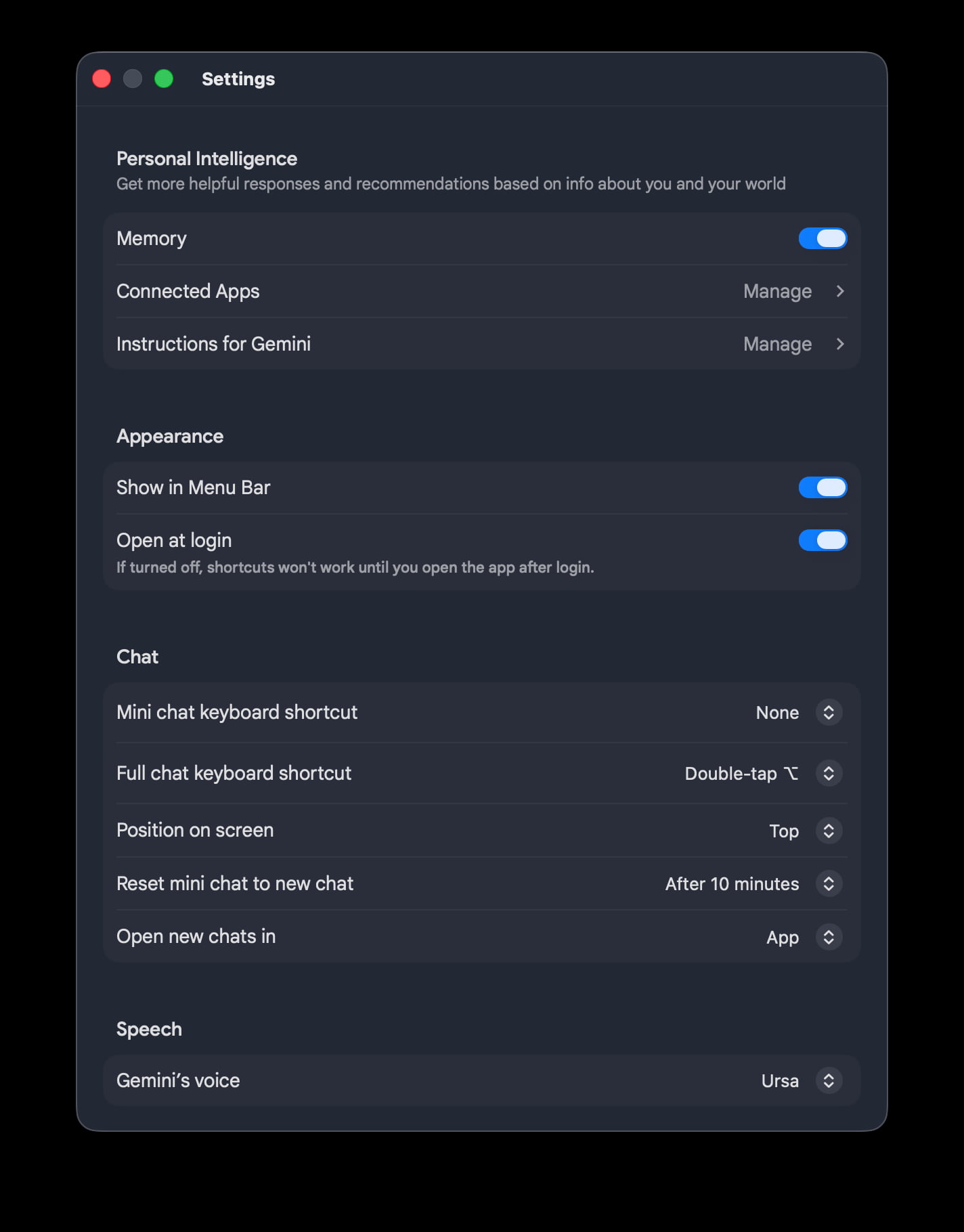
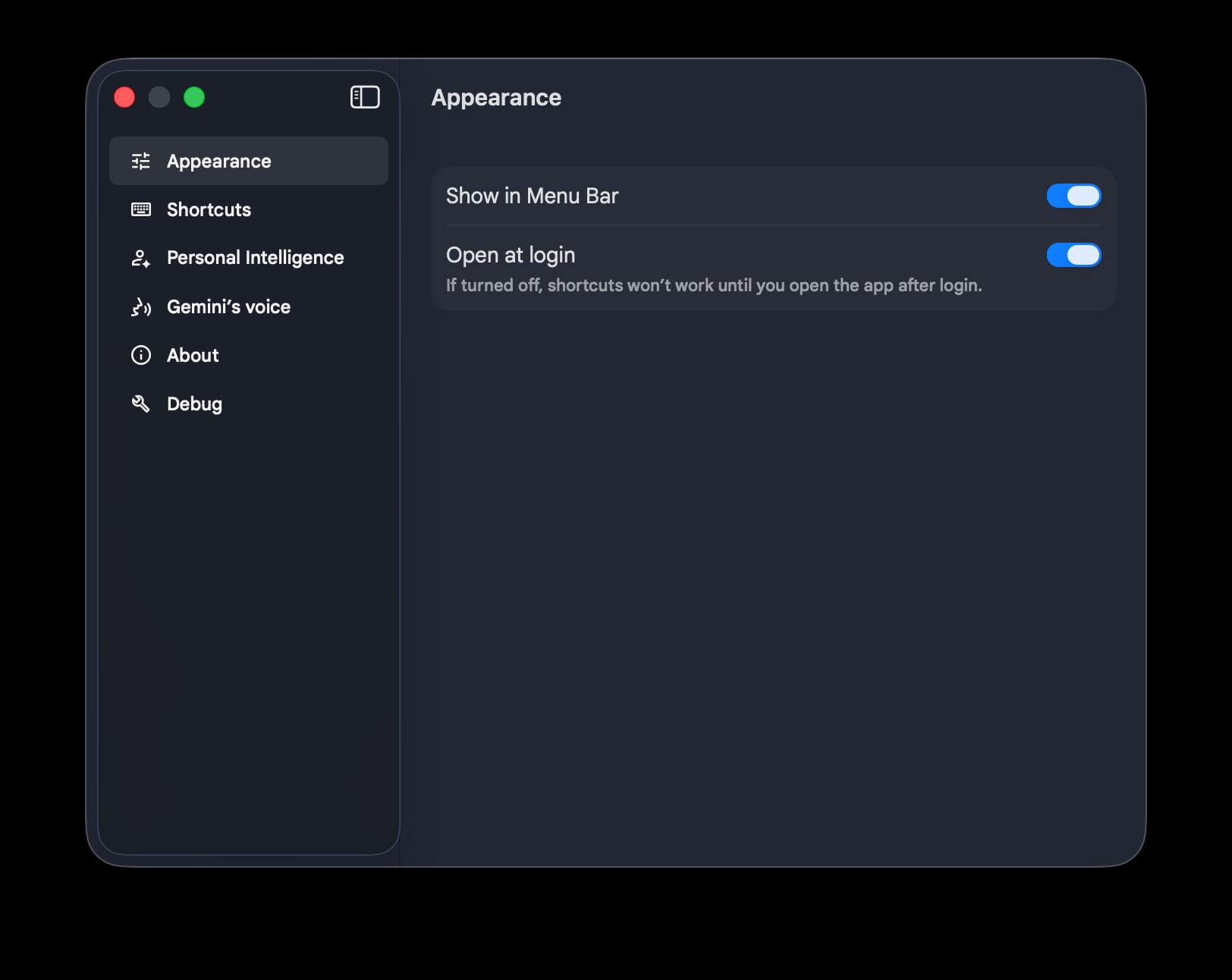
Google has also updated Settings to no longer be one long page. Instead, the side panel groups preferences into Appearance, Shortcuts, Personal Intelligence, Gemini’s voice, About, and Debug.
The Mac app has some Neural Expressive components, but we’re still waiting for a full redesign that was shown off at I/O 2026 last month. Google will presumably roll that out alongside Gemini Spark and the new voice features this summer.
In other Gemini for Mac developments, Google last week shared that pressing both Command ⌘ keys at the same time will “seamlessly attach your active window to the chat.” This saves you from manual screenshots and is a bit like the Gemini overlay on Android.
Get tailored help for what’s on your screen using the Gemini app for macOS. 💻Simply press both Command ⌘ keys at the same time to seamlessly attach your active window to the chat, without needing to take manual screenshots or switch tabs.