The topic 4 Jellyfin features that made me realize it’s more than a movie streamer is currently the subject of lively discussion — readers and analysts are keeping a close eye on developments.
This is taking place in a dynamic environment: companies’ decisions and competitors’ reactions can quickly change the picture.
For as long as I’ve been using Jellyfin, I’ve treated it primarily as a way to stream my movies and TV shows. That’s hardly surprising, since that’s what the entire world does when it comes to self-hosting their media. However, after spending more and more time tinkering with Jellyfin and using all kinds of new tools, I realized I’d barely scratched the surface of what it was capable of.
The deeper I’ve gotten into self-hosting, the more Jellyfin has started to feel like a complete media platform rather than just another streaming alternative. There’s a lot you could be doing with Jellyfin as your personal media server on your local network, and at this point, it’s a shame to let all its potential go to waste.
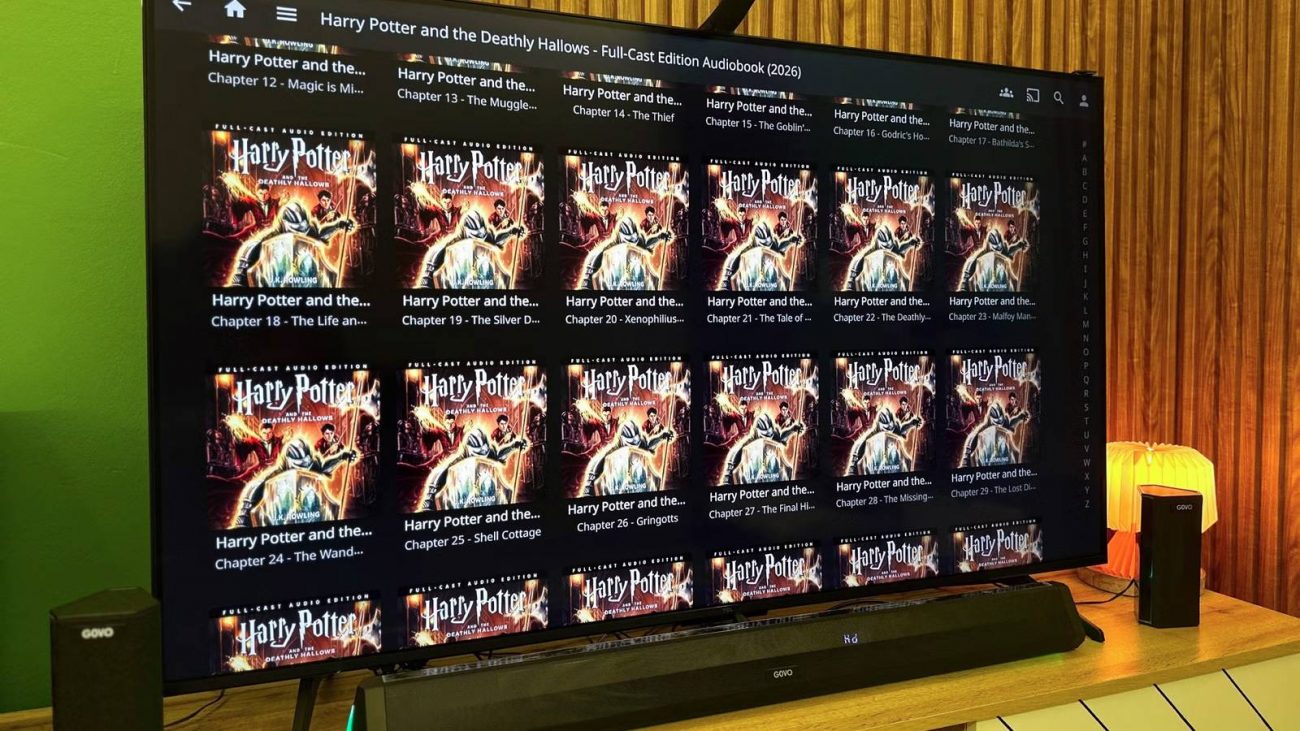
I’ve tried getting into audiobooks more times than I can count, but I’ve never been able to fit them into my day. The idea of sitting down just to listen to a book has always felt… strange, and I don’t exactly have a “daily commute,” either. Thankfully, the perfect opportunity arose now that I’ve gotten serious about home cooking. While I’m chopping up my veggies or waiting for the air fryer to go off, the Jellyfin client on my living room TV picks up exactly where I left off, and I end up listening for close to an hour without even thinking about it, every single evening.
Right now, Jellyfin’s Android TV client doesn’t support audiobooks, even though I use a bookshelf plugin to host my audiobook collection. That’s why I run Moonlight on my TV to stream my PC, and then listen to my audiobooks using the native PC client instead.
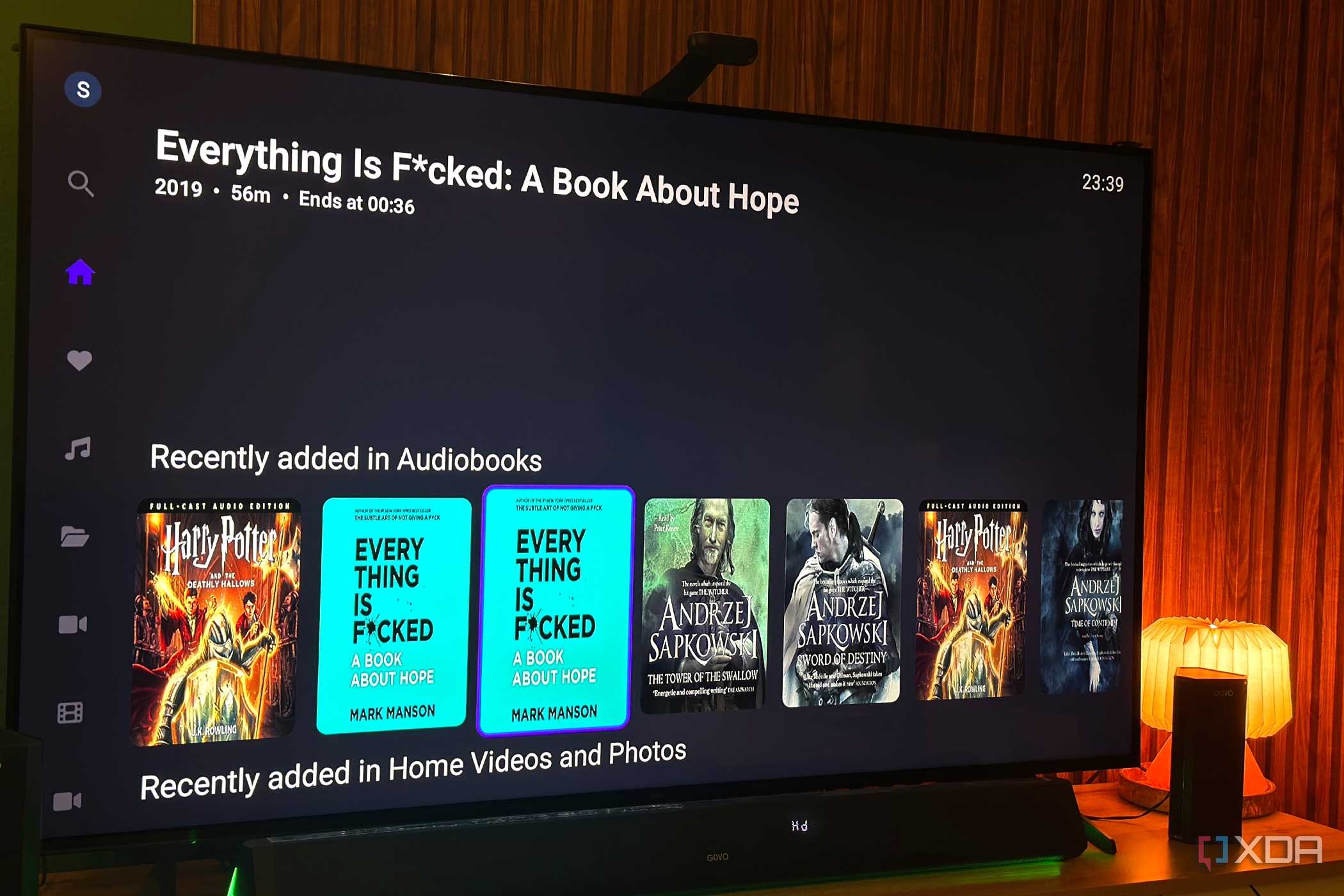
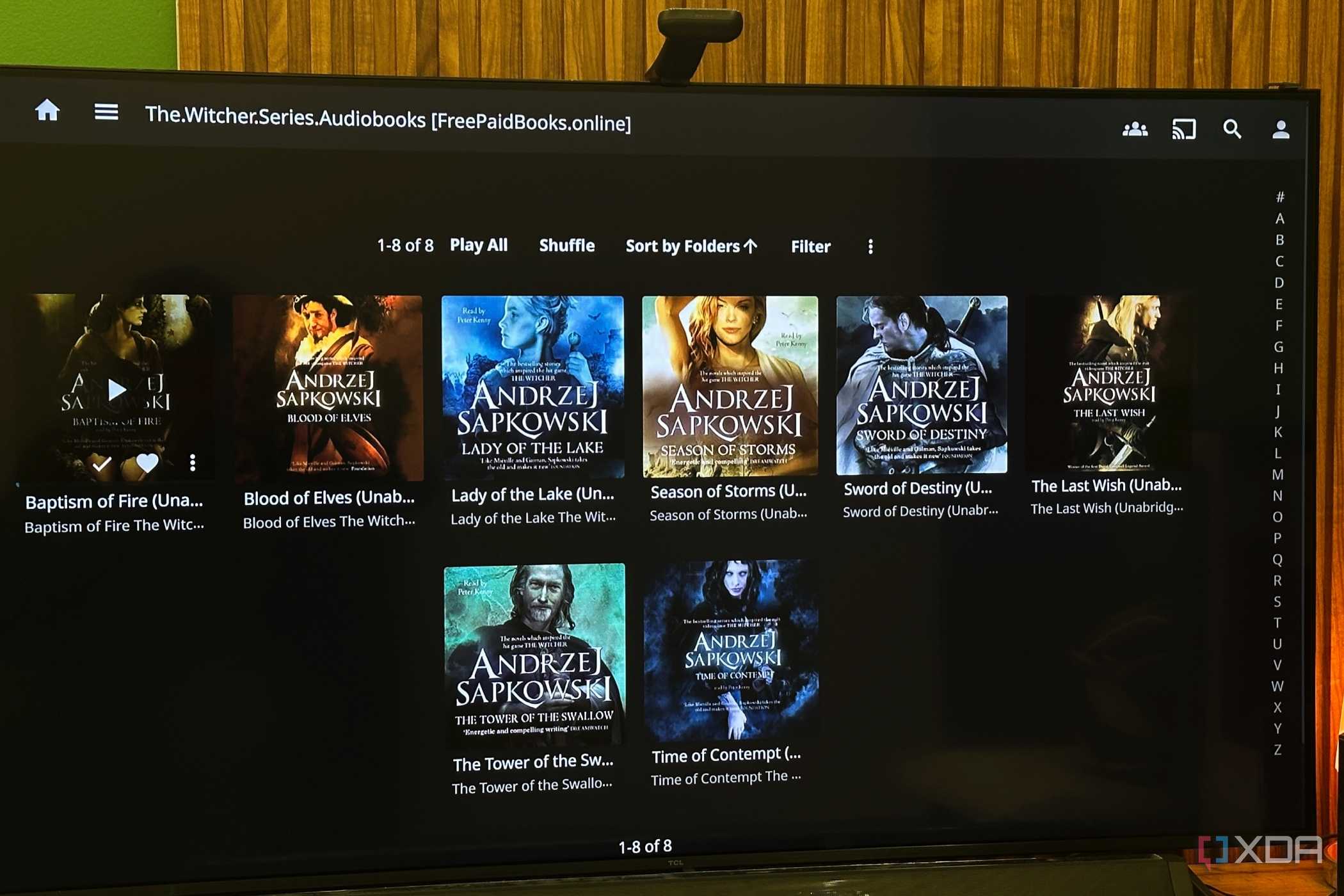
It’s remarkable how Jellyfin treats audiobooks, much like the rest of my media library. I’ve been able to organize my audiobooks with proper metadata, cover art, and even sort them into neat collections. Of course, all my listening progress is also remembered between sessions. Once I had my library set up, it felt less like a folder full of audio files and more like a proper audiobook service that happened to live on my own server.
I really hadn’t expected Jellyfin to become a part of my day every single day, but it has. An hour of listening every day might not sound like much, but I can’t wait to see how many books I’ve gotten through by the time Christmas rolls around — that’s going to be an awful lot of books I probably would have never finished otherwise.
Since Internet Download Manager and most online YouTube video downloaders gave up on downloading full-HD and 4K videos, I never even realized I’d stopped downloading and collecting my favorite YouTube videos of all time. Now, Jellyfin has brought back that habit of mine, and YouTube on Jellyfin has become another feature I can’t get enough of. I download and play my favorite long-form documentaries, decades-old Smosh videos, cooking videos, and even tech videos. Better yet, they’re completely ad-free and in the highest possible quality, which makes a huge difference on the OLED screen of my iPhone and even on the Mini-LED TV I have in my living room.
There’s another perk I didn’t appreciate until I started going back to the gym. Since every video is stored locally, I can copy exactly what I want to my phone before leaving the house and watch it on the treadmill without relying on YouTube’s offline downloads that limit me to either 240p or 360p. Thankfully, I don’t need another subscription just to watch content I’ve already chosen to save. I also have more storage than I know what to do with, so keeping a growing archive isn’t exactly a concern.
What I have thus created is a media library that’s genuinely mine. Everything I regularly watch, whether it comes from a Blu-ray, a home video, or one of my favorite YouTube creators, is available from the same familiar Jellyfin interface. I’ve genuinely gotten used to that convenience, and it’s surprisingly difficult to go back now.
I’ll admit this is the one feature on the list that I haven’t personally leaned on, largely because streaming has replaced traditional TV in my house. Even so, I can’t help but appreciate just how much Jellyfin can do when paired with a compatible TV tuner or IPTV source. From browsing a movie and TV library, you can immediately flip through live channels with an electronic program guide.
The really clever part that impresses me most is the DVR functionality. You can schedule recordings, build your own on-demand TV library, and revisit shows whenever it suits you, rather than when broadcasters decide to air them. It’s another reminder that Jellyfin isn’t trying to be “just another Netflix alternative” and can, in fact, be a complete media juggernaut with the right setup. For a free, self-hosted, community-driven platform, that’s nothing short of impressive.
One of the best things I’ve ever done with Jellyfin or self-hosted media had nothing to do with movies or TV shows. I spent a weekend moving more than 200GB of family photos and home videos from old hard drives, forgotten folders, and backup drives into a dedicated library, organizing everything year by year. My mum absolutely loves it, but if I’m being honest, I probably enjoy it just as much. Whenever my partner or relatives come over, I can pull up birthdays, holidays, weddings, and even childhood memories on the living room TV in seconds. That means no more digging through ancient folders with names like “New Folder (14)” before realizing I had plugged in the wrong hard drive.
Doing this has genuinely changed how my family revisits old memories. Jellyfin’s polished interface makes it feel like we’re all watching our family’s own documentary, complete with thumbnails, playback history, and a library that’s a pleasure to explore. Most importantly, since it’s on TV and the Wholphin client app itself is easy to use, much like any other streaming app, even my mother has found it easy to browse through old home videos and put on recordings from old birthdays and weddings for when she has her family over. Family game nights have turned into nostalgia nights more than once now, and almost every “remember when” conversation is accompanied by a quick video Jellyfin brings up.
The privacy aspect is just as important. Everything stays on hardware I own, inside my home, and I’ve even disabled remote access for those libraries unless there’s a specific reason to share them. Not every Jellyfin library has to be entertainment. Sometimes, the most valuable thing it can stream is a generation’s worth of memories.
Jellyfin is one of the best Plex alternatives you can get, and that’s thanks to its open-source nature and powerful set of features. There are apps for basically every platform and it’s completely free to run your very own server.
The longer I use Jellyfin, the less I think of it as software and the more I think of it as a blank canvas. It doesn’t try to dictate how you should consume your media or lock you into someone else’s ecosystem. Instead, it just grows alongside your habits, whether that’s discovering a new hobby, preserving old memories, or simply making better use of the media you already own.
That’s why it’s impossible to not recommend Jellyfin today. Sure, it’s community-driven and open-source, and it does require a bit of elbow grease to run and maintain, but it is well worth the effort, and then some. For a platform that costs absolutely nothing, Jellyfin has a remarkable habit of continuing to surprise me.