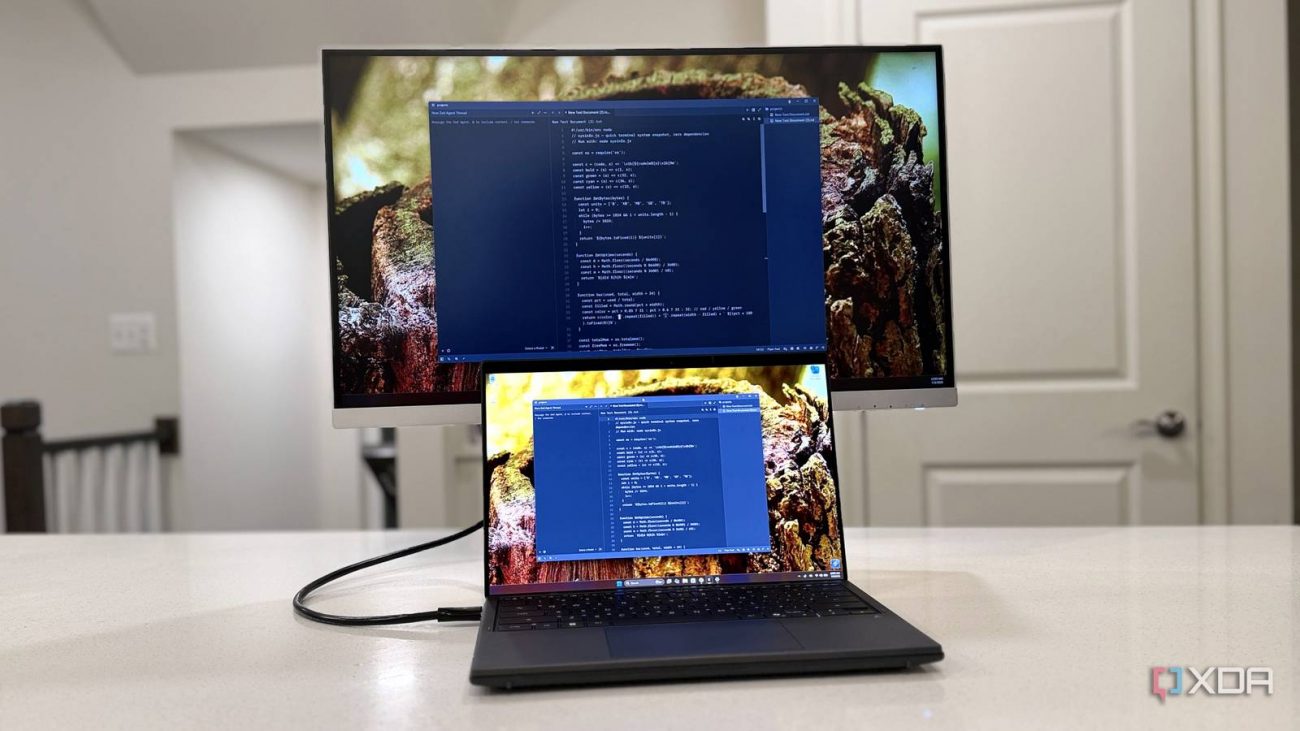
The topic I switched to OLED for my entire setup, but I had to keep an LCD around just for… is currently the subject of lively discussion — readers and analysts are keeping a close eye on developments.
This is taking place in a dynamic environment: companies’ decisions and competitors’ reactions can quickly change the picture.
I love OLED. Well, more specifically, I love QD-OLED, but that’s not always an option on laptops and other screens. The gaming side of my desk has a 34-inch QD-OLED ultrawide, and it’s the best panel technologies I’ve played on. Perfect blacks, instant response, high refresh rates, and HDR highlights that make my favorite games pop. It’s also the wrong screen for my terminal to live on, and I found that out the hard way.
When I’m deep in an agentic coding session or hammering out a draft, it’s all done on an IPS panel, and I wouldn’t have it any other way. The thing is, while the myth of OLED burn-in gets all the headlines, that’s not even in my top five. The main reasons are legibility and brightness, and the biggest one of all is smaller than a pixel.
Even though everyone seems to love them, I plan on avoiding them for the foreseeable future.
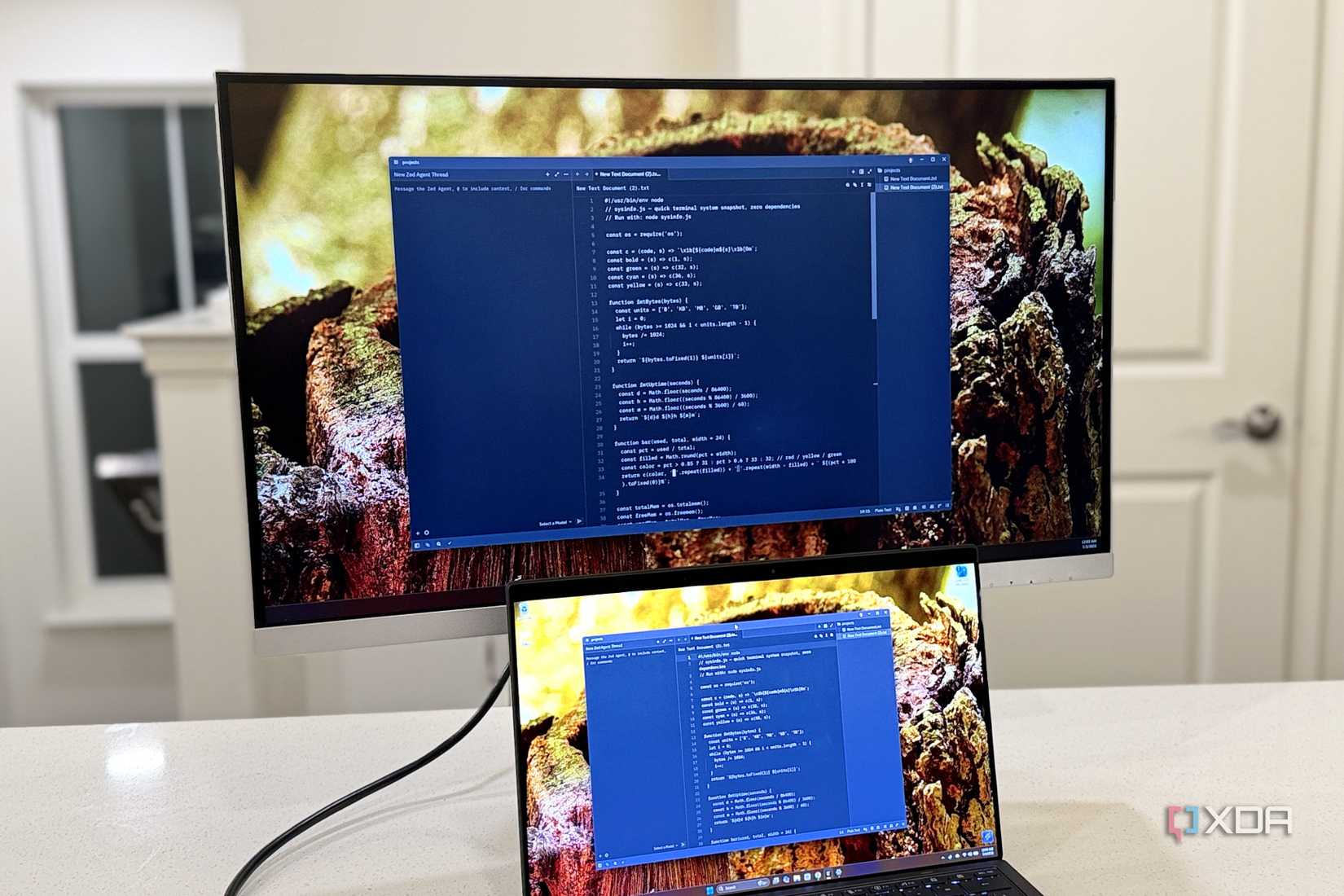
Every IPS panel I’ve used over the years has the same subpixel arrangement: red, green, and blue stripes, side by side, in neat vertical columns. That’s what Windows expects to output as well, and ClearType — the subpixel antialiasing that makes small text readable — was engineered around that arrangement. macOS also assumes the same thing, and text renderers borrow neighboring subpixels to smooth out letterforms. This only works if the subpixels are where the software presumes they are, and that became a problem when OLED monitors came out.
See the colored fringing around the text in the above picture? That’s a result of the different subpixel arrangement QD-OLED uses, where the subpixels are arranged in small triangles instead of stripes. W-OLED panels add a fourth, white, subpixel to the stripe, and neither is what ClearType expects. The smoothing math will pick the wrong subpixels, resulting in pink and green tinting instead of clear antialiasing.
It can’t be fixed in software, and it’s more visible on light text on a dark background, ie: every IDE or terminal emulator released in the last decade. And don’t suggest I use light mode for coding; I value my eyesight. The new crop of panels for 2026 are fixing this, with Samsung’s V-Stripe QD-OLED and LG’s RGB-stripe W-OLED, where the subpixels are now in vertical columns where ClearType expects them to be. Once I’ve had some eyes-on experience, I might change my tune, but until then, IPS stays on my desk.
OLED is great, but mini-LED is still better in several ways.
Text fringing feels like a minor issue until you’re reading text for eight hours at a time. I’ve got 20–20 vision, and the text fringing is very visible at desktop distance. It makes me feel like my monitor is just slightly out of focus, which is annoying enough, but I’m also slightly dyslexic and have dyspraxia, so anything that makes text feel like it’s shimmering makes my brain hurt to read.
I tried it, of course I did. My editor got dragged over to the QD-OLED monitor when I first got it, because the new panel has to be better than the old one. I was hoping the inky blacks and deep contrast would win me over, but I lasted three days before I dragged the app back to the IPS panel.

To be fair, a higher pixel density would smooth out much of the problem. If I had a 4K 27-inch OLED like the IPS mini-LED I use, at around 163 pixels per inch, those subpixels get small enough that fringing mostly vanishes. But when I picked up my monitor, the only 4K-resolution panels were 32-inch and had roughly the same pixel density as my new 1440p ultrawide. That’s not the case now; there are 4K, 27-inch displays, but I’ve become enamored with ultrawides, so I’m waiting for a 5K2K RGB stripe panel to drop.
OLED has one dirty secret that spec sheets gloss over. The brightness number on the box only applies to a small patch of the screen at a time. Open a fullscreen white document or code editor, and the brightness plummets. The Automatic Brightness Limiter comes into play to protect the organic emitters from heat, current, and wear. That 500 nits peak brightness turns into less than 200 once the whole screen is on a light window, and there’s no off switch.
ABL is baked into how OLED works, making it feel like the desktop pumps. If you’ve got an OLED monitor, you can see this happening. Just open a Word document in a small window and drag it around the desktop. Then put that document on one side and open a dark terminal on the other, and you’ll see the screen breathing darker and lighter as it adjusts the power budget.
A decent IPS screen costs next to nothing and will hold 350 to 500 nits all day, every day. That’s enough to use next to a sunny window without blackout blinds. Sure, a screen that’s too bright will hurt your eyes, but squinting at an OLED that’s pinned at the dim end of its range will do the same.
This isn’t me saying goodbye to OLED, because I love my QD-OLED panel for everything else. But I’m also a firm believer in using the right tools for the job, and that currently means keeping an IPS panel around for coding. When the sun goes down and it’s time to play, the QD-OLED panel is still the most spectacular gaming display I’ve ever owned. And even though burn-in worries are overblown, a screen full of static IDE elements has the exact conditions that OLED wear-leveling dreads.
High-PPI V-Stripe RGB Tandem OLED panels might be the display type to close the gap, but until then, I’m going to keep an IPS mini-LED panel around. I’ll be first in line to get the new generation of QD-OLED if they fix the text clarity issues, not for one but for two panels, so my desk has a matched pair.