The topic Your SSD is slowing down because it’s too full, not too old is currently the subject of lively discussion — readers and analysts are keeping a close eye on developments.
This is taking place in a dynamic environment: companies’ decisions and competitors’ reactions can quickly change the picture.
The drive that used to copy a folder of games in seconds now crawls halfway through and stalls, and the explanation seems obvious: the thing is just getting old. It has probably been in your PC for years, and everything slows down eventually, so why would SSDs be any different?
In reality, the reason why your old SSD is slowing down likely has nothing to do with its age, but its current free space. Age can certainly play a factor in SSD speed, but the much more likely culprit is the fact that it has likely run out of room to breathe.
In order to make the more affordable TLC and QLC flash feel quick, most consumer SSDs run a portion of their NAND in a faster, single-bit mode that acts as a sort of write buffer. The incoming writes land in this “pseudo-SLC cache” at high speed, and get folded down into the drive’s native, slower storage in the background when things are idle. This is the main reason why a modern SSD can advertise such eye-watering speeds in bursts.
Now here’s the part that matters for the “ol’ reliable” SSD in your system. This cache is dynamic, meaning it’s carved out of whatever blocks happen to be empty. When the drive is mostly empty, that buffer can be huge, and as you fill the drive, the pool of free blocks it can borrow from shrinks, and as a result, so does the cache. A drive that offered a huge fast-write region when it was new might have only a sliver of one once it’s most of the way full. Not every drive works this way, since static and hybrid cache designs exist too, but the dynamic approach is common.
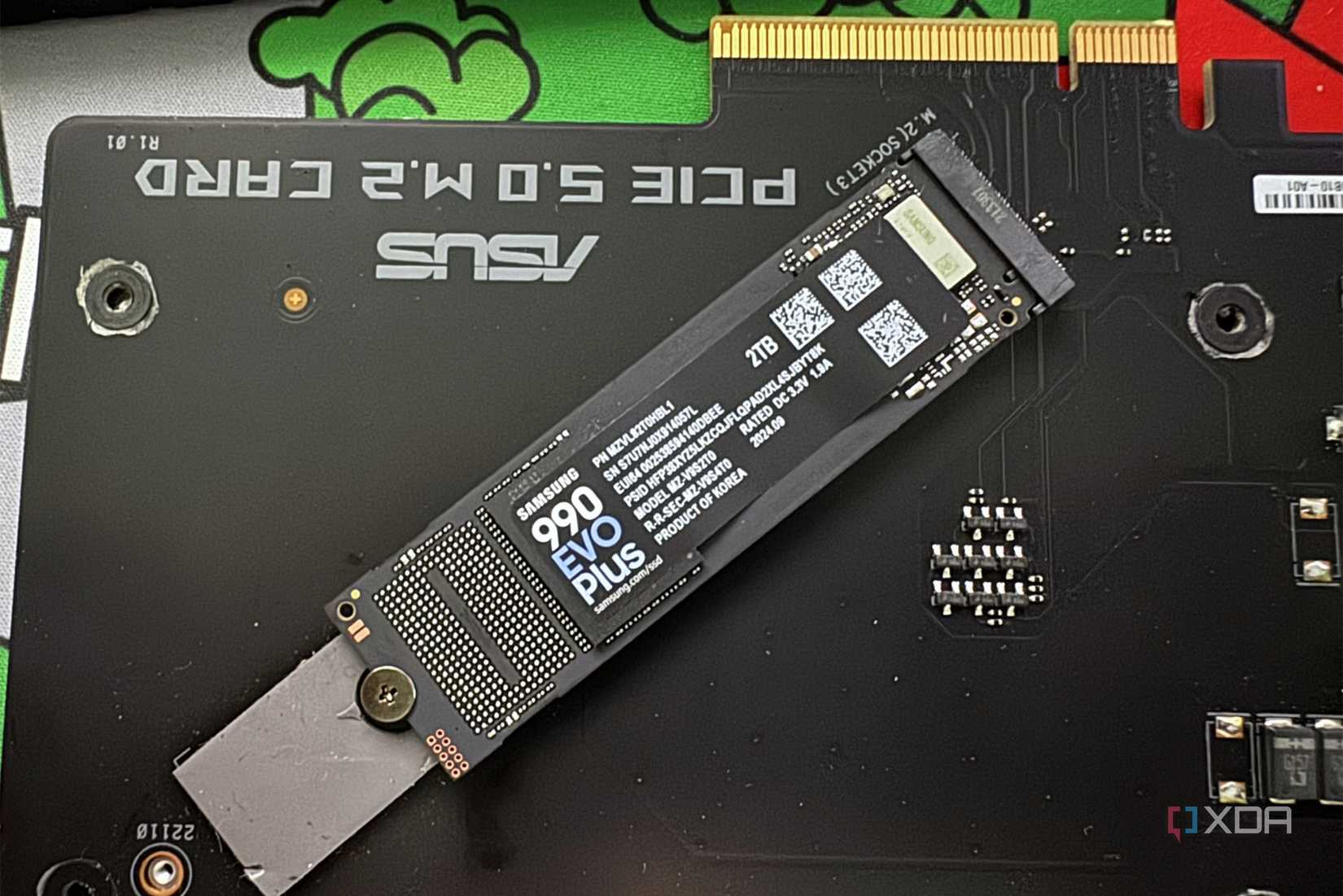
Once that buffer is exhausted mid-transfer, writes drop straight to native TLC or QLC speed, and that’s the cliff you feel.
On top of the cache problem, there’s the problem of how data is physically stored on flash. NAND is written in small pages but can only be erased in much larger blocks. To reclaim space that’s been marked as deleted, the controller has to shuffle the still-valid data out of a block, then erase the whole block. This is a housekeeping process called garbage collection.
On a drive with lots of free space, the controller does this quietly during idle time, so you never notice. On a drive that’s packed to the brim, there’s little slack to work with, and that cleanup increasingly has to happen right in the path of your writes. Sustained performance suffers, and the drive ends up doing more internal shuffling per gigabyte you actually write. Free user space effectively acts as extra working room for the controller, on top of the hidden spare capacity every SSD already reserves for exactly this purpose. If you starve it of that room, you’re asking for terribly slow write performance.
While it’s not the main cause for SSD slow-downs, NAND cells do have a finite number of program/erase cycles, and as they accumulate wear, they do get less reliable. Denser flash like TLC and QLC suffer from this quicker, as they have fewer cycles available to them than flash that is less dense.
There’s also a genuinely time-based effect, and that’s due to the charge stored in flash cells that leaks slowly over time. This means data that has sat untouched for a long stretch can require more correction effort to read back, and that’s why drive firmware periodically refreshes aging data in the background.
From massive downloads to nearly full drives, everything has an impact on your SSD’s lifespan
Age can be interpreted in a couple of different ways. Of course, there’s calendar age, which is how long the drive has been sitting in your PC, but then there’s accumulated writes, which is how much data has actually been pushed through it. Endurance tracks the second one, measured in terabytes written, not the first. A drive can be five years old and barely touched, and it will not be meaningfully worn.
Consumer TLC drives often carry endurance ratings that a normal user would take decades of ordinary writing to approach, and most people upgrade or replace the drive long before they get anywhere near it. The everyday sluggishness that makes you want to pull your hair out is way more likely to be because of the aforementioned cache exhaustion or constant reallocating of blocks during writes.
This didn’t matter much, but with the current SSD prices, it does again
The single most effective habit is to leave the drive some breathing room. You’ll see figures like 10 to 20 percent free thrown around as a hard rule, but it’s worth knowing that part of that number is inherited from the hard drive and defragmentation era rather than derived from the behavior of modern flash storage. Treat it as a rough guideline rather than word of law; modern drives with generous built-in spare capacity tolerate being fuller than older ones did, but giving the controller headroom genuinely helps sustained performance regardless of the exact percentage.
The other easy thing to do is ensure that your SSD’s firmware is updated. Keeping firmware current clears out known performance bugs that a drive might have shipped with, especially one that sat on a shelf for a while before it reached you.
Age is a real axis of SSD performance, but it’s a rare one for most people, and it’s not the one you should be thinking about when a transfer stalls out. The drive you’re convinced is dying is, far more often, just cramped. The good news is that this makes the fix almost free: clearing out some space is the cheapest performance upgrade you’re not using, and making sure things are updated.