The topic Godot 4.7 finally brings HDR support to Windows, macOS, and Linux is currently the subject of lively discussion — readers and analysts are keeping a close eye on developments.
This is taking place in a dynamic environment: companies’ decisions and competitors’ reactions can quickly change the picture.
Regardless of whether you love playing or making indie games, there’s a very good chance you’ve come across Godot before. It’s an open-source game engine that allows anyone to download, build, publish, and play at no additional cost. However, as you might imagine, it doesn’t quite have all the flashy features of something like Unreal Engine.
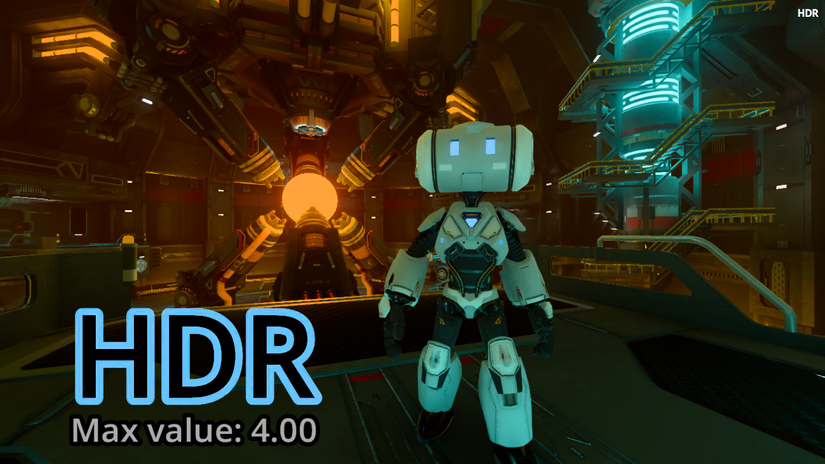
Despite that, Godot can still punch above its weight, and there’s no better proof than its new version, 4.7. This release brings HDR lighting into the mix, and while it won’t magically make every game look better the second you install it, it’s still a powerful lighting tool that’s now firmly in the hands of the indie game dev community.
You can check out everything in this new release and download it from the Godot 4.7 website. One of the key features is the addition of HDR support for Windows, iOS, macOS, visionOS, and Linux on Wayland (not X11). As per the release notes, it turns out that the Godot team has been working hard to get this feature out for quite a while:
HDR is a method of saving, processing, or displaying colors that are as bright or as dim as you can imagine. Godot has internally rendered lighting in HDR for a long time, but the full detail can’t be seen with the existing SDR output mode. Using HDR output allows the player to see more of this internal HDR simulation and also allows game developers to make full use of the screen’s capabilities for all 2D and 3D visuals.
You can check out all the knitty-gritty details on the blog post covering the HDR release. It tells you what it does and how to enable it as a developer, so give it a look if you want to experiment with HDR in your own games.
Godot 4.7 introduces some other excellent features, such as a new AreaLight3D node designed to create realistic-looking rectangular lights. Think TV screens, billboards, and lights coming through windows. There’s also a new Asset Store, which should make things a lot easier when finding the perfect addition to your game.