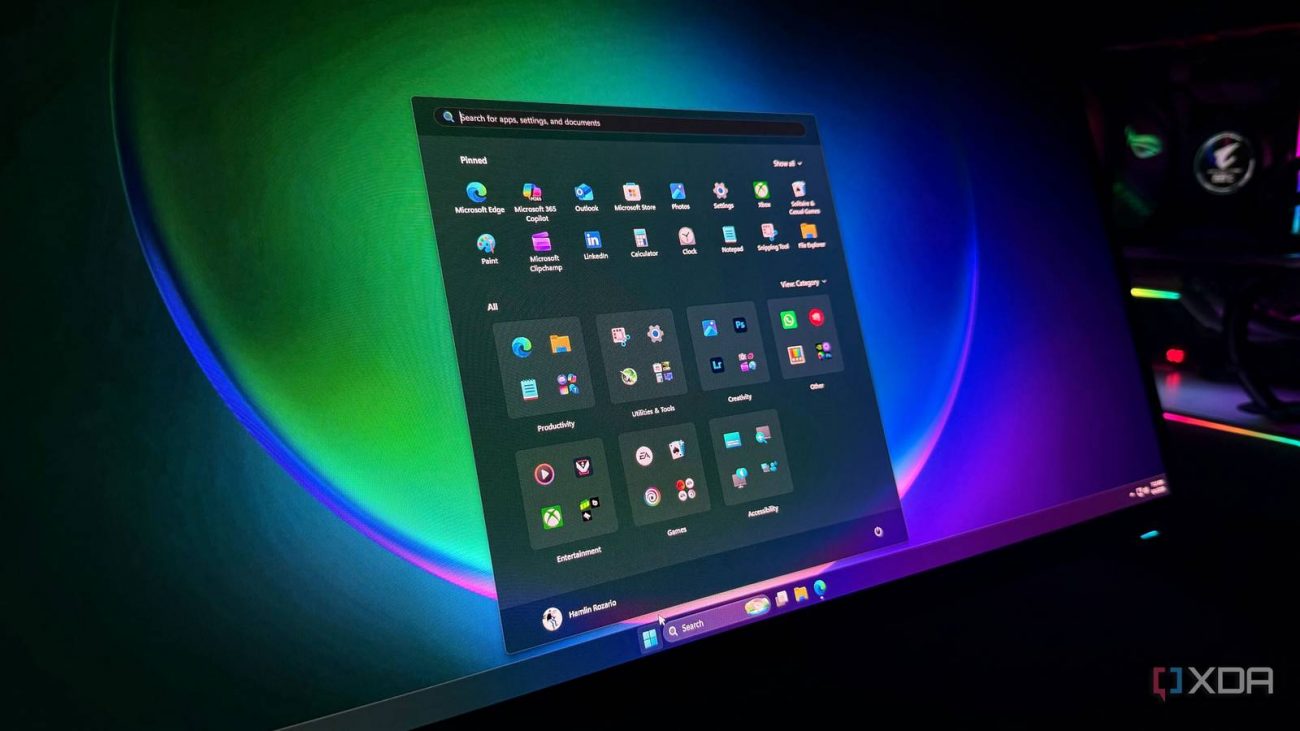
The topic Microsoft just broke some custom folder icons, and it’s deliberate is currently the subject of lively discussion — readers and analysts are keeping a close eye on developments.
This is taking place in a dynamic environment: companies’ decisions and competitors’ reactions can quickly change the picture.
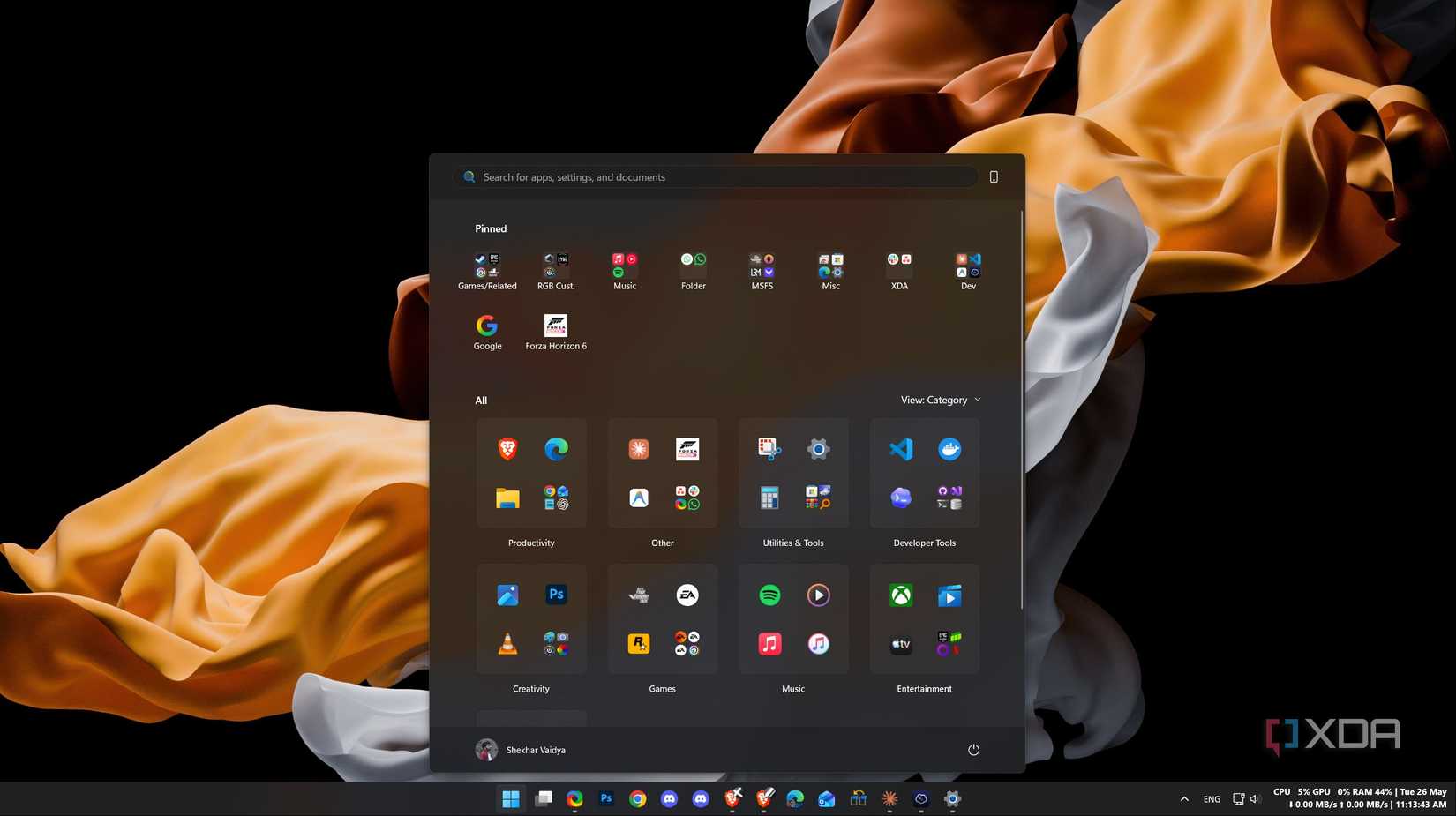
Have you noticed that some of your custom Windows icons have reverted to the default look after the latest update? If so, don’t worry; you’re not alone. Microsoft has made some tweaks to how custom icons are handled with Windows 11, and if the operating system cannot verify that they came from a good source, it will silently change them back to defaults without warning you. Yes, it’s one of those rare moments where what may seem like a Windows bug is, in fact, entirely by design.
Over on the Microsoft blog, the tech giant has confirmed that people downloading the Windows 11 June update may notice that their custom folder icons may have vanished. Specifically, if you defined a folder icon or name through desktop.ini, it will revert to the default instead.
Before you reach for that bug report form, Microsoft explains that this is now expected behavior. The company is adding security hardening protocols where, if a desktop.ini file comes from an untrusted source, it will stop showing custom icon changes and will instead revert them to their defaults. Microsoft defines the following areas as untrusted sources:
If your icons are broken, Microsoft recommends three solutions. You can either add the source to your Trusted Sites, enable the “Allow the use of remote paths in file shortcut icons” policy, or remove the Mark-of-the-Web tag from your file. This should inform Windows 11 that the file should be trusted and will bring back its custom icon.