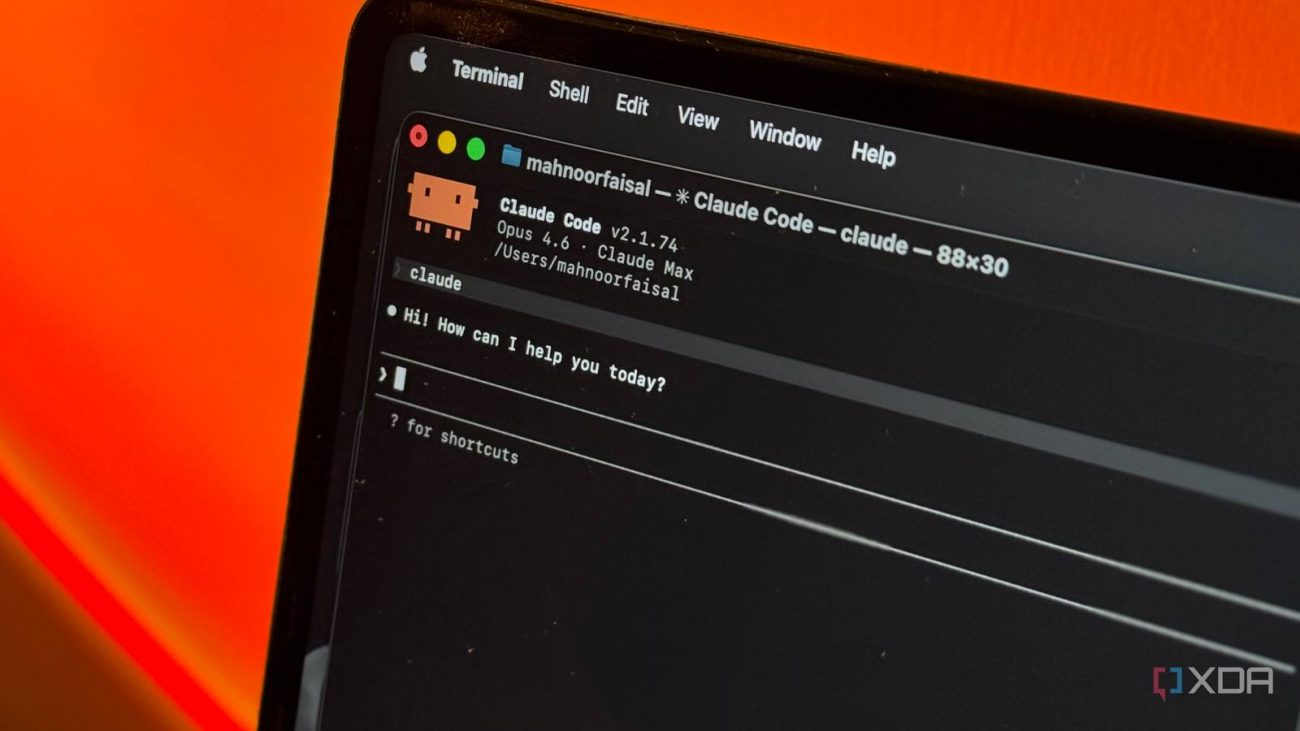
The topic Claude Code’s /goal command finally makes ‘agentic’ mean something is currently the subject of lively discussion — readers and analysts are keeping a close eye on developments.
This is taking place in a dynamic environment: companies’ decisions and competitors’ reactions can quickly change the picture.
I’ve had a problem with the term “agentic” ever since AI companies started using it. It wasn’t originally coined by them, but they’ve massively popularized it, and now it’s lost most of its meaning, the way dozens of other buzzwords have. Claude Code is a great tool, but it just seemed like an AI that I could converse with from my terminal. I could also get it to make changes directly to files, instead of me copying and pasting from a web window. Pretty cool, but it felt underwhelming for what was marketed as an agentic tool.
Anthropic released the new /goal command for Claude Code, and it’s the first time the word “agentic” actually felt appropriate. It lets the user define an end goal for Claude to reach. Then, Claude Code does its work and won’t stop until the goal is met. If it doesn’t meet the conditions for stopping, it’ll just keep going. The process feels a lot different from constantly conversing with AI and trying to steer it toward your vision with each new prompt. Now Claude Code just takes the necessary steps and tells you when it’s done.
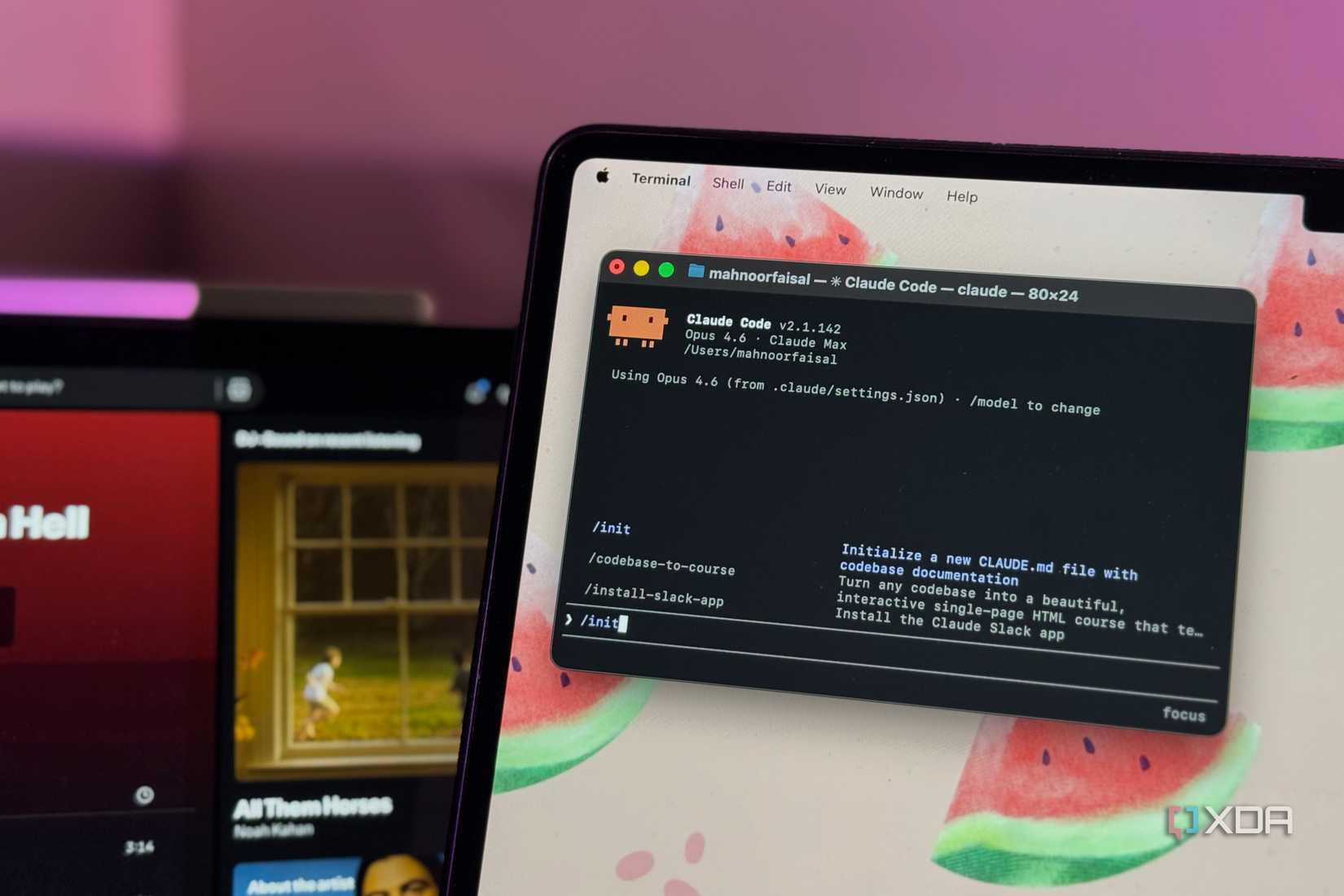
Claude Code became far more useful once I stopped treating it like a code generator and started using it to understand projects and terminal chaos.
The key feature of /goal is that it operates as a loop and will keep iterating until it achieves the result you specified. Each time Claude completes a turn, a separate model evaluates the work to determine whether the goal has been reached. If the answer is no, it gives Claude a brief reason that the desired conditions are not yet met, and the cycle repeats. On the other hand, if the model decides that the work satisfies the user’s criteria, it passes control back to you. Having a different model to evaluate the work is an important part of the process because it helps keep things honest, since Claude isn’t grading its own homework.
When I used /goal to fix a Node.js auth module, I didn’t need to check in on it at all. I set the goal to have all npm tests passing, and zero lint errors. Once npm test and npm run lint come back with no warnings or errors, the goal should be considered achieved. Claude proceeded to write the code, run the tests, and react to the failures by correcting them and retesting. The evaluator’s job is straightforward because it has concrete criteria to judge by: the tests either pass or they don’t. Claude kept coding and testing for a few minutes until all tests came back green.
If you rush into using /goal without any forethought, you’ll probably end up disappointed. It will technically function, but the results are much better if you take a few minutes to plan out your approach. The first thing you need is a well-defined goal — something that the model can easily test against. “Improve the code” isn’t a good use of the command because the criteria is subjective and ambiguous. Focus on asking for measurable results that can be easily verified, without leaving much up to interpretation.
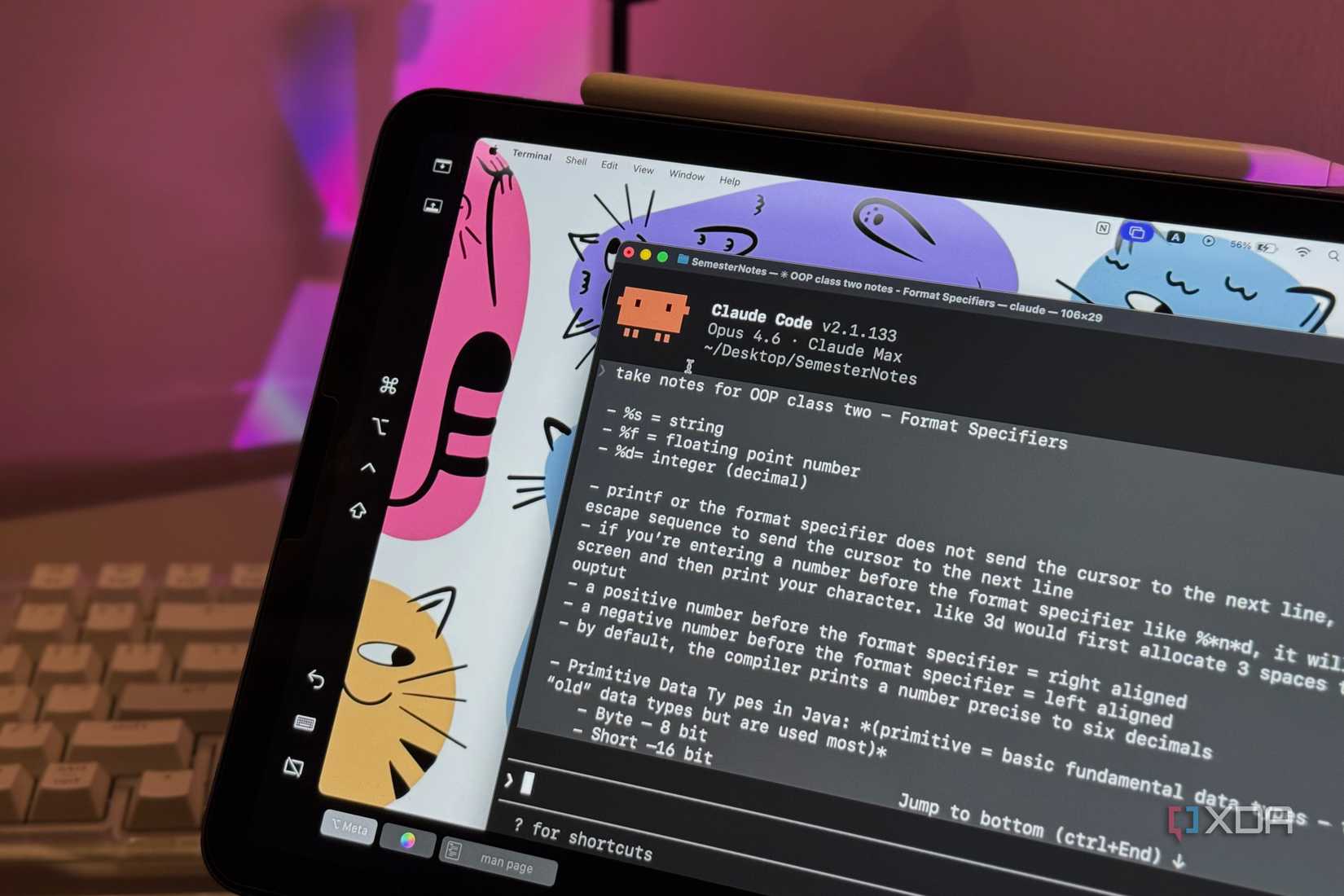
To avoid Claude making assumptions about your codebase, a CLAUDE.md file is essential. This is where you store info about your project, like the architecture decisions, coding conventions, and acceptance criteria. Claude will read the file automatically every time it takes a turn. It avoids the need to answer a bunch of clarifying questions, or worse, having Claude infer expectations about the code.
Auto mode is only necessary if you want to bypass the per-tool prompt within a turn. If you prefer that Claude prompt you when it needs to use a tool, then you don’t need auto mode. Turning it on just gives you a more autonomous and unattended experience.
We may finally have a truly agentic AI experience, but it also sounds a lot like we’re just unleashing unsupervised AI on a codebase. I’d still recommend glancing at the terminal every now and then to make sure Claude Code isn’t doing anything crazy, but as long as you have solid backups and a well-crafted CLAUDE.md file, there’s not much to worry about.
Every decision Claude makes during a /goal run is logged, including what it ran, what it changed, and why it moved to the next step. That’s a better paper trail than I’d leave if I were doing all the coding myself. If something does go sideways, Ctrl+C will stop the run immediately. The risk isn’t strictly zero, but it’s not like AI is running amok on your system, either.
The introduction of the /goal command marks the first time where Claude Code actually felt like an agentic tool that wasn’t just waiting for my next message. If you’re still prompting turn by turn, try out /goal to see how much faster things move when you don’t have to hold its hand.