The topic Microsoft quietly added a way to scrub Copilot off your PC to the Group Policy is currently the subject of lively discussion — readers and analysts are keeping a close eye on developments.
This is taking place in a dynamic environment: companies’ decisions and competitors’ reactions can quickly change the picture.
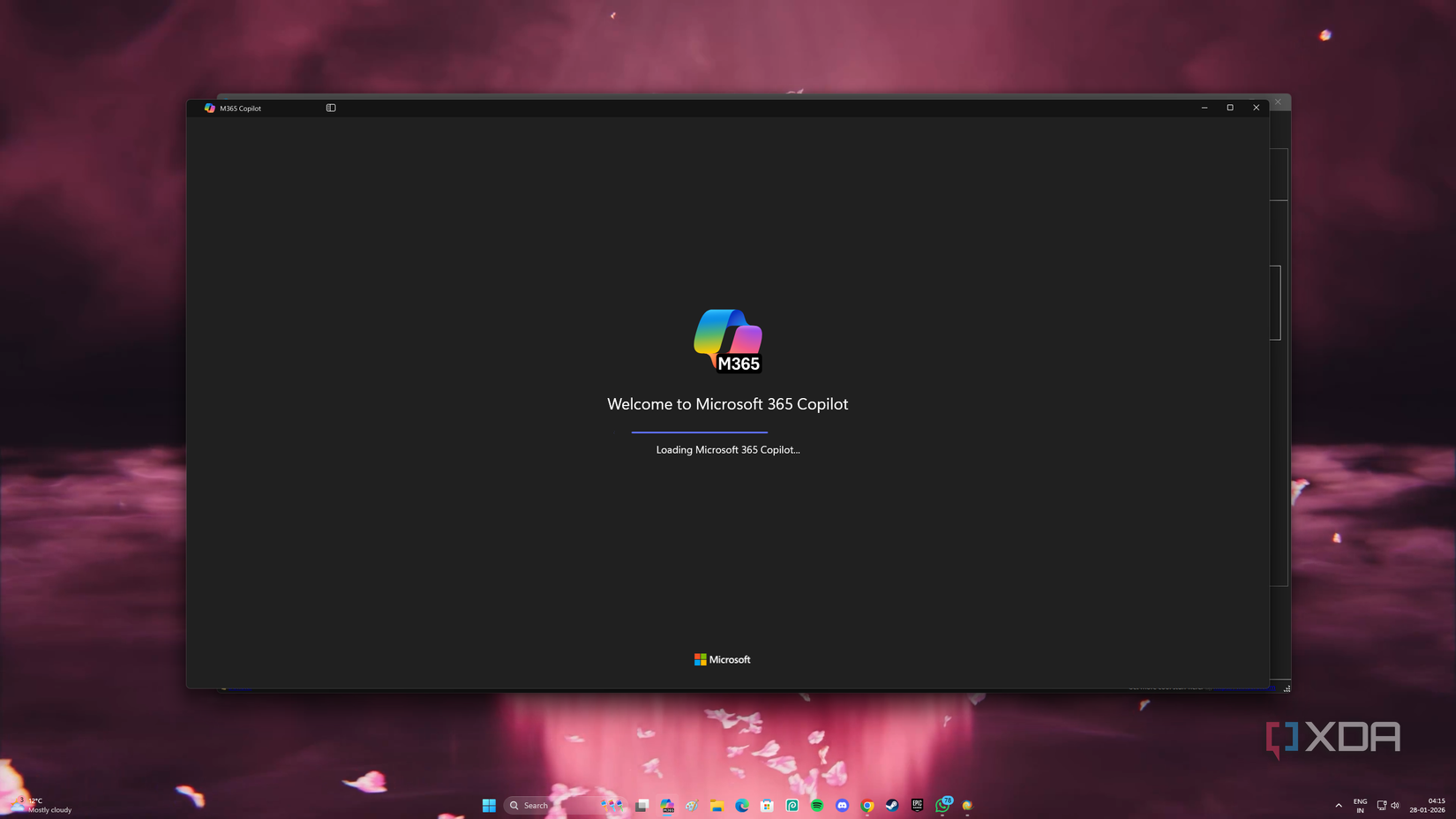
Microsoft has been approaching 2026 with a very different mindset than it did the year before. 2025 was packed full of instances where Microsoft rolled out its AI assistant, Copilot, into as many apps and services as possible. However, after the Windows user base failed to meet Microsoft’s enthusiasm for Copilot (going so far as to coin the term ‘Microslop’ around the turn of the new year), the company has been pulling back its efforts.
We’ve seen Copilot in Notepad and Paint get a revision, and the tech has allowed people to hide the Copilot button in Microsoft 365 in the ribbon if they want. Now, someone has spotted a new entry in the Windows 11 Group Policy that not only disables Copilot but also keeps it off your PC for good.
Windows Latest spotted the new entry in the Group Policy, and believes that it was added sometime in the April 2026 update. While you can manually uninstall Copilot, you may notice it reappearing after an update. Windows Latest claims that this Group Policy will delete Copilot and prevent it from popping back up.
If you’re using a version of Windows 11 that isn’t the Home edition, you can open Group Policy and go to User Configuration > Administrative Templates > Windows Components > Windows AI. You’ll then see a policy titled “Remove Microsoft Copilot app” that not only removes the desktop version, but also Microsoft 365’s Copilot.
Unfortunately, if you’re using a Windows Home edition, you won’t have the Group Policy tool on your system. However, Windows Latest says you can achieve a similar goal using the Registry editor:
While neither of these methods is as useful as Microsoft giving us an in-system toggle, it’s a step in the right direction.