The topic I ditched my travel router for a spare Android phone, and it actually worked is currently the subject of lively discussion — readers and analysts are keeping a close eye on developments.
This is taking place in a dynamic environment: companies’ decisions and competitors’ reactions can quickly change the picture.
As an avid traveler, over the years I’ve considered investing in a travel router simply because hotel Wi-Fi tends to be terrible, and I hate logging into the same captive portal over and over again. The usual recommendation tends to be something like a Gl.iNet Slate or a similar compact router. These devices are extremely useful, but they are yet another thing to charge, to pack, and one more gadget to keep an eye on while backpacking.
So, it made me rethink my strategy. Why was I carrying a second router when I already had an Android phone in my pocket that could do all the same wireless hotspotting, USB tethering and Wi-Fi sharing that Gl.iNet promises? Add to that the fact that modern Android phones now pack batteries as large as 9000mAh, it sounds like a no-brainer. So, instead of buying a new travel router, I tried replacing it with a spare Android phone I had lying around. Honestly, it was almost brilliant.
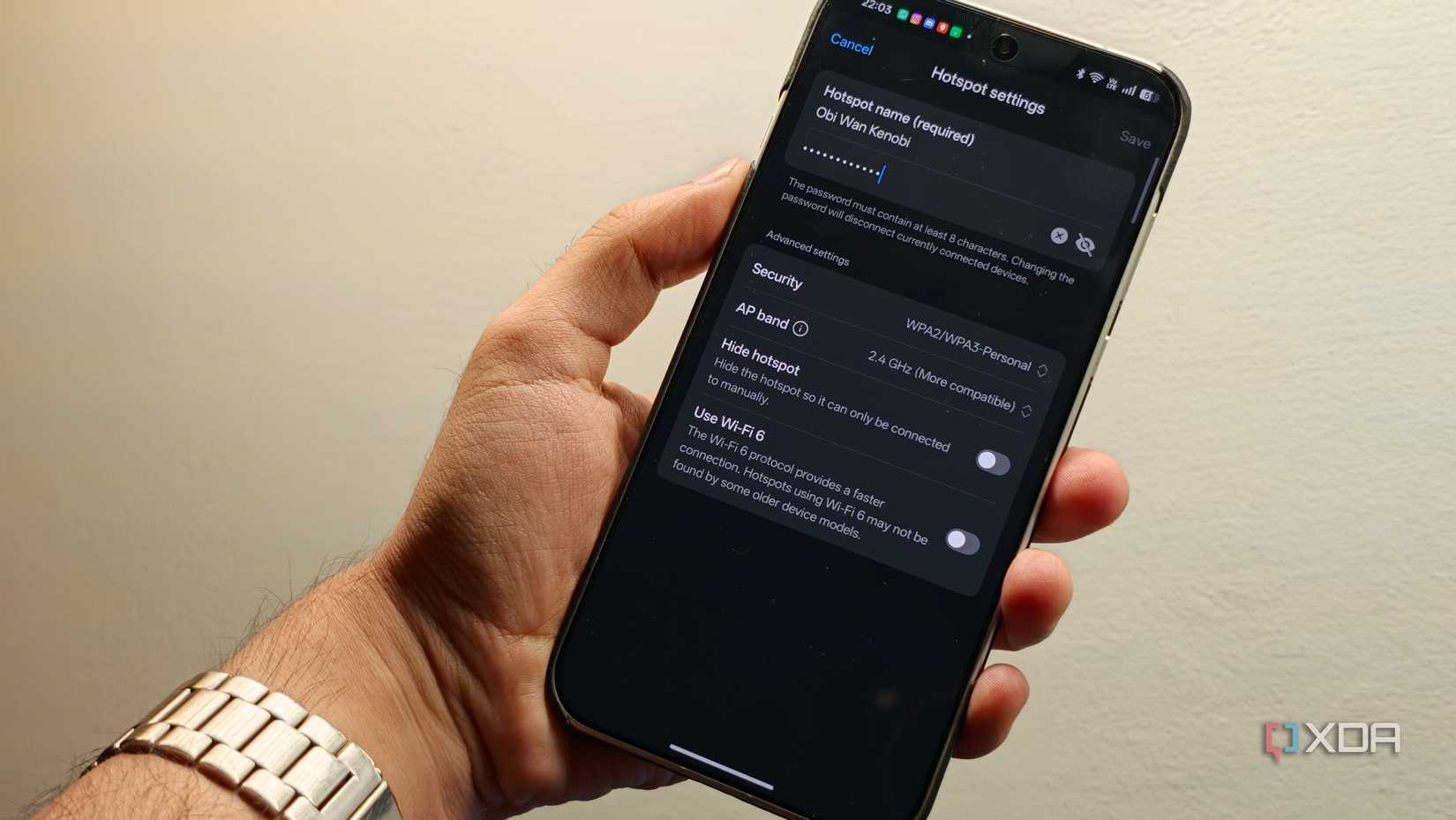
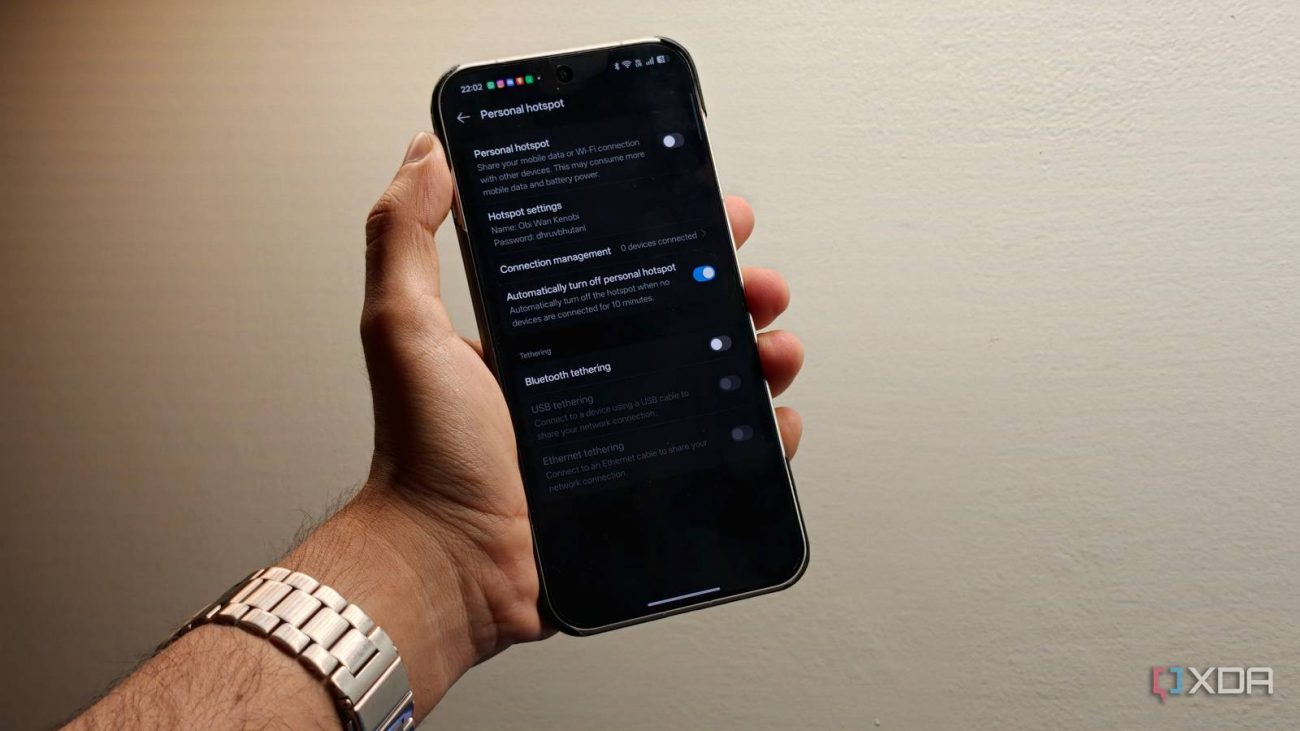
To start with, the setup made way more sense than I expected. Even the most compact travel routers are still fairly bulky devices. An Android phone is not. I took an older phone that was no longer my daily driver, dropped a secondary SIM into it and turned it into a dedicated connectivity device, making it the thing that handles hotspot duties while my primary phone stays free for photos, navigation, boarding passes, calls and any other important tasks. That separation goes a long way towards selling the concept.
When I use my main phone as a hotspot, the battery drain is pretty obvious. Moreover, there’s the entire angle of battery anxiety. Keeping the hotspot feature makes me anxious about running out of battery when I’m traveling. That’s a non-negotiable. Elsewhere, once you combine a hotspot with everyday tasks like taking photos, running maps apps or Uber, and taking calls, even the best phone tends to heat up. All of which combined make the setup less than ideal. However, that’s far from the case when you use a spare or older phone.
Since it was no longer my primary device, I did not care if it sat plugged into a power bank for hours, or got a bit too warm to the touch. The device is meant specifically to stay in hotspot mode for hours on end, and everything else is secondary. In practice, it means that everything from my iPad, to my laptop, and even a streaming stick can stay connected through it. In fact, while traveling internationally, I don’t even pick up a roaming pack on my main phone. That goes to the second phone simply because it means that all my devices benefit from it. Right from the moment I land in another country, get to the hotel, and step out to see the sights, the second phone works exactly like a travel router without needing me to buy a dedicated one.
When reliability is of the utmost importance, USB tethering is particularly underrated. For my laptop, it was often better than pure WiFi-based hotspot mode because it was more stable and faster. Plus, it has the added benefit of keeping the phone charged while connected. In fact, you have a lot of flexibility here. Android supports everything from Wi-Fi to Bluetooth and USB tethering. For devices that just need basic internet connectivity to receive notifications, you might even want to use Bluetooth tethering.
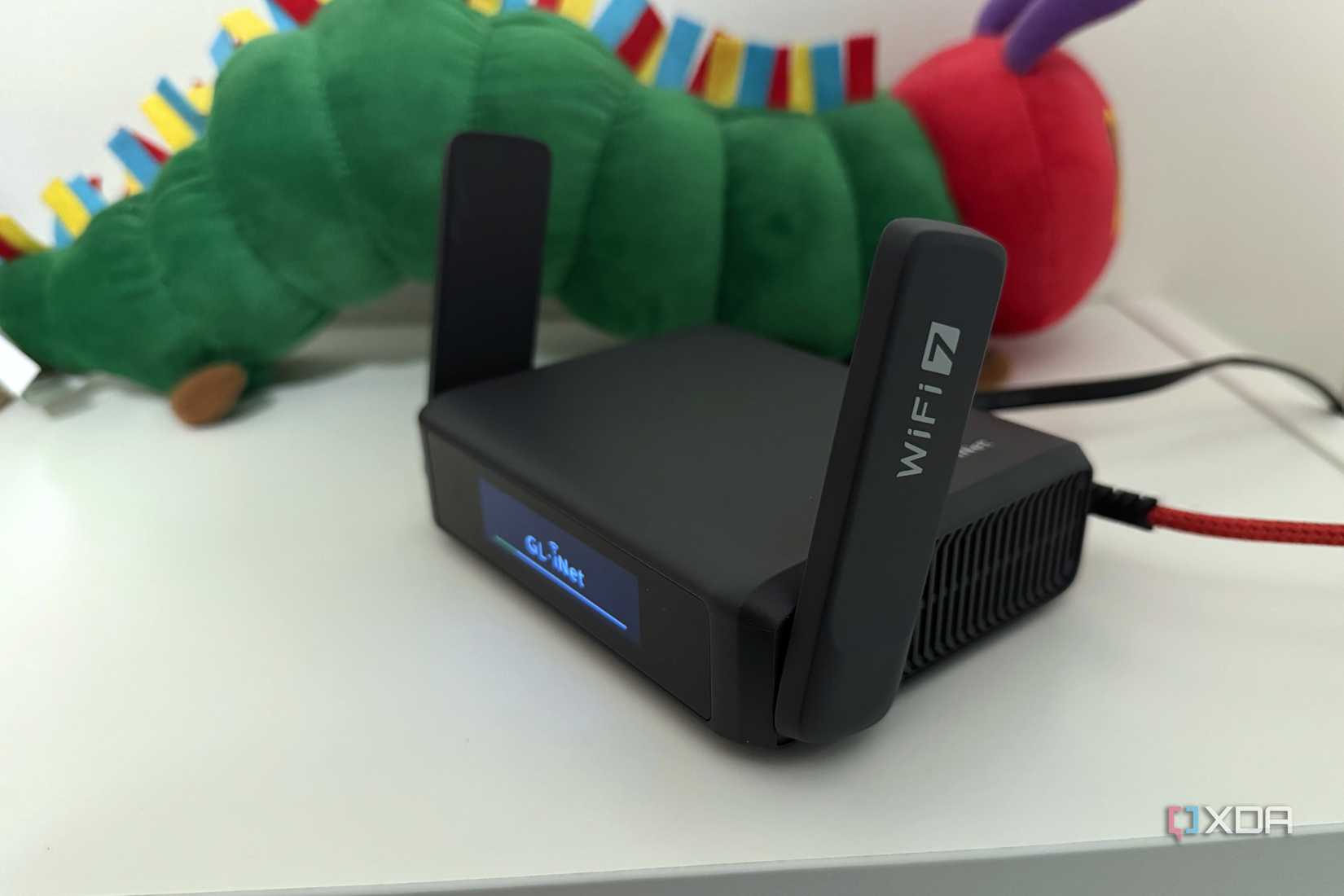
If you’ve made it this far, you’re probably thinking that you’ve been doing it wrong considering a travel router and that an Android phone is probably the best option there is. Well, the answer is a bit more nuanced. A real travel router is built to perform one task. It’s got better radios, much stronger antennas, better multi-device handling and the ability to seamlessly integrate VPNs, guest networks and even Ethernet input. This ensures that when you are working across multiple devices for long stretches, you get an experience that matches your home router. That’s not really the case when using a phone as a router. Additionally, dedicated travel routers tend to manage heat and battery life significantly better.
The fact of the matter is that if your travel tends to be shorter trips, an Android phone will do the trick. For a weekend getaway, you probably don’t need things like native Wireguard integration. But if you are on-the-road weeks in a row, it makes sense to opt for a travel router to have stable connectivity for work calls, video calls, or hours of streaming during your downtime.
Phone hotspots can also get aggressive with battery management to combat thermal throttling and there’s not much you can do to combat degradation in performance. Additionally, while some phones can work as wireless repeaters, not every hotel network and standard is supported. These are things that travel routers excel at. When push comes to shove, you can still set up your network using an Ethernet cable. That’s something you can’t really do with a phone.
When I said that using an Android phone as a travel router was almost brilliant, that’s precisely what I meant. For most people, the limitations of using a phone as a router probably won’t matter. If your use case is a laptop, a tablet, maybe an additional device or two connected via a 5G network, an old Android phone will work swimmingly. In fact, my own experience has been that you can comfortably run the hotspot for a couple of hours without degrading the experience.
However, if you need to bypass captive portals regularly, or use Ethernet, or even if you expect to do high-bandwidth streaming, it might make sense to invest in a travel router. What they take away in size and bulk, they offer in portability and overall network stability, and security-oriented features.