The topic I use Claude Pro every day, and it has nothing to do with coding is currently the subject of lively discussion — readers and analysts are keeping a close eye on developments.
This is taking place in a dynamic environment: companies’ decisions and competitors’ reactions can quickly change the picture.
Claude was already impressive on the free tier – impressive enough that I used it daily without paying a cent. And I got some good use out of it; I even managed to complete some of my graphics projects with it. However, that five-hour rolling usage reset gets old fast when you start using it more heavily. Eventually, I hit the wall enough times that Pro felt less like an upgrade and more like an inevitability.
What I didn’t expect was how much came with it. Most of what I see written around Claude Pro leans heavily into the developer angle, specifically Claude Code. This is actually a separate Anthropic product entirely, and one I haven’t touched (yet) because I’m not a coder.
But I am a tech journalist and a designer who uses Claude every single day, and Pro has genuinely changed how I work – none of which requires me to open a terminal.
Claude offers different subscription packages. There are individual plans, team plans, and API plans (pay-as-you-go). Here, I’m talking about the individual Pro subscription, which is $20 per month. Anthropic does not use purchasing power parity (PPP) adjustments, so the price will not be adjusted for currency and will be an exact conversion rate.
I’m not even using half this stuff and I’m still getting way more out of Pro than I expected. Most of what I needed was just more room to use the features I already relied on.
The biggest thing I gained by getting Claude Pro wasn’t any specific feature, but the ability to continue working uninterrupted and extend the usage I get out of the features I was already using. Claude gives you a 200k token context window whether you’re paying or not, but on the free tier, the five-hour reset would hit before I even came close to filling it. With Pro, my sessions became longer and more interactive, which is exactly the point. Claude’s value is in the back-and-forth, not in one-shot answers, and the free tier was really undermining that.
Then there are Artifacts. This feature is the primary driver of much of the design work I do in Claude. I essentially use them to “vibe-code”, but it’s more for experimenting or iterating on existing screen designs, not to actually build an app or startup. They come with a bunch of templates to help get you started with building things, but I normally start from scratch and feed it my design briefs, component specs, and screenshots straight out of Figma. Thing is, all of that used to gobble up usage quickly.
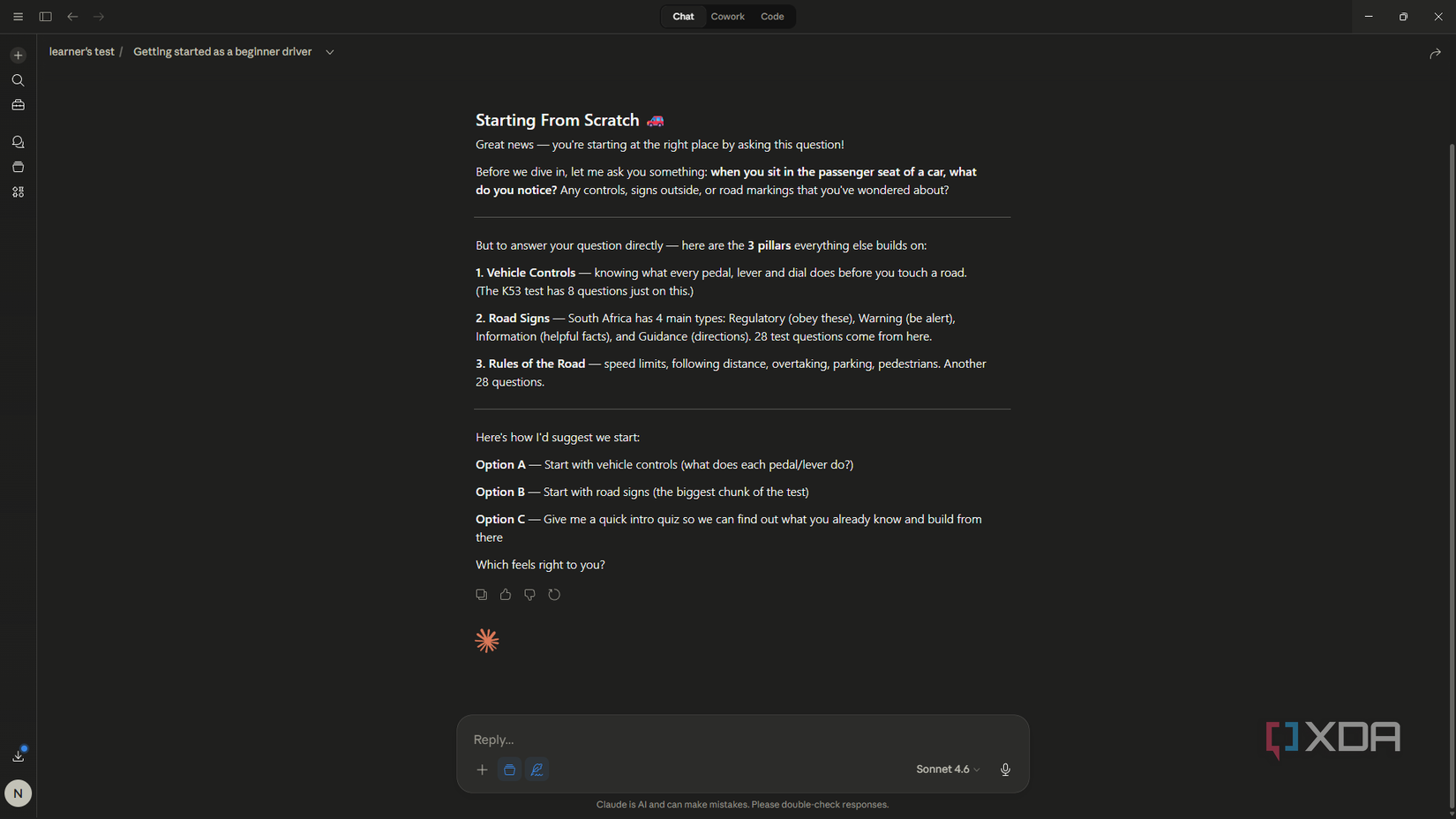
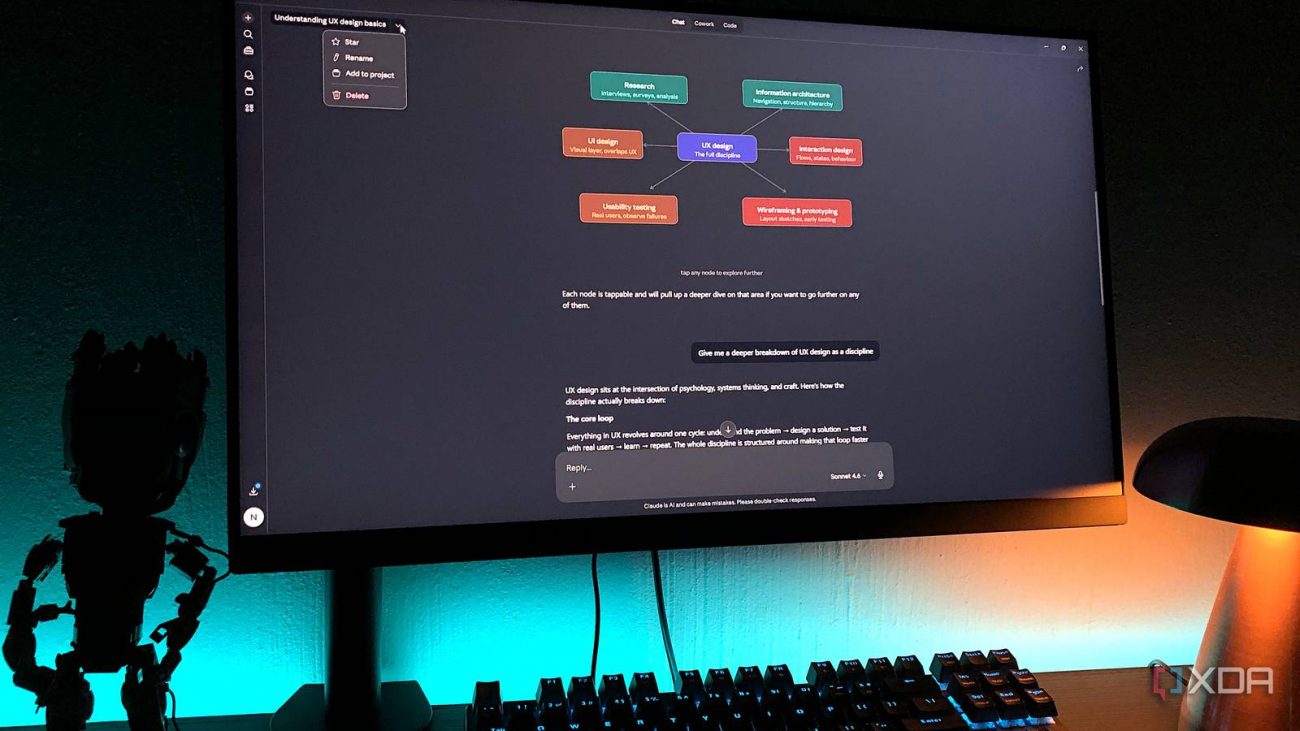
Now, I get to build without those constraints – I’ve recently spent several hours in one session totalling over 40 messages, and still didn’t hit the cap. If you rely on Claude for anything that falls into the realm of vibe-coding or designing, Pro will significantly speed up your process and keep the momentum going. Another major win here is Claude’s new interactive visuals. Say, I generated a quiz or diagram of some sort – I now simply get to interact with it for much longer.
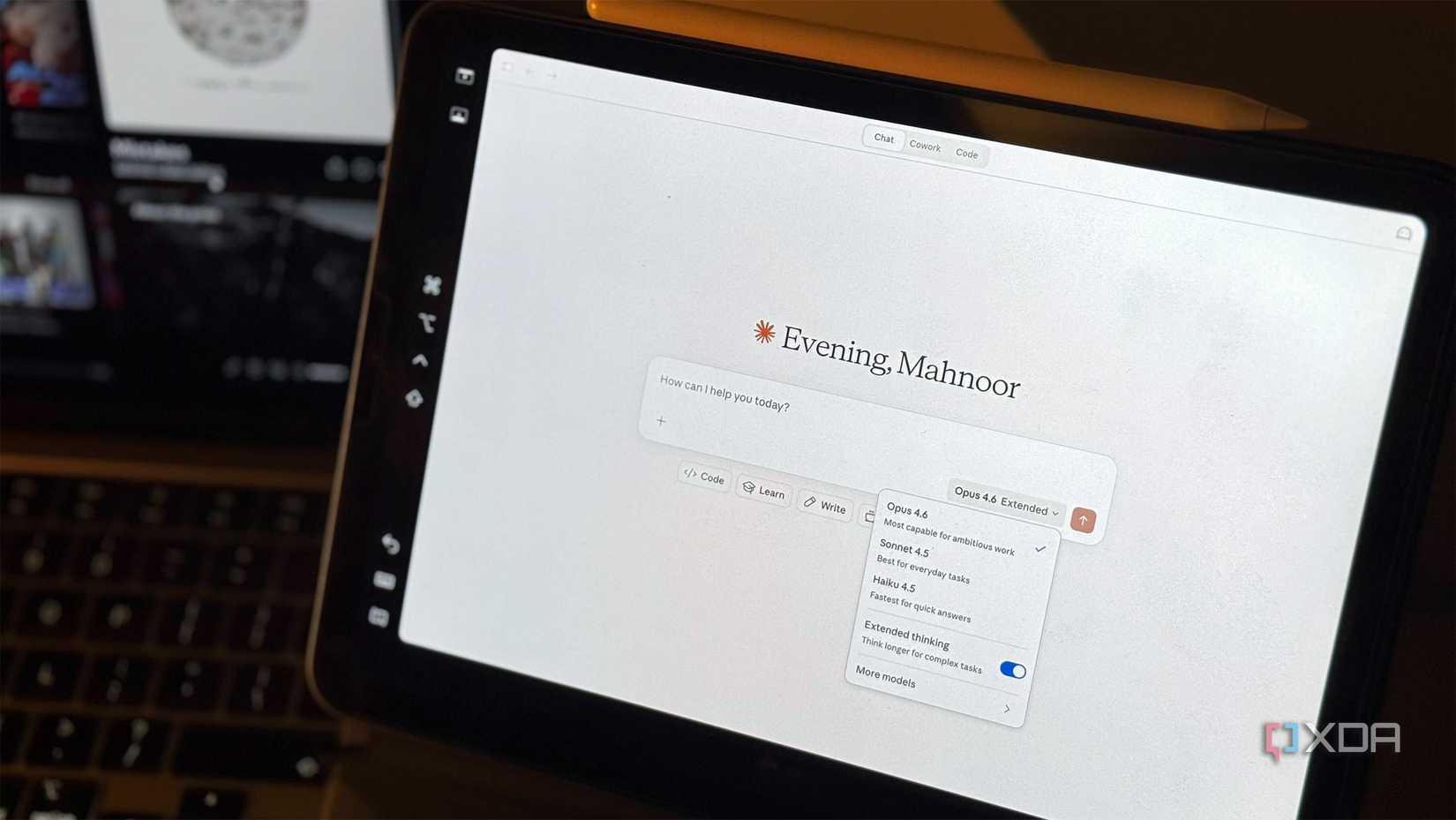
Before Pro, the model selector wasn’t something I thought I’d really need. But switching models based on your use case does actually make a difference – it’s nothing life-changing, but noticeable. For heavy, non-development use, Opus 4.6 has pulled through more than any of the other models. I’d say it has the best reasoning and is also better for research because it pushes back a little more. If you’re working with anything related to STEM or research, this is your model.
Sonnet 4.6 also has the advantage over Sonnet 4.5 when it comes to anything math and coding. But I primarily use it as my daily driver because it also has superior reasoning over 4.5 and is the perfect balance of intelligence and speed. Just before writing this, my chat with 4.5 actually froze and became unresponsive. It could have been a server-side issue, but it seemed to be model-specific because the other models worked fine – this could be because Sonnet 4.5 doesn’t get the same infrastructure attention as the more recent models.
I’ve been using Projects even in the free tier, but they got better with Pro. The biggest advantage is that you can create as many Projects as you want with a paid subscription, whereas they’re limited to five per free user. Projects utilize RAG regardless of your tier, but Pro users get enhanced scaling and management of large knowledge bases, which gives me more accurate synthesis across my information libraries.
I’ve been using Figma alongside Claude for several months, but it was more of a tool-hopping situation. With Pro, I was able to set up the official Claude.ai Figma connector and properly integrate them. This lets me push out diagrams from a chat directly into FigJam, and designs directly into the Design workspace. I can create complete designs in the chat using natural language, and just ask Claude to send them over to Figma – it populates as a native design file complete with layers, frames, components, and all their properties. This has been a major win for my design workflow.
Claude Pro often gets marketed around Claude Code and developer workflows, and that’s great if that is your world. But if it isn’t, you’re not leaving money on the table – you’re just using it differently. More headroom, better models, official integrations, and better project management. I haven’t opened a terminal once, and I’m getting more out of Pro every day.