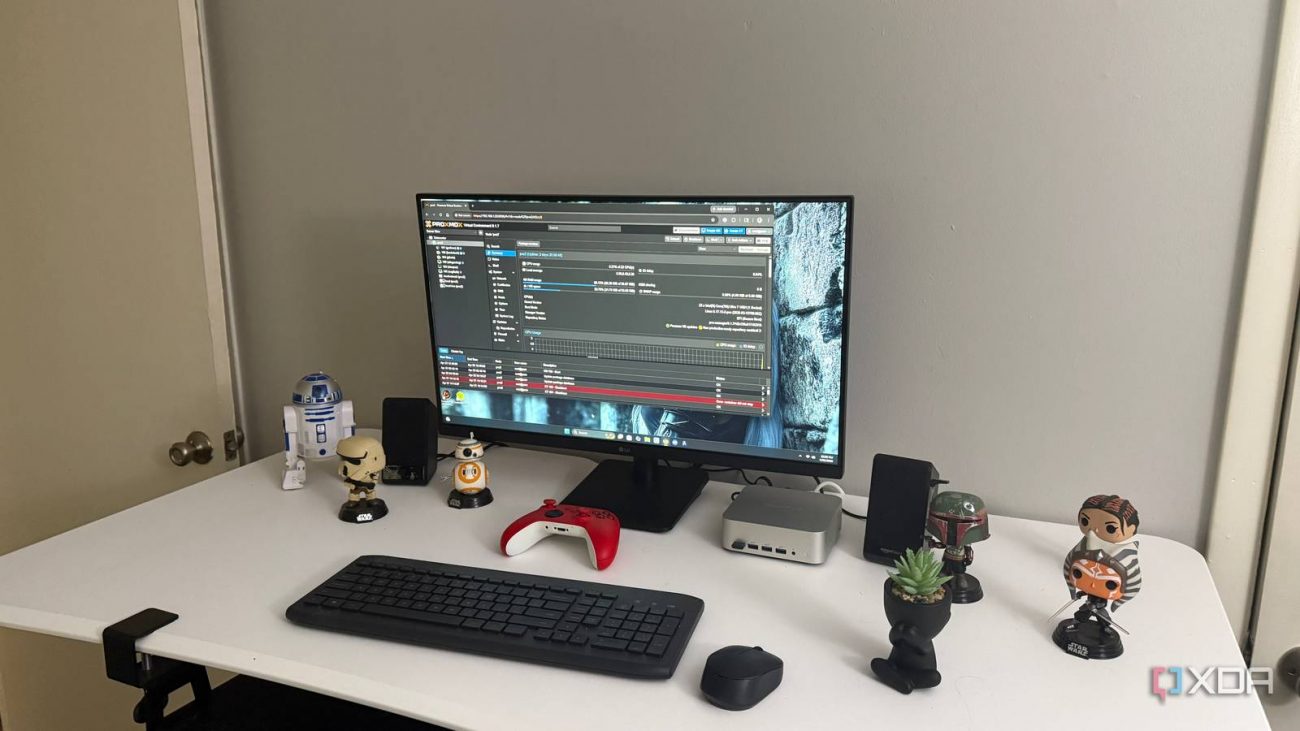
The topic Your home lab’s biggest mistake might be running everything in LXCs is currently the subject of lively discussion — readers and analysts are keeping a close eye on developments.
This is taking place in a dynamic environment: companies’ decisions and competitors’ reactions can quickly change the picture.
LXCs are one of the reasons Proxmox feels so good in a home lab. They’re light, fast, easy to clone, and usually much less wasteful than spinning up a full VM for every small service. When something only needs a basic Linux environment and a few predictable ports, an LXC can feel like the obvious answer. That convenience is exactly what makes it so tempting to use them for everything.
Some services work in LXCs until they need deeper hardware access, cleaner networking, less fragile storage, or fewer permission gymnastics.
I learned the hard way that “can run” and “should run” are not the same thing. Some services work in LXCs until they need deeper hardware access, cleaner networking, less fragile storage, or fewer permission gymnastics. At that point, the time saved up front is repaid with interest. These are the services I’d rather put in VMs now, even when an LXC looks cleaner on paper.
You don’t need a dedicated server OS to build your first home lab
Docker inside an LXC can work, and that’s part of what makes it so tempting. You get a lightweight Proxmox container, then you get Docker containers inside that container, and the whole thing feels efficient at first. The trouble is that you’re stacking one container model on top of another. That adds extra places for permissions, cgroups, storage drivers, and networking to get unpleasant.
Privileged LXCs can make certain services easier to run by reducing some of the UID mapping and device access headaches that come with unprivileged containers. That convenience has a cost, though, because a privileged container has a much closer trust relationship with the host. Unprivileged LXCs are safer by default, but they can also make configuring bind mounts, file ownership, and hardware access more annoying. If a service only works cleanly after you weaken the container boundary, that’s usually a sign it belongs in a VM instead.

For a tiny test stack, I don’t mind that kind of setup. For anything I expect to keep, maintain, and restore later, I’d rather use a VM. Docker expects to own a certain kind of environment, and a VM gives it that without asking Proxmox’s LXC layer to bend around it. Backups, updates, and troubleshooting all feel more normal when Docker is sitting on a full guest OS.
The issue usually is not performance. LXCs are plenty fast, and Docker does not magically need a giant VM to do useful work. The issue is how much weirdness I’m willing to accept when something breaks. If the service is important enough to rebuild carefully, it is important enough to give Docker a cleaner home.
A media server looks like a perfect LXC candidate until transcoding enters the picture. Jellyfin itself is not especially heavy, and direct playback does not demand much from the host. The trouble starts when you want hardware acceleration, device access, media mounts, and clean permissions all working together. Suddenly, the simple container is no longer so simple.
Passing an iGPU or GPU device into an LXC is possible, but it often feels more delicate than it should be. You have to think about device nodes, groups, drivers, and whether the host and guest environment agree on what they are touching. That can be fine for tinkering, but media servers tend to become household infrastructure. Once other people expect streaming to work, fragile starts to feel rude.
A VM gives Jellyfin a cleaner boundary and a more traditional environment. It still needs configuration, and hardware acceleration can still require some care. The difference is that troubleshooting feels less like spelunking through container layers. For a media server that handles a real library, I’d rather spend a little extra RAM than babysit a clever setup.
WireGuard is lightweight enough that running it in an LXC seems obvious. It barely needs resources, it is easy to deploy, and it can sit quietly in the corner doing one job. The problem is that this one job is remote access to the rest of the network. That makes the surrounding environment matter more than the service footprint.
Networking in LXCs can be perfectly fine, but VPNs have a way of touching the parts of Linux networking you do not want hidden behind assumptions. Routing, firewall rules, forwarding, interface behavior, and DNS all become part of the trust chain. When that service is the front door into the home lab, I want the fewest possible surprises. A VM gives me a cleaner place to reason about what is happening.
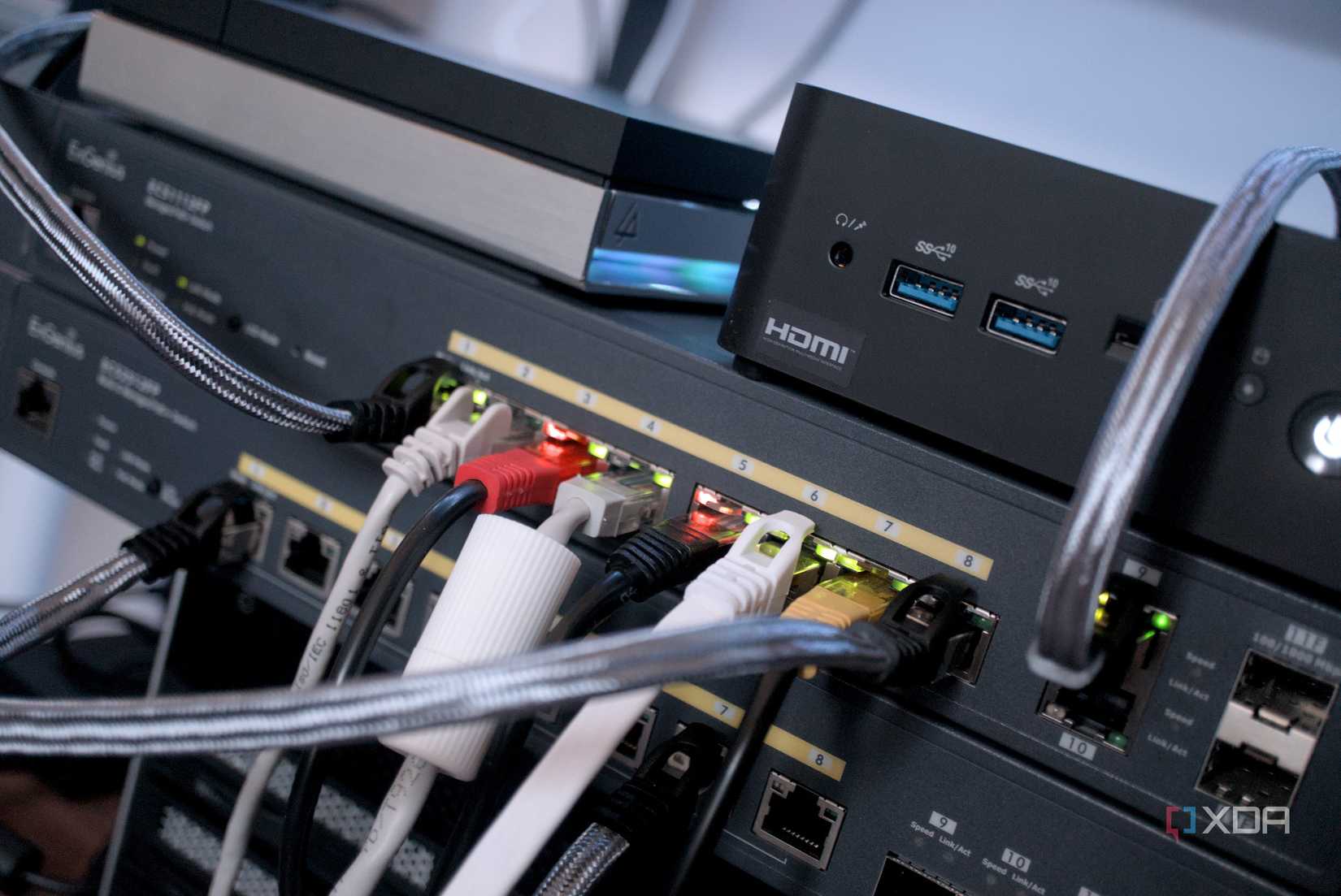
This is especially true if the VPN service grows into more than a simple endpoint. Maybe it starts handling split tunneling, remote subnet access, or access rules for different devices. At that point, saving a few hundred megabytes of memory is no longer the interesting part. I’d rather have the network service in its own full system, with its own failure domain.
Simple file sharing can work in an LXC, but serious storage services are where I get cautious. Samba and NFS both care deeply about users, groups, ownership, and permissions. Add bind mounts from the Proxmox host, and the setup can get cloudy fast. What looked like a clean container can turn into a quiet argument about who owns what.
That matters because file servers tend to hold data people actually care about. A broken dashboard is annoying, but broken access to media, backups, documents, or project folders can ruin an evening. UID and GID mapping issues are not always obvious at first, either. They can show up later when a different client, service, or backup process touches the same files.
A VM makes the file server feel more like a normal machine. The storage still needs to be planned properly, but the permission model is easier to understand. I do not have to keep reminding myself which layer owns which path. For file services, boring is not a weakness.
Home Assistant can run in several ways, and some are more container-friendly than others. The problem starts when your setup depends on USB radios, Bluetooth, Zigbee, Z-Wave, or other hardware that needs consistent access. A basic dashboard is one thing. A smart home controller with real devices hanging off it is another creature entirely.
LXCs can pass through USB devices, but that does not make them the best home for a smart home hub. Device paths can change, permissions can get fussy, and host-level changes can affect the container in ways that feel disconnected from the actual problem. When automations control lights, sensors, plugs, and alerts, I do not want the foundation to feel improvised. I want boring reliability with a locked front door.
A VM gives Home Assistant more room to behave like its own appliance. It also makes backups, restores, and migrations easier to reason about when the system becomes central to daily life. That does not mean every Home Assistant install must live in a VM. It means once hardware radios and core household automations are involved, I stop trying to be clever.
LXCs are still excellent for the right jobs. I’d happily use them for small dashboards, DNS tools, lightweight web services, monitoring apps, and other tidy utilities. They’re efficient and pleasant when the service does not need to punch through too many layers. The mistake is treating them as the default home for everything just because they’re neat.
Proxmox is a powerful home lab platform, but make sure you’re using its features wisely, including what you deploy in LXCs as opposed to full VMs.