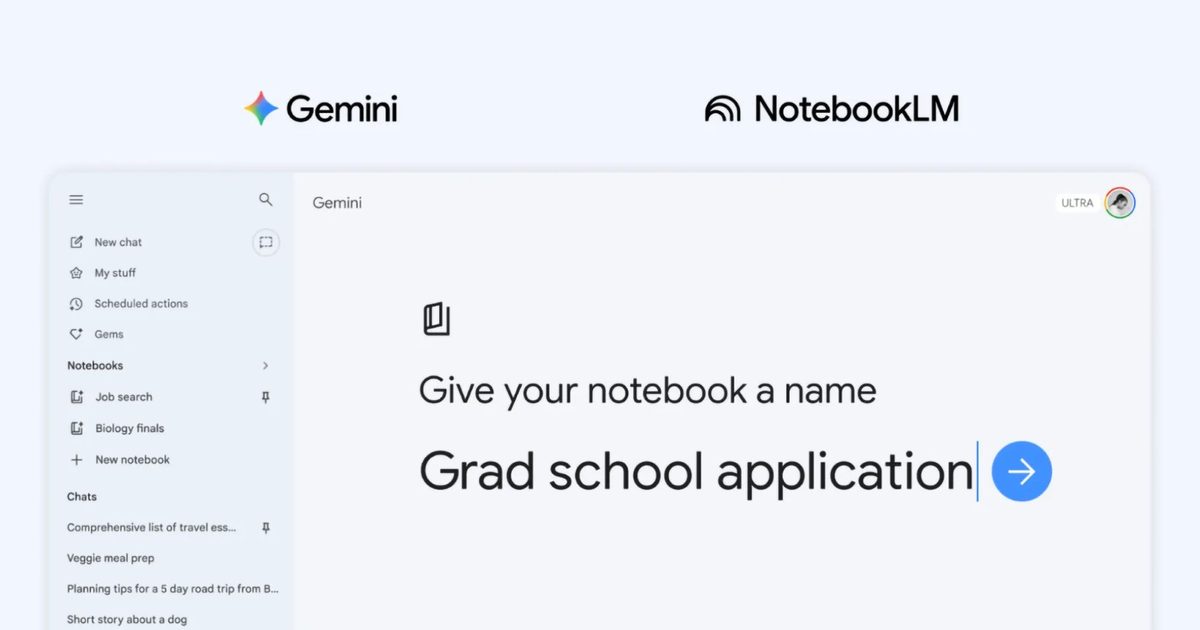
The topic All Gemini users can now access Notebook projects on the web without paying a dime is currently the subject of lively discussion — readers and analysts are keeping a close eye on developments.
This is taking place in a dynamic environment: companies’ decisions and competitors’ reactions can quickly change the picture.
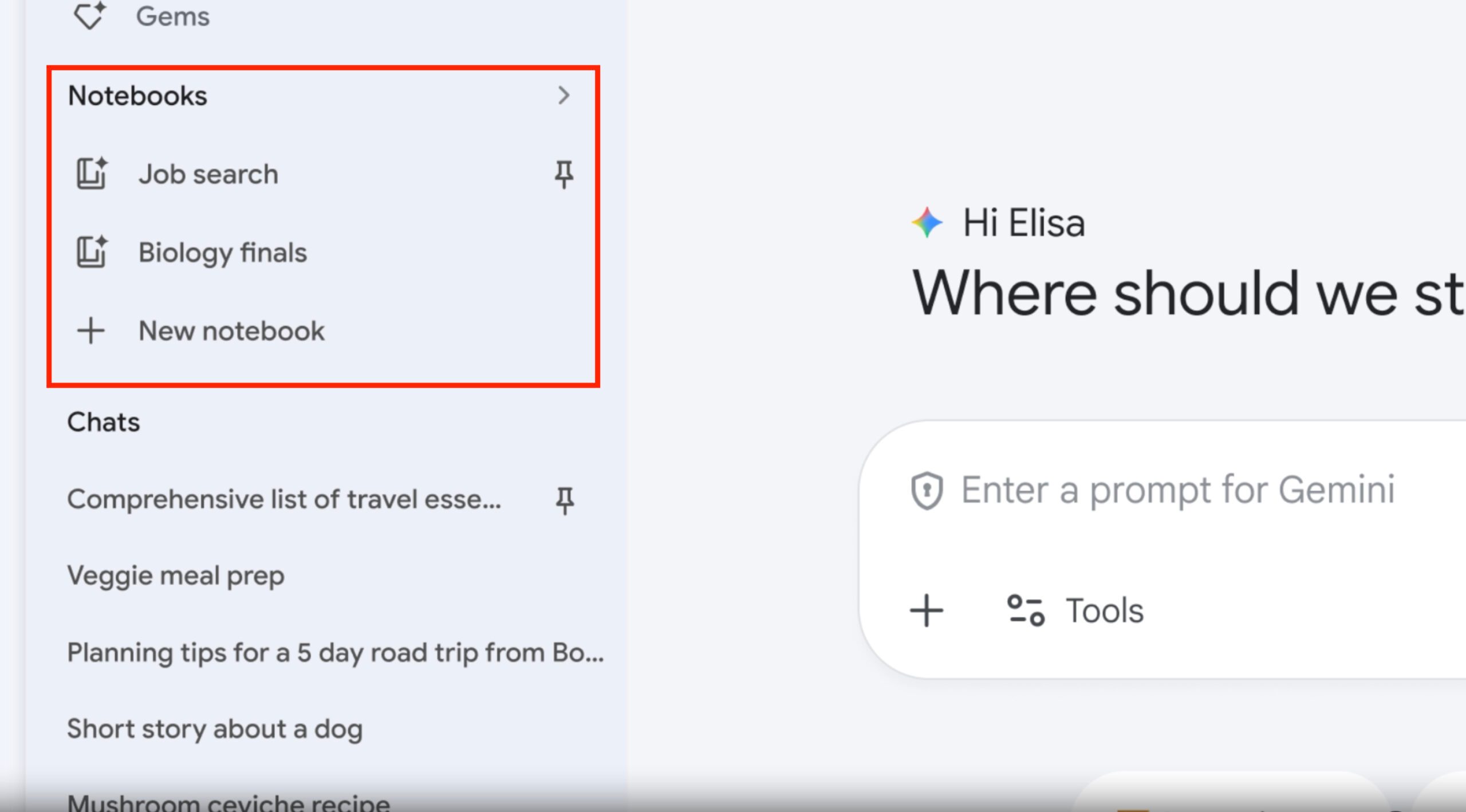
Notebooks in @GeminiApp are now available to Free users on web! Access your personal, unshared notebooks directly in Gemini *and* use your chats with Gemini as sources in new or existing unshared notebooks.Let us know what you think! https://t.co/BT8B3gktPR
Think of Notebooks as a dedicated project workspace inside Gemini. Instead of starting fresh every time you open the app, you can store your conversations, files, and sources all in one place under a single topic. Gemini then uses everything in that notebook as context when you ask your next question.
The feature shows up as a new Notebooks section in Gemini’s side panel, right between Gems and Chats. Any conversation you have inside Gemini can be saved to a notebook using the three dots menu.
You can also set custom instructions to control the tone, format, and style of responses. If you prefer Gemini to answer without referencing your saved chats, there is also an option to turn off notebook memory entirely.
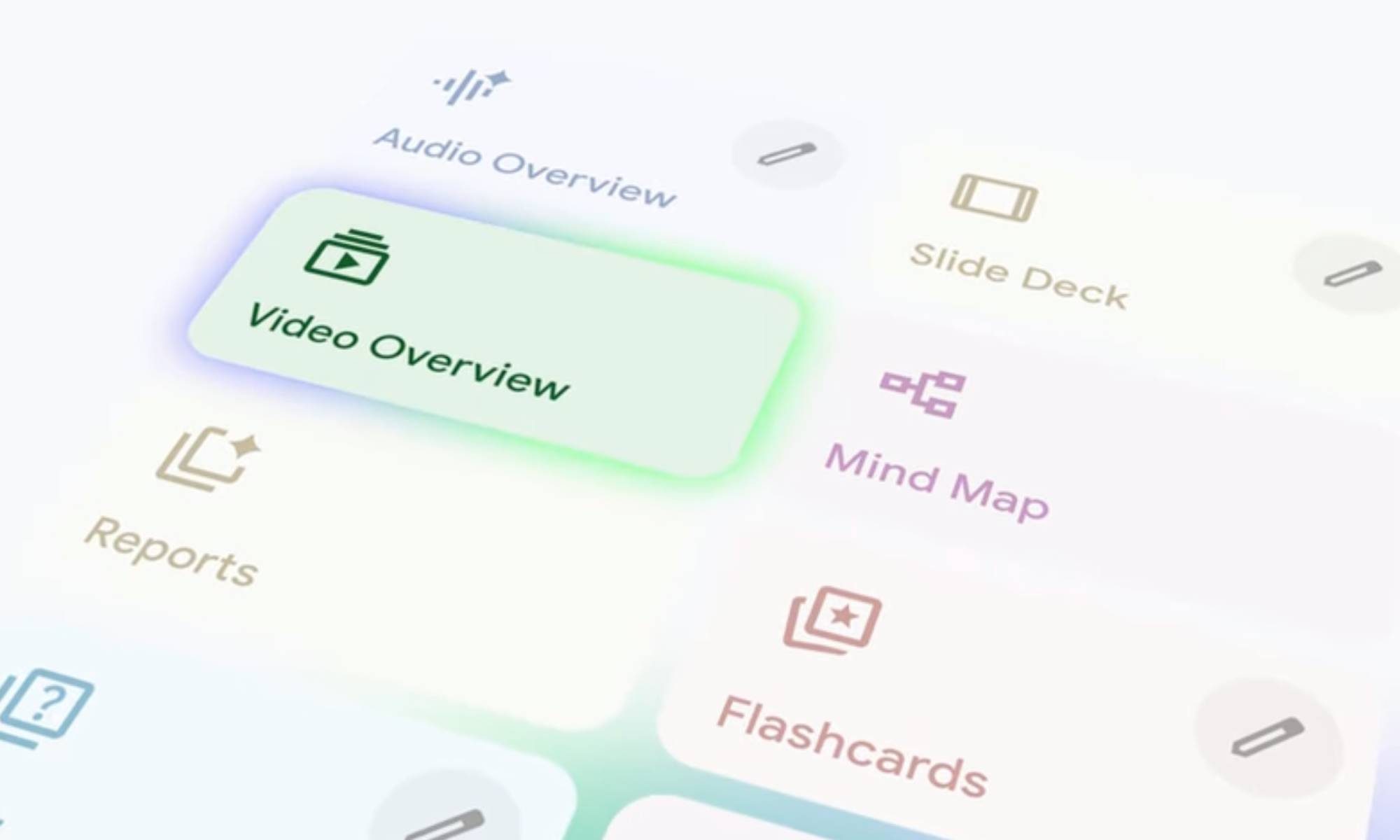
What makes this genuinely exciting is the NotebookLM integration. These are the same notebooks used in NotebookLM, Google’s standalone research tool. Since the two sync automatically, any source you add in one app instantly appears in the other. That means you can research something in Gemini and then use NotebookLM’s Video Overviews and Infographics features on the same material, without any manual transfers.
For now, Notebooks is live on the web only. It has not yet reached mobile or Mac apps, though broader availability is expected in the coming weeks.