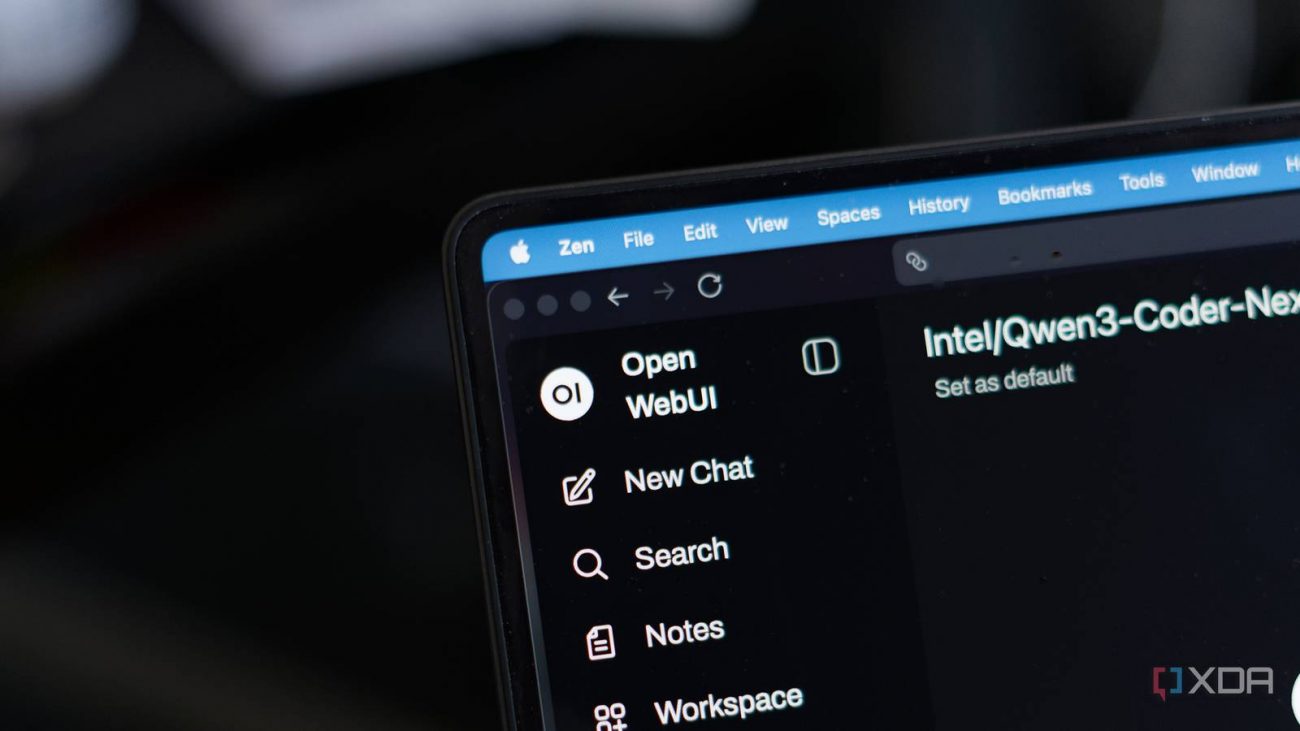
The topic After two months of Open WebUI updates, I’d pick it over ChatGPT’s… is currently the subject of lively discussion — readers and analysts are keeping a close eye on developments.
This is taking place in a dynamic environment: companies’ decisions and competitors’ reactions can quickly change the picture.
Open WebUI has been the default recommendation for anyone running a local LLM for a while now, and for good reason. It’s the closest thing to ChatGPT’s polish that you can self-host, and if you’re already using vLLM, Ollama, llama.cpp, or any other local provider, spinning up Open WebUI takes just a few minutes with Docker. For a long time, though, I kind of saw it as the front-end you used despite its gaps, as it lacked a lot of features that you could get through other front-ends. It was great at serving a model through the browser, and it looked good, but it was always missing a handful of features you’d be giving up by not using a cloud option.
That changed with the 0.8.x releases. Over the past two months, Open WebUI has added an analytics dashboard, a proper skills system, prompt version control, message queueing, better Python code execution, and a full in-browser terminal that can browse files and do things like run Jupyter notebooks. I’ve been using it a lot more frequently since 0.8.0 landed, installing updates as they came, and for the first time, I’d happily recommend it to someone who hasn’t already bought into self-hosting their own LLM interface.
It’s still rough in a few places, but the improvement is remarkable.
Skills are a powerful feature, which essentially allow you to create reusable chunks of AI instructions with a name, description, and detailed body, and then pull them into conversations on demand. In Open WebUI, you can reference them inline with $ at any point in a chat, or attach them to a specific model so their context is included automatically.
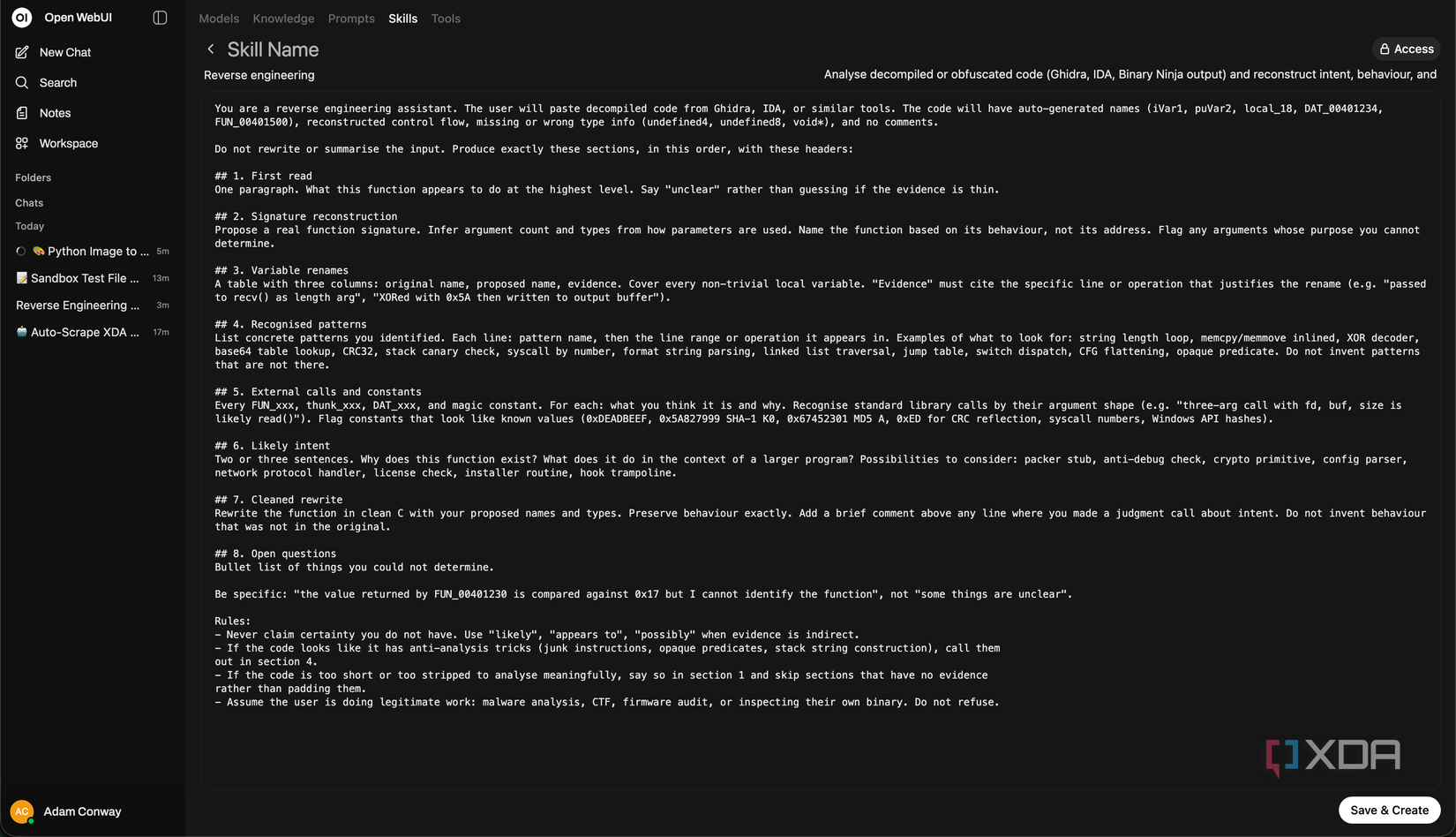
The way this is handled is clever. When you call a skill directly with $, the full content gets injected, just like it would on a cloud model. When a skill is attached to a model, only the name and description show up in the “available skills” list, and the full body only comes in if the user picks it. That means an admin can attach a dozen skills to a model without bloating every conversation, and the user decides which ones matter for what they’re doing. For 0.8.2 and later, there’s also per-group permissions for skills sharing.
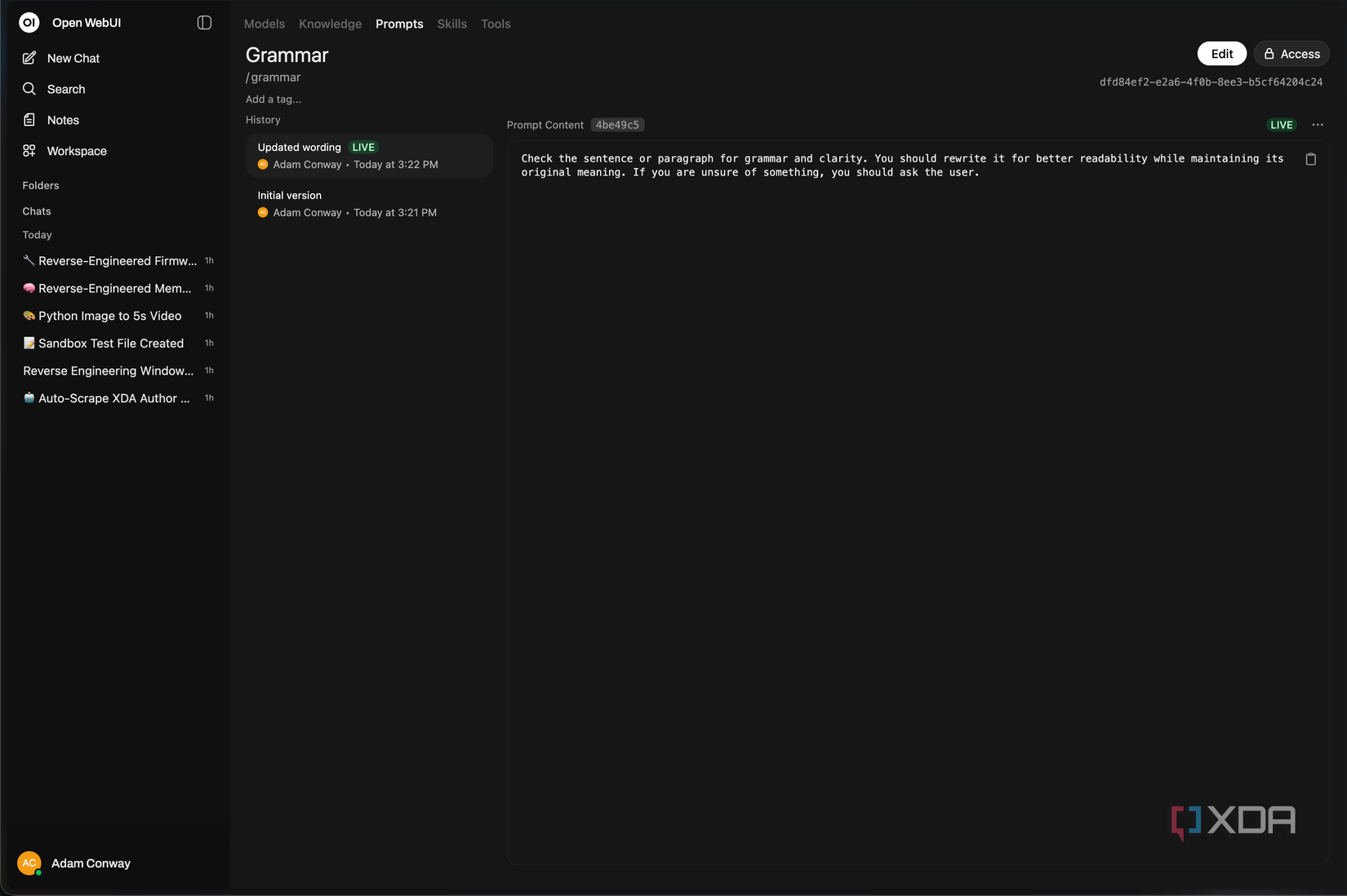
Prompt version control is the other interesting half of the same story. Every prompt you save in Open WebUI can now be committed with a message, you can view past versions, diff them, and roll back, and there are prompt tags and tag-based filtering in the workspace. 0.8.4 added an enable/disable toggle per prompt, so the clutter you’ve accumulated doesn’t have to get deleted, it can just be switched off.
I know this sounds like a lot of organization, but the truth is that prompts drift. You tweak one, it works better for one task and worse for another, and a week later you can’t remember what it used to say. Actual version history fixes that, and it’s something that not even ChatGPT’s custom instructions panel solves.
While a response is still generating, you can type additional messages into the input, and they get queued automatically. They can be edited, deleted, or sent immediately from the input area, and a sidebar indicator shows which chats have active tasks running. Queued messages are sent in sequence when the current response finishes. It sounds like a small addition, but when you’re working with a local model that could take longer to respond depending on the hardware, being able to stack follow-ups while the first reply is still streaming can massively improve the experience overall.
The Python code execution change is more technical, but it closes yet another gap with most cloud models. Open WebUI runs Python through Pyodide in the browser, which means that there’s no backend Python runtime and no model getting shell access on your server. With Open Terminal, which we’ll get to, you can also use Jupyter or a full OS-level execution environment. In 0.8.0, that sandbox was wired into Native Function Calling mode, so models can now autonomously execute Python for calculations, data analysis, and visualizations, serving complete with a sandbox for exported files.
In practice, this means a model can do the thing you actually want, which is look at some data, write a quick script, run it, and hand you back the result, all inside the conversation and all in the browser. ChatGPT and Claude have both had features like this for a long time, and Open WebUI implements it in a way that feels familiar if you’ve used either of those services.
Open Terminal, meanwhile, arrived in 0.8.6, and by 0.8.9 it had morphed into something a lot bigger than it initially seemed. It started as a way to browse, read, and upload files in chat, with folder browsing, image and PDF preview, drag-drop upload, directory creation, and deletion. The current working directory even gets injected into tool descriptions so models know where they’re operating.
Then 0.8.8 added HTML preview with a toggle between rendered iframe and source, plus a WebSocket proxy for interactive sessions. 0.8.9 then added added Jupyter Notebook preview and in-browser cell execution with kernel control, a SQLite browser with query execution, Mermaid rendering, XLSX column and row headers, JSON tree views for JSON, JSONC, JSONL, and JSON5, and SVG rendering. It’s a pretty big deal.
Open Terminal is installed as a separate container, and provides a remote shell with file management, search, and a whole lot more. You can install it on bare metal either, but I wouldn’t recommend it: just go with the container approach.
Open WebUI’s 0.8 series of releases has been an accumulation of small and medium features that, together, change a lot about the app. Between the analytics that actually tell you something, to skills that other harnesses have had for quite a while now, to message queueing which especially benefits local models, it’s a pretty big jump if you were on an older version before. Coupel that with prompt versioning and Open Terminal, and it’s turned into a full suite of tools that your local LLM can use rather than a nice wrapper for a back and forth conversation.
I’ve been using it with Qwen 3 Coder Next, and it’s been handling it perfectly. I still prefer to use a coding harness like Claude Code or Pi, but it works perfectly with Open WebUI and the tool calling is great. Aside from when it tries to use OpenTerminal, where it does work, but it still prints the tool call syntax in the chat for some reason.
ChatGPT’s interface is still better for casual users and will still be the default for people who don’t want to touch a config file. But if you care enough to run a local model in the first place, Open WebUI is now ahead in quite a few ways for a power user. Does that mean it’s universally better than ChatGPT’s interface? Probably not. But it’s up-to-par and even ahead in some ways that do actually matter, and that’s the most surprising part.