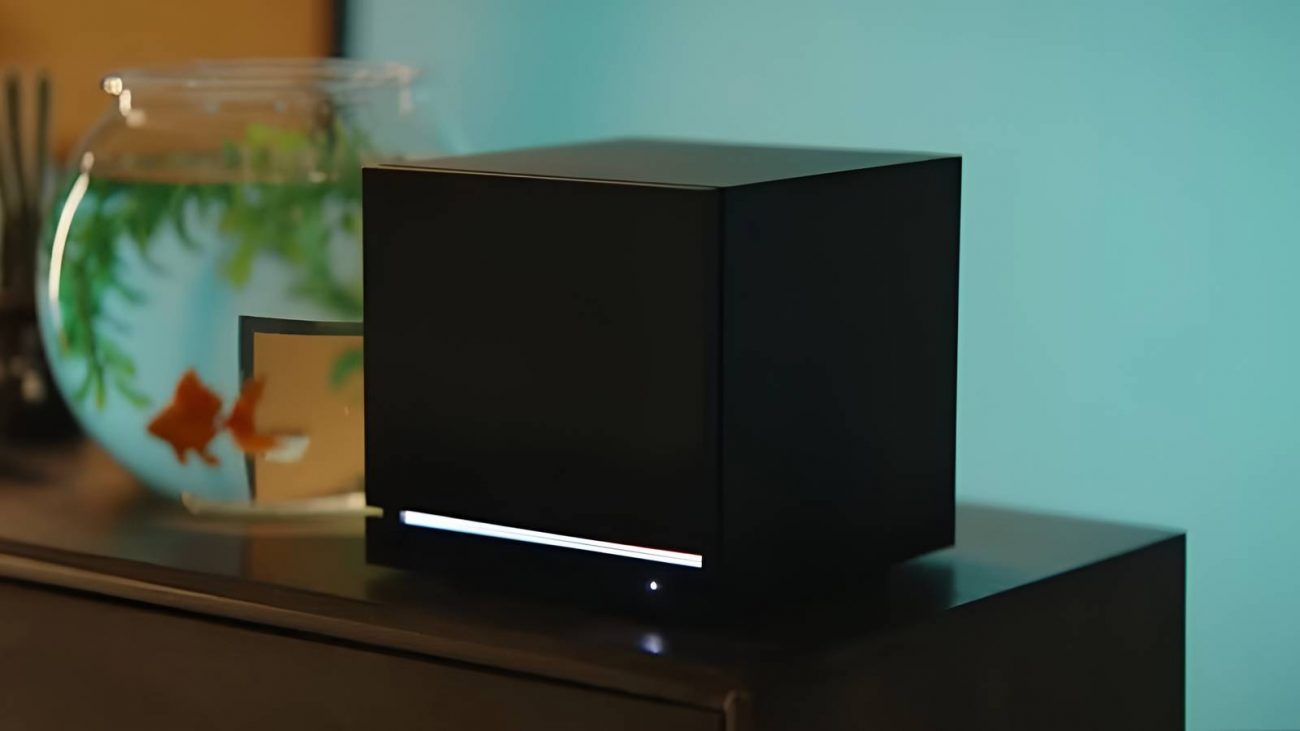
The topic Windows now works on all Steam hardware, but Valve would prefer you didn’t… is currently the subject of lively discussion — readers and analysts are keeping a close eye on developments.
This is taking place in a dynamic environment: companies’ decisions and competitors’ reactions can quickly change the picture.
While SteamOS on Steam devices definitely gets the job done, some people just prefer to run Windows on them instead. There’s quite a lot of proof to suggest that SteamOS has much better in-game performance than Windows, but hey, it’s their device, and they can install Windows on it if they want.
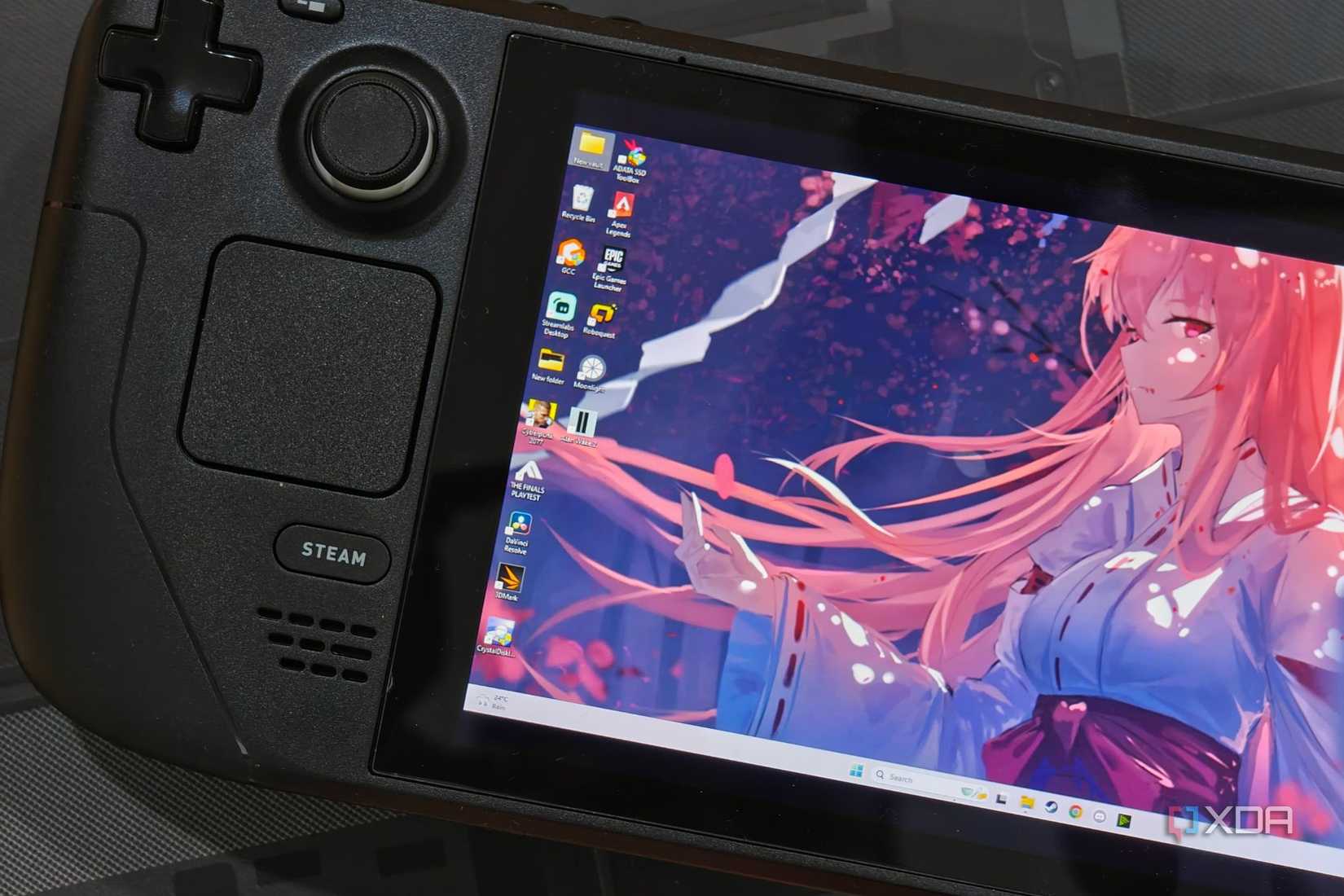
Valve has now released drivers that better allow Windows to run on all Steam hardware, including the Deck and Machine. However, if you do make the change, Valve has stated that it can’t help you out if something goes wrong.
As spotted by Tom’s Hardware, Valve has released a new Steam Support page giving advice on how to install Windows on your Steam hardware. This includes all the drivers you need to get it running, alongside instructions on how to get Windows installed on it.
However, if you’re planning to daily-drive Windows on your Steam hardware, it’s worth noting that Valve starts its article by warning us about the downsides:
We are providing these resources as is and are unfortunately unable to offer ‘Windows on Steam Hardware’ support. If you get stuck and need a way back to the default SteamOS, please follow these recovery instructions.
Unfortunately, if you want to get around this problem by dual-booting SteamOS and Windows, Valve states that it’s not possible yet, and you’ll need to wipe the whole drive when swapping OSes. Valve states that it will work on dual-boot support for SteamOS’s proper launch, so keep an eye out for that if you’re interested.
Valve’s mission to bring SteamOS to every device just got a shot in the arm