The topic I ditched my Roku after Fox’s $22 billion acquisition, and my media server is… is currently the subject of lively discussion — readers and analysts are keeping a close eye on developments.
This is taking place in a dynamic environment: companies’ decisions and competitors’ reactions can quickly change the picture.
If you haven’t heard the news, Fox just bought Roku for a whopping $22 billion. The acquisition isn’t finalized; in fact, it isn’t expected to officially close until sometime in the first half of 2027. Still, the news was enough to push me towards finally putting the finishing touches on my Jellyfin server that I’d been putting off.
Don’t get me wrong; the purchase could be a good thing for Roku users, but I already see enough ads. I don’t want or need Roku feeding more advertising information back to Fox, so I decided to make the leap entirely toward my home media server. Aside from the fact that I still haven’t forgiven Fox for canceling Firefly, the various controversies surrounding the company (and its ownership) are reason enough for me to jump ship. It’s not exactly an organization I want to support. And since I’d already tinkered with Jellyfin quite a bit, making that final shift wasn’t overly difficult.
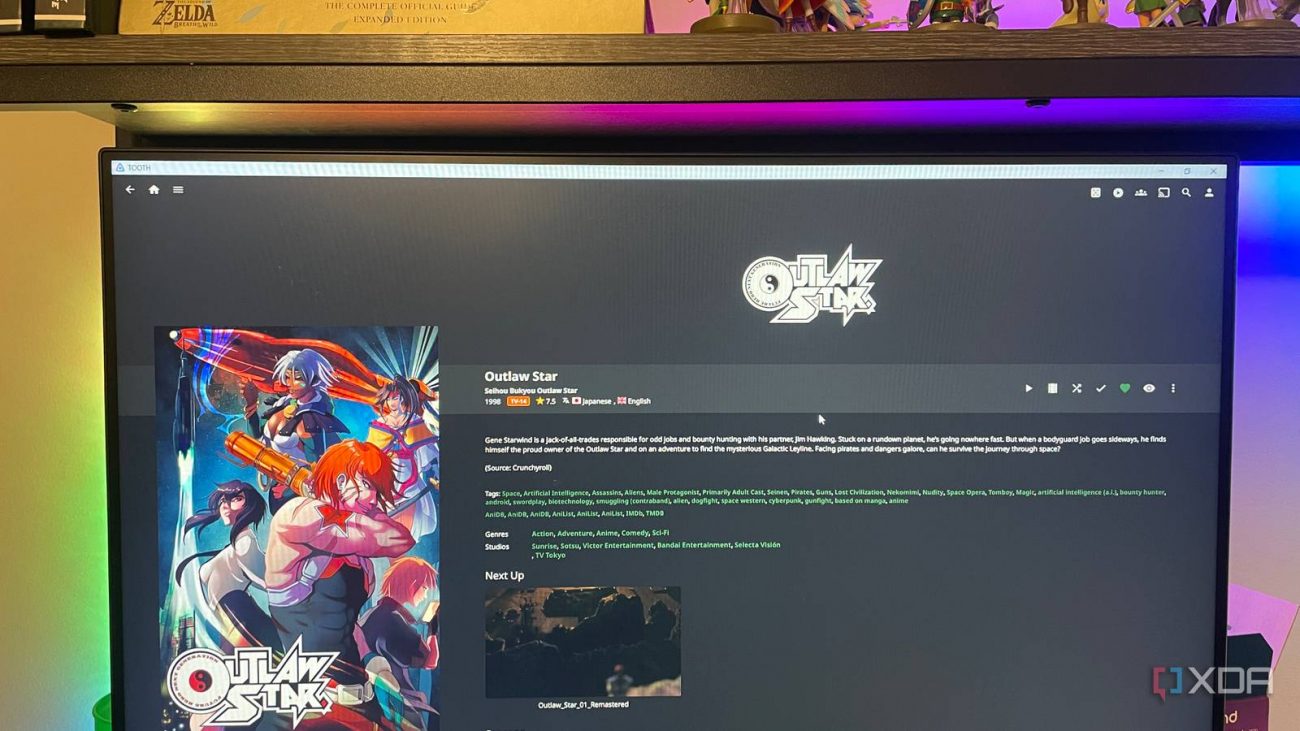
My Jellyfin server existed mostly for anime, if I’m being honest. I didn’t like what official streaming services had to offer, and Crunchyroll routinely filled me with a burning rage I can’t properly express in words. Creating a self-hosted alternative was simply easier, but I hadn’t used it for more than a few of my family’s go-to background noise shows. No one else in my home besides myself ever really used it.
I took the plunge once the news broke and installed a few apps to make it easier to find the content I was looking for, such as Sonarr and Radarr, and threw together a collection of plugins to create a more cohesive experience. Before this point, I’d done exactly what I tend to do after the initial rush of excitement wears off: I’d stalled and set it aside instead of actually learning how the tool works.
How I turned my Jellyfin server into the ultimate anime machine
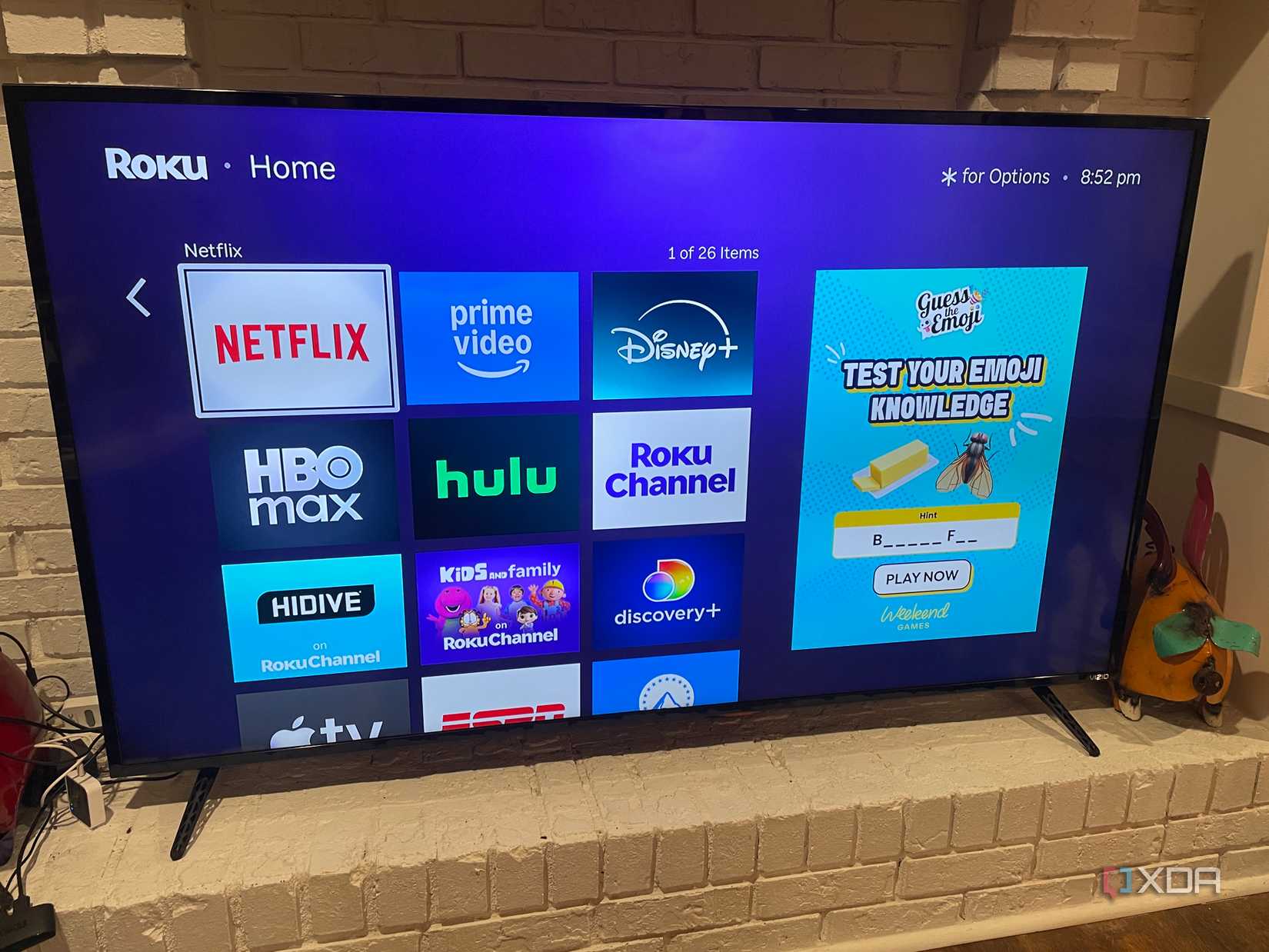
Roku has a nice, intuitive interface, but it’s also lousy with ads. They’re all over the place. My Jellyfin server is neat, clean, and customizable, but more than any of that, it’s totally ad-free. When I load up the Jellyfin app on my TV, there are no ads. No company is logging what I watch to build an ad profile on me.
Now, there’s a caveat: I’m using my old Roku to launch the Jellyfin app. Sure, I could use my smart TV’s internal menu, but Vizio’s smart apps are such a nightmare that even losing some measure of privacy is worth the convenience. This is a stop-gap, and I’ll eventually switch to a dedicated streaming box that isn’t the Roku. Even when using Jellyfin, Roku can still collect data on my usage, including how long I stay in the app, what I watch, and more.
Once I switch to a dedicated streaming device, that won’t be a concern.
Before I started using Jellyfin in earnest, my streaming experience was a bit chaotic. Friends was on HBO Max, while Psych was on Prime Video. I had to load up Apple TV for Ted Lasso and Netflix for Bridgerton (Colin and Penelope are the best couple.) Now, all of the content I want to watch is under a single umbrella. I can find it all inside Jellyfin. The TV shows and movies are divided solely based on the folders and organizational structure I set up.
In my case, I have content divided between movies, shows, and anime. As my library grows and becomes more complex, my organization will likely change, but that’s another good thing about Jellyfin: it can grow with your needs.
Roku (and similar services) appeals to a lot of people for a reason. It’s incredibly convenient. The streaming stick is practically plug-and-play, and for the average, everyday user, that’s enough. Most folks aren’t concerned about companies collecting data on their habits, especially if it means they get content and media for free. Jellyfin requires a lot more hands-on work to get set up and running, and it’s all on you to fix if something goes wrong.
Sure, the majority of the work is front-loaded. Once it’s done, then you don’t have to worry about too much. On the other hand, setting up your own server, working with network permissions, and any of the other dozen or more tasks involved in launching Jellyfin can be a bit intimidating for someone who isn’t overly tech-savvy. I completely understand why people opt for convenience over control, and that’s totally fine. Jellyfin isn’t for everyone.
I’ve put a not-insignificant amount of work into removing corporate influence in my life. I’ve tried my best to get out of the Google ecosystem, and I’ve ditched a ton of subscription services for self-hosted alternatives. Jellyfin is an excellent choice for extending my control over my content and removing external influence, and I don’t see myself going back to streaming services anytime soon.