The topic Microsoft’s plan to improve Windows 11 might actually win me back is currently the subject of lively discussion — readers and analysts are keeping a close eye on developments.
This is taking place in a dynamic environment: companies’ decisions and competitors’ reactions can quickly change the picture.
Windows 11 earned a bad reputation slowly after each feature update. The OS launch was already a reason for hue and cry among the users who found the new approach difficult, and the performance slowdowns didn’t impress anyone. Microsoft began introducing new fixes, feature upgrades, and enhancements with each update, acting as a small band-aid for a big wound. Copilot AI’s inclusion in almost every corner, paired with forced ads, tracking, and updates, made the situation worse.
I, like many other users, thought that there wasn’t a glimmer of hope, but Microsoft surprised everyone with a recent announcement. It includes listening to user feedback, bringing back some of the most-requested legacy OS elements, and easing up on the Copilot infusion in Windows. It makes me optimistic about the future of Windows, so let’s discuss it.
I’ve been a top-taskbar layout user ever since Windows 7. It’s just natural for me to launch apps from the top compared to the bottom approach. Windows 11 took a bold step to remove the settings to change the taskbar position, and it infuriated a major chunk of the user base. Taking away such a trivial option to move the taskbar wasn’t something I expected from an OS redesign standpoint.
Start11 and other apps made it possible to regain the position adjustment ability, but it seems nonsensical to find tweaks or pay for apps that Windows must contain natively. Linux is not as stern as Microsoft has been with its approach to Windows 10s successor, and that’s one of the reasons for switching to Ubuntu or Zorin OS.
Microsoft announced that it’ll restore the ability to position the taskbar on the desktop. You can pin it to force it to stay in your preferred place, and you might also get the ability to change its size. Currently, you can only change the size of the icons, but soon, the taskbar will become resizable as well.
I’m ecstatic about it because the desktop and Start menu are two elements where I detest mindless experimentation. Previously, Microsoft revamped the Start menu with better layout modes and the ability to hide recommendations, along with a dedicated panel for Phone Link.
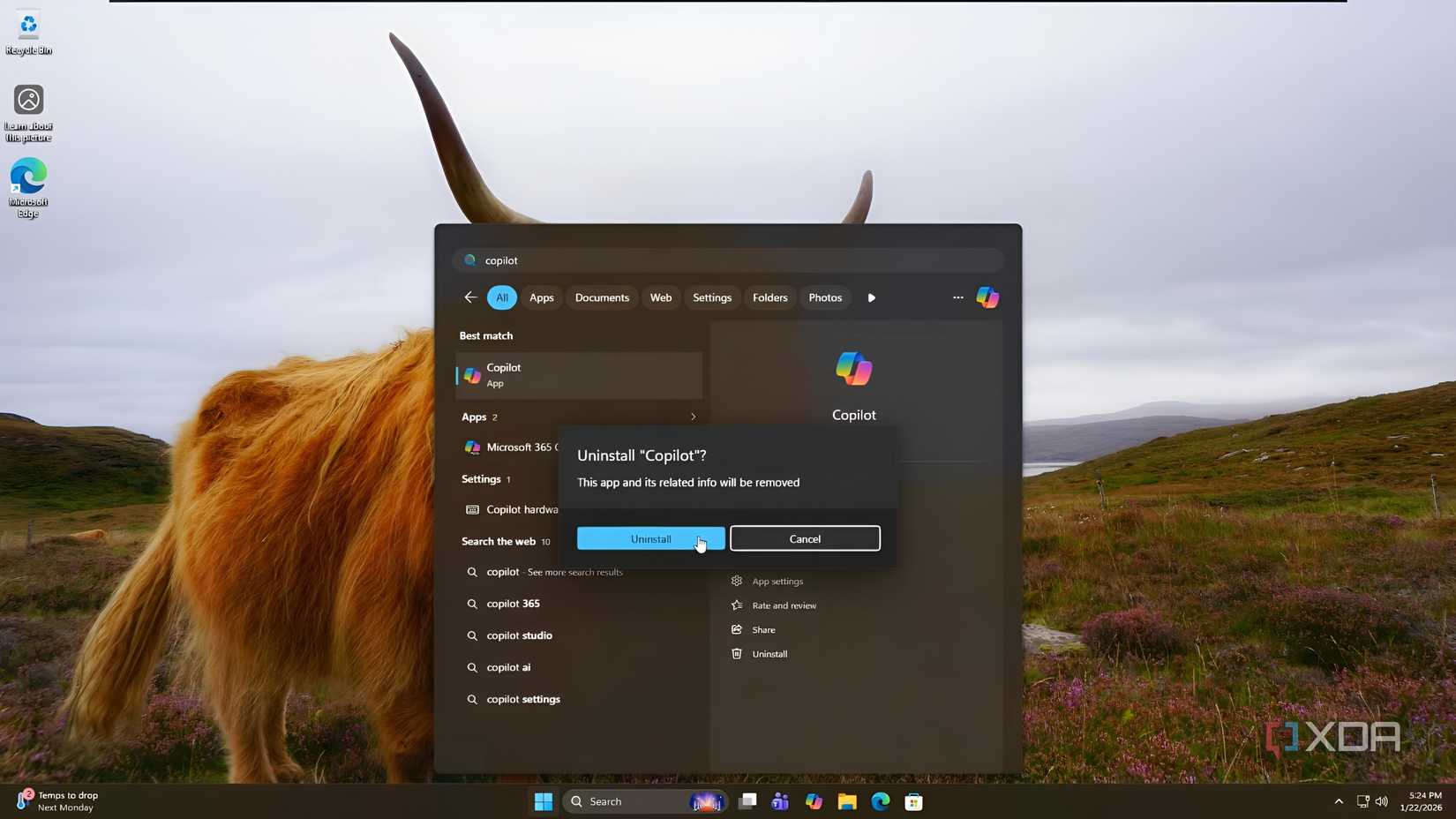
Copilot overshadowed every other Microsoft product a couple of years back and began appearing everywhere. Developers injected it into every app with an option that would automate tasks. It usually offers to summarize text, generate text or a photo, or make some more edits. The problem was that some features only worked on AI PCs with an NPU and weren’t useful elsewhere.
I am not comfortable sending every action to the cloud, and honestly, the response is noticeably slow. It’s good to see Microsoft has finally realized that Copilot isn’t the solution to every Windows 11 problem, and some apps are better left unaltered rather than adding Copilot. It’s a poor decision to clutter context menus with Copilot actions and options that I’ll never click.
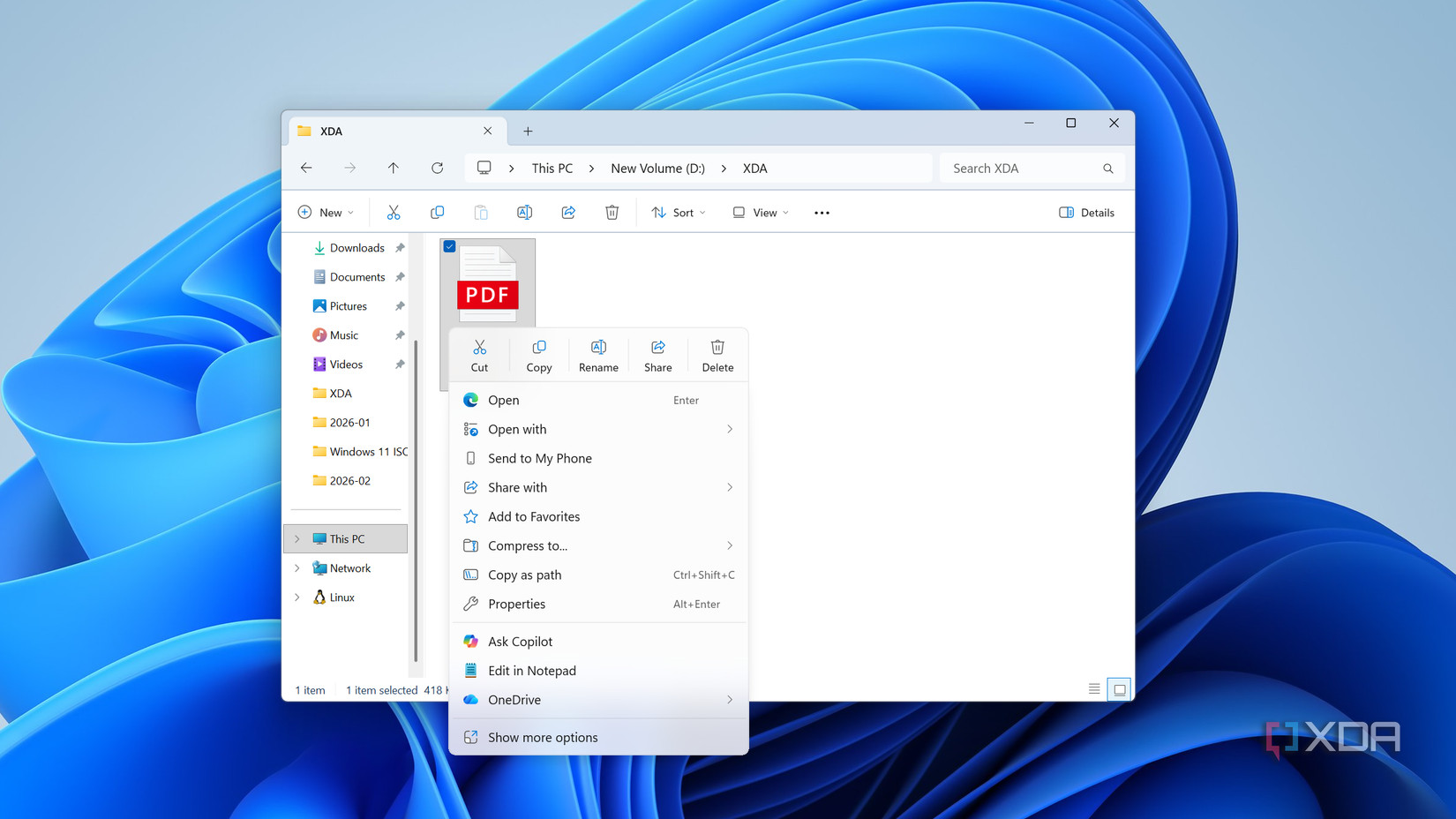
There are also promises to improve the File Explorer experience, but I’ll believe it when I see it. I’ve already tried numerous File Explorer alternatives, and Microsoft doesn’t seem to be adding those features. But making the current app stable and reliable is one of the things most users will appreciate.
I cover Windows Insider builds and run multiple virtual machines to check for upcoming features. Reinstalling, clean installing, and updating Windows is a big part of my workflow, and Microsoft’s idea of Windows updates isn’t the best. Whenever a new update rolls out, it forces you to apply the update after some time. The power options hide the regular shutdown and restart options and replace them with a forced update session.
You will get the ability to restart or shut down without installing updates and ignore them for much longer. It’s a slight extension of freedom with the assurance of fewer nags and pop-ups, suggesting updating the system immediately. Windows updates can be menacing sometimes, and I avoid installing them immediately after the release.
So, I can skip the initial hurry, observe community feedback, and then install it when the coast is clear. The ability to stall the updates for a longer duration will reduce how I handle system updates. I might not need to turn the feature on completely, like I do now on some of my machines. The option to skip automatic update installs while installing and setting up Windows for the first boot will also appear on the OOBE page.
The widget board is a nuisance to me as it’s just a floating window with no option to pin it to the desktop. I use Rainmeter for widgets and desktop customization, but Microsoft promises to make the widget board and its discover feed more customizable. I hope they add the option to switch the feed provider as they do for European Economic Area (EEA) Windows users.
I’m equally shocked and excited to see what the new update brings to Windows. It’s a positive sign that shows the company realized its wrong actions and wants to make amends that benefit the end user. Imposing features, removing legacy ones without feedback, is a sign of an immature brand, and Microsoft wants to reverse the notion. Taskbar customization and easing on Copilot are very sensible decisions that’ll bring back many Windows deserters.