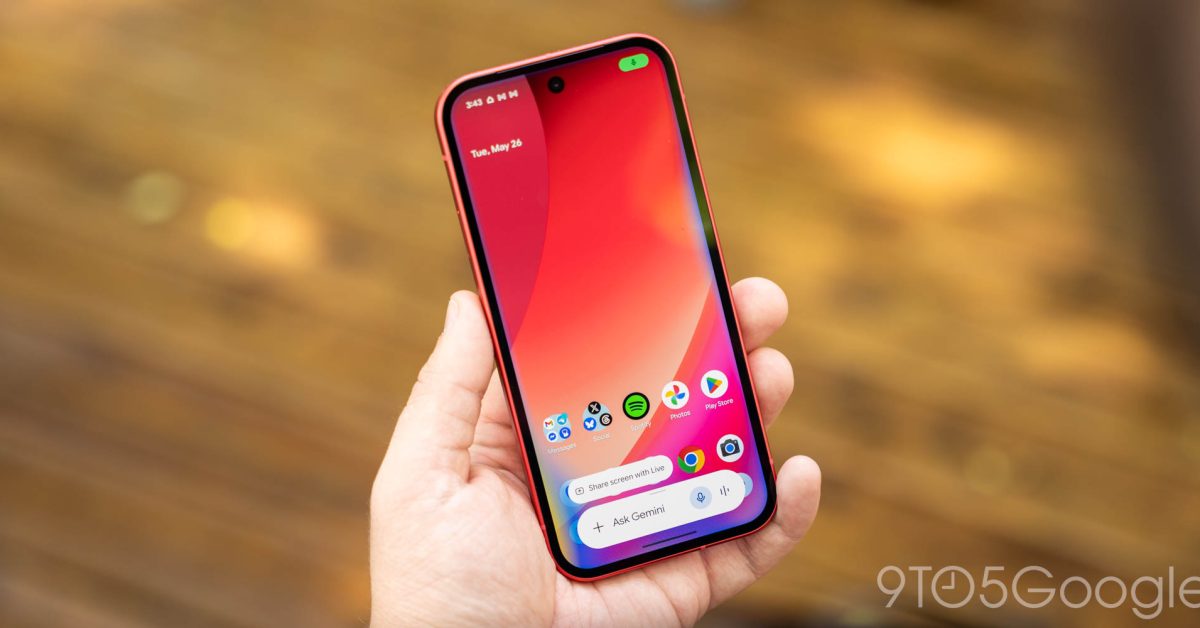
The topic Gemini overlay gets expanded ‘plus’ menu to do more without opening app is currently the subject of lively discussion — readers and analysts are keeping a close eye on developments.
This is taking place in a dynamic environment: companies’ decisions and competitors’ reactions can quickly change the picture.
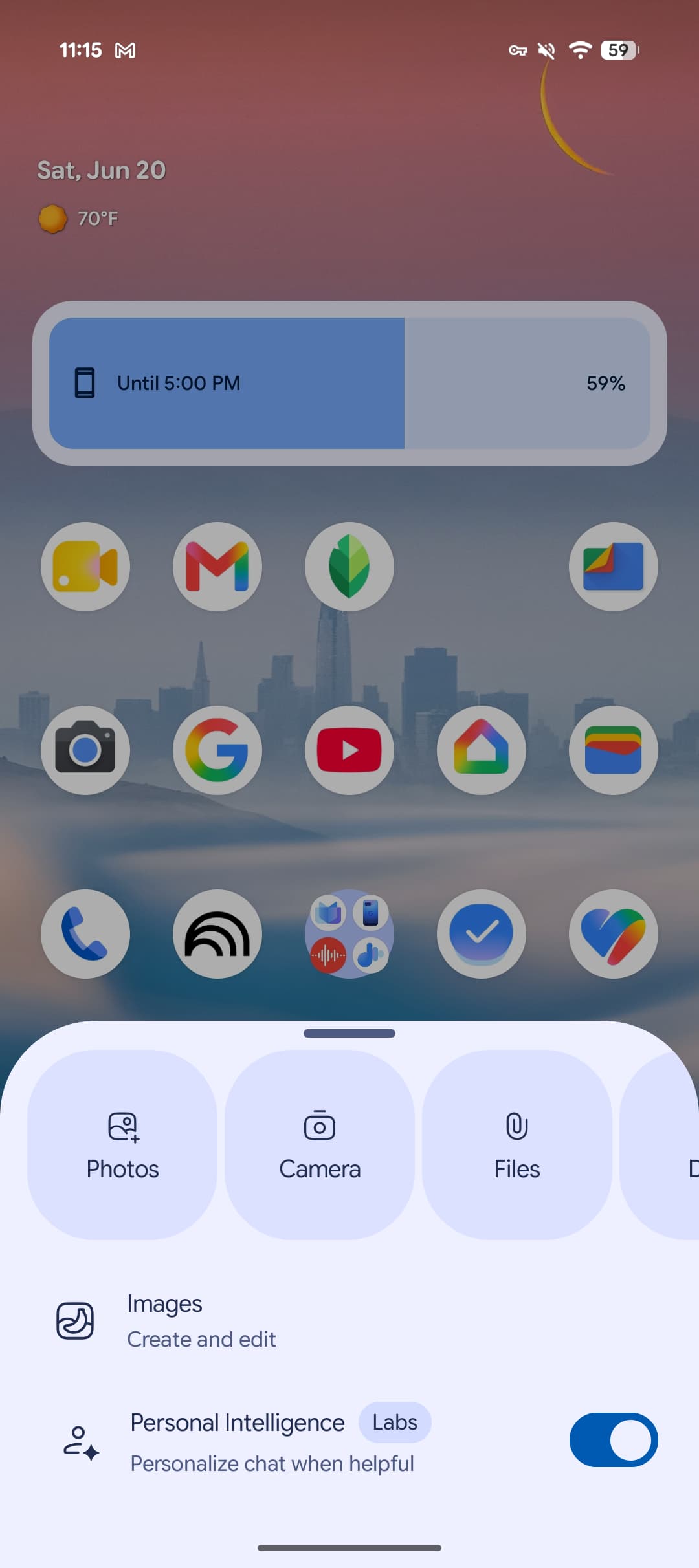
Following last month’s big redesign, Google continues to tweak the Gemini overlay on Android and has now expanded the plus menu.
Previously, the Neural Expressive overlay just showed two available Tools: Images and Personal Intelligence.
That’s now joined by Videos, Music, Canvas, and Guided learning. Deep research is not available outside the full app as this Tool requires an expanded prompt box for Sources and Files.
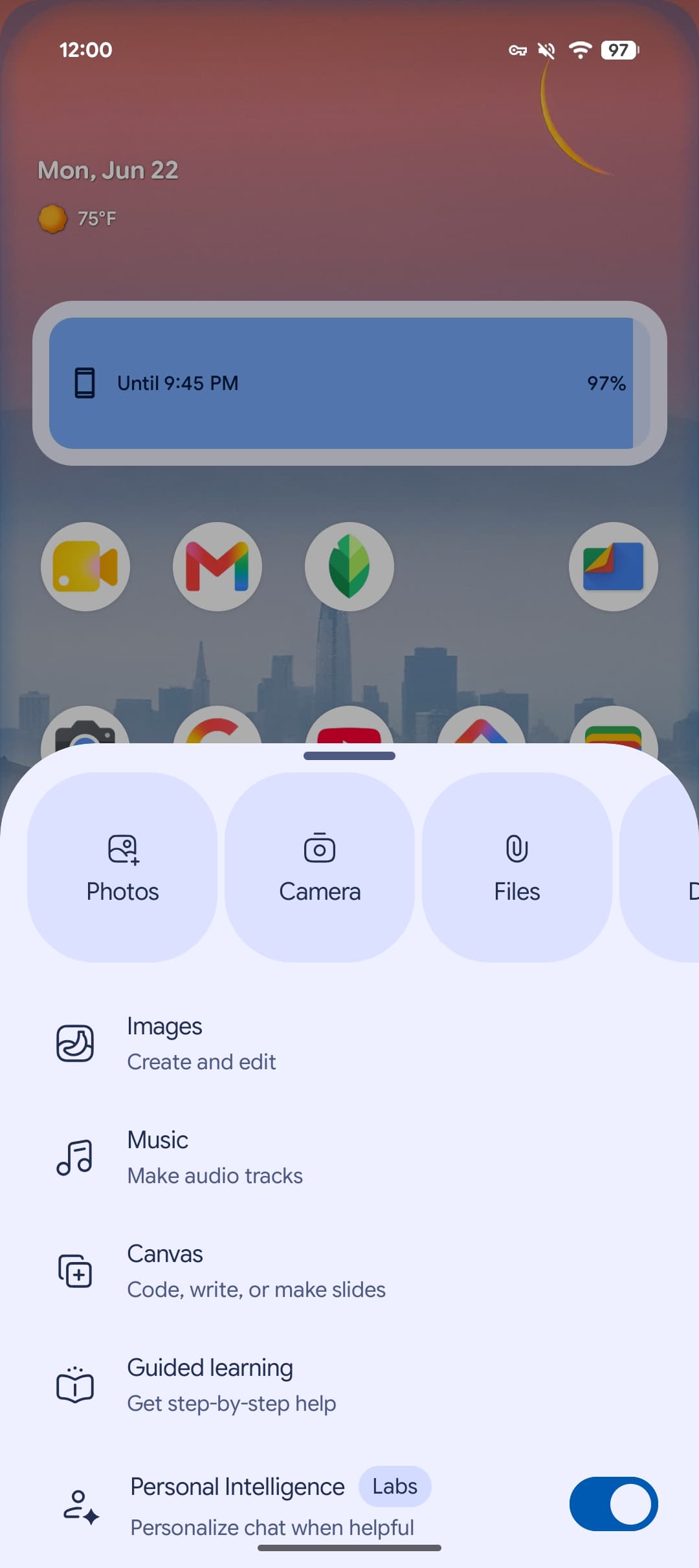
There are no changes to Screen, Photos, Camera, Files, Drive, and Notebooks at the top. That said, the carousel being higher up the screen slightly harms one-handed usability.
In all, this tweak lets you access most of the Gemini experience from anywhere on Android without having to open the full app. This was already the case with the previous Gemini overlay design earlier in the year, but that did not make the initial Neural Expressive revamp.
We’re seeing this change roll out with stable version 17.32 of the Google app.