The topic Your switch’s management VLAN is sitting on the same network as your smart… is currently the subject of lively discussion — readers and analysts are keeping a close eye on developments.
This is taking place in a dynamic environment: companies’ decisions and competitors’ reactions can quickly change the picture.
Walk down the spec sheet of almost any managed switch, smart switch, or prosumer router, and you’ll find VLAN support listed near the top. It’s one of the most widely shipped features in home networking, and despite that, it’s seldom utilized. Out of the box, your network is a single flat segment: the work laptop, the NAS, the smart TV, and the $25 Wi-Fi plug with firmware from 2022 are all neighbors on the same broadcast domain, free to reach each other. If your hardware supports VLANs, segmenting your network is the highest-value configuration task you keep putting off, and it severely limits what a compromised device can actually do to you.
A flat network is the default shape of your devices when you connect everything and change nothing about the configuration. All devices can see each other, and while this is convenient, it can be a big security risk. The “lateral” movement of devices across your network that a flat shape provides is the perfect environment for a compromised device to do damage.
Any device that gets compromised can scan, probe, and attack everything else on the segment. The threat isn’t hypothetical either, and it’s not usually in the form of a malware that’s aimed at your PC first. Botnet operators are increasingly exploiting insecure IoT and household devices, which are notoriously bad for shipping with weak defaults, outdated firmware, and woefully inconsistent security practices. These are your smart plugs, cameras, DVRs, light bulbs, and so on. The largest botnet currently tracked, Aisuru/Kimwolf, was estimated at between one and four million compromised devices as of late 2025, built largely from exactly the kind of cameras, DVRs, and cheap connected gadgets sitting on home networks.
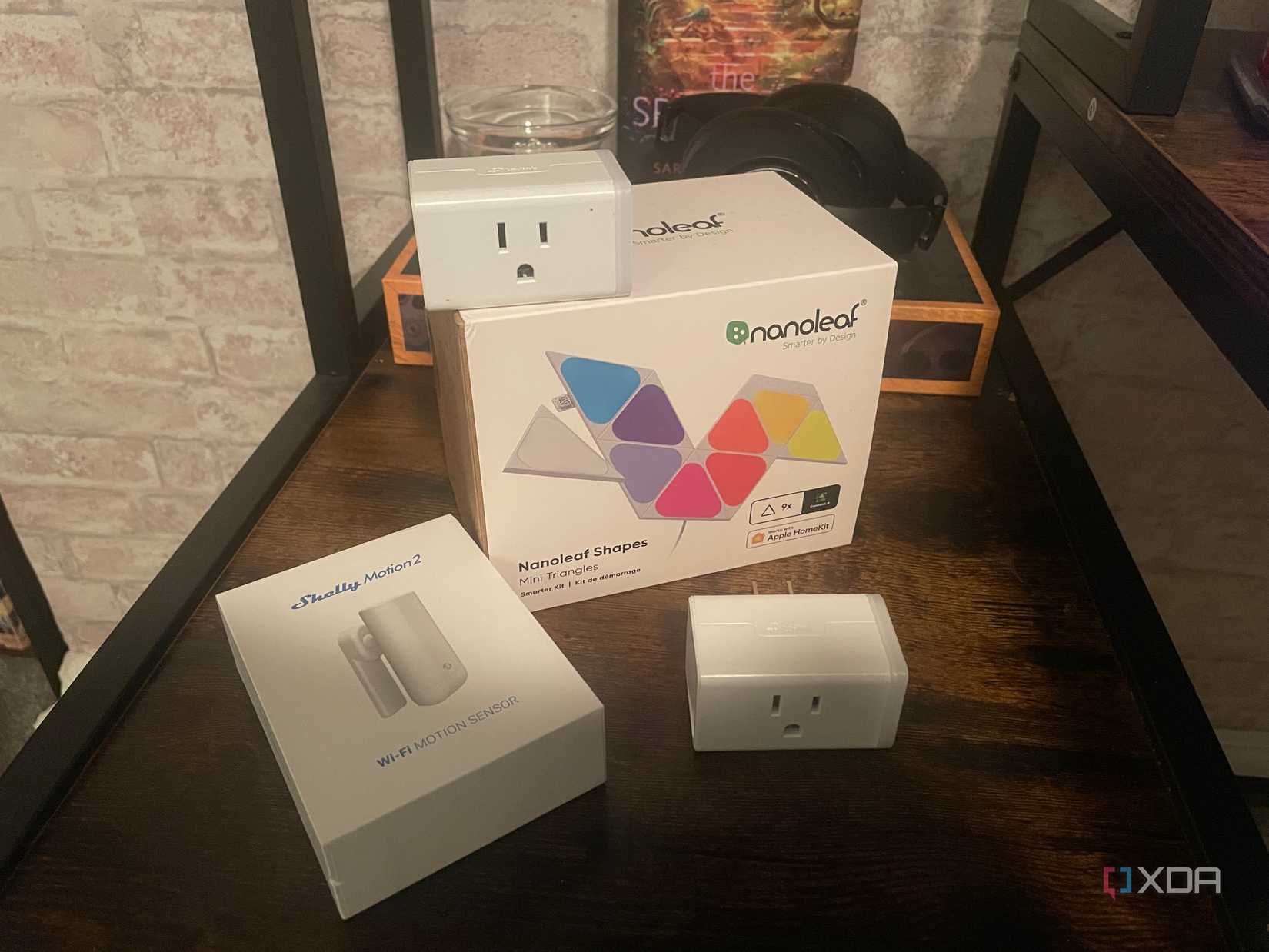
The worst part is: a lot of these devices are unfixable. For many of them, a firmware update isn’t coming down the pipeline and the vendors have moved on. Even if they do ship a fix, who’s to say the owner of said device will install it anyway?
A light bulb doesn’t need to be able to see your NAS, and a smart plug definitely doesn’t require a direct line to your workstation. These devices need access to the internet and maybe its controller. When configured correctly, a VLAN restricts these devices and their exposure to only what’s necessary.
A typical home scheme uses three or four VLANs: one for trusted devices, IoT, guest, and optionally a lab or server segment, with default-deny firewall rules between them and narrow exceptions. These exceptions are up to you, but they’re usually something such as letting the trusted VLAN initiate connections into the IoT VLAN but never the reverse. This is the same defense-in-depth logic enterprises apply, scaled down to the home.
Smart home gear is really chatty: mDNS announcements, SSDP discovery, and assorted multicast traffic from every device that wants to be found. On a flat network, all of it floods every port, but when contained to a VLAN, it stays where it belongs. In conjunction with proper guest access, you can explicitly decide if guests on your network can properly access other devices, instead of just blindly trusting what the vendor thinks should be locked down. Per-VLAN addressing also makes troubleshooting faster, because an IP address tells you what class of device you’re looking at before you’ve identified the machine. And firewall policy, QoS, and bandwidth rules can apply to whole categories of devices rather than chasing individual MAC addresses across the network.
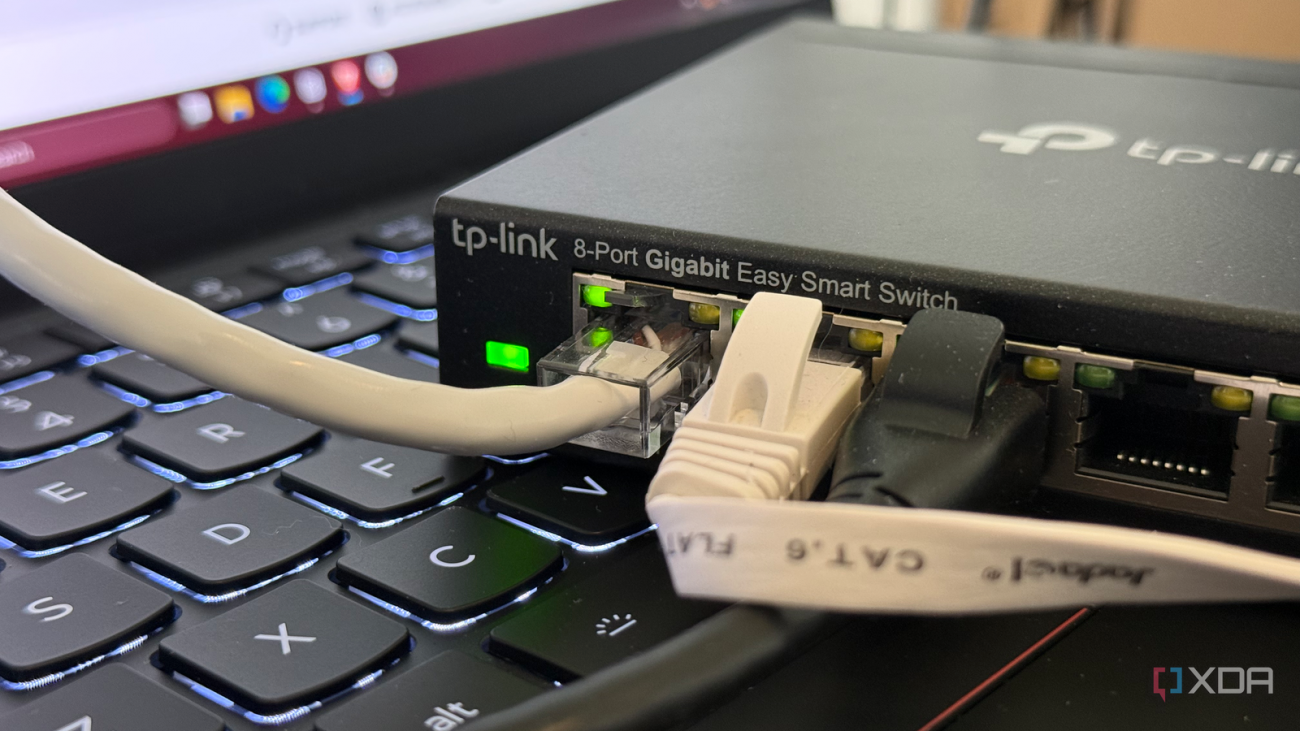
By default, your switch’s management interface sits on VLAN 1 alongside everything else, which means that same compromised smart plug can reach the login page of the very hardware you’d use to contain it. Moving management to its own dedicated VLAN, reachable only from trusted devices, is arguably the first segmentation move worth making. If an attacker owns your switch, every other rule you write is basically null.
If you’re relatively new to home networking, VLANs can seem intimidating and difficult to conceptualize. Make no mistake, VLANs come with a genuine learning curve: tagged versus untagged traffic, trunk versus access ports, and inter-VLAN firewall rules can be difficult to wrap your head around. A badly configured native VLAN on a trunk port or any other single careless change can lock you out of your own network, and you’ll be reaching for the reset button.
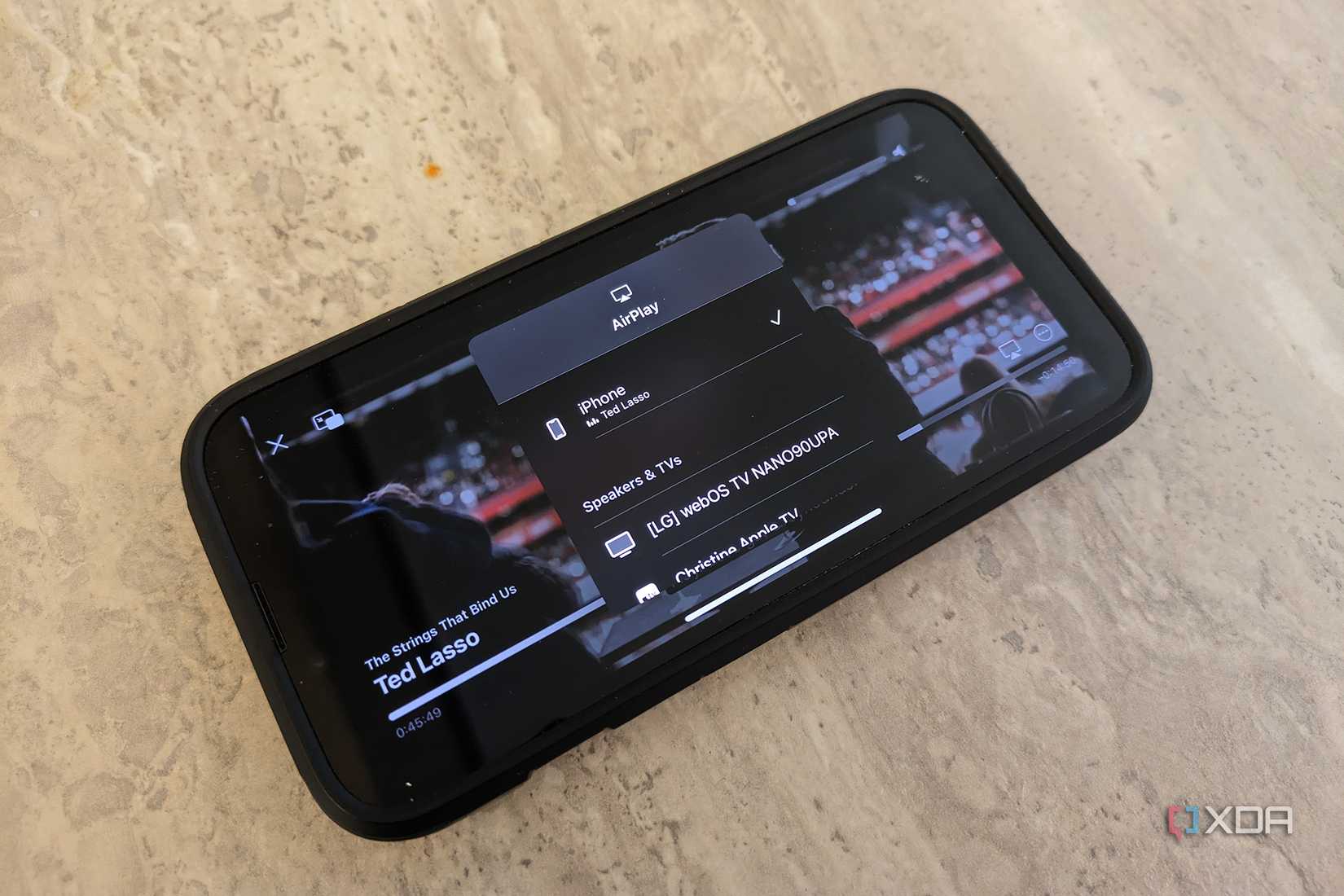
The most common casualty is device discovery. Casting, AirPlay, and most smart home apps assume the phone and the device share a network segment, because mDNS is link-local and won’t cross VLANs on its own. Move your IoT gear to its own segment and discovery breaks until you configure an mDNS reflector, which is not a novice activity.
As is the case with a lot of home networking, the complexity is front-loaded. If you set up proper VLAN segmentation once, you don’t really have to touch it again unless you add a new device, and that process is much faster than segmenting an existing network from scratch.
The discovery problem, meanwhile, has a solution. UniFi gateways include an mDNS proxy natively, with modes to forward all services, none, or a custom selection between chosen VLANs, and VyOS ships a built-in mDNS repeater. On platforms like OPNsense, pfSense, and OpenWrt, the same capability is an Avahi package, which, if you’re running any of those, you probably already knew.
These network tests can solve common smart home problems—improve connectivity, fix delays, and keep your devices running smoothly.
While you should adopt a few things before segmentation, like strong passwords, following regular update schedules and MFA, segmentation remains a key part of networking, and not just at the enterprise level. On balance, it’s just as cheap as everything else I’ve described, and the only thing standing between you and a more secure network is getting dug into a configuration session.