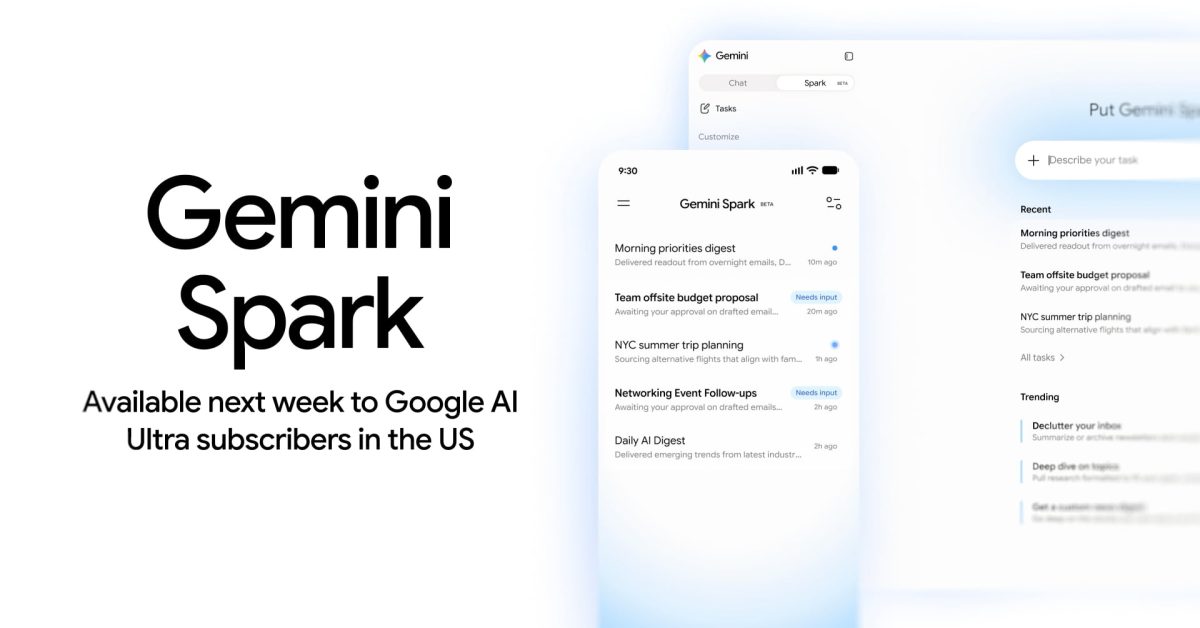
The topic Gemini Spark rolls out to Google AI Ultra in the US: How it works is currently the subject of lively discussion — readers and analysts are keeping a close eye on developments.
This is taking place in a dynamic environment: companies’ decisions and competitors’ reactions can quickly change the picture.
Gemini Spark is Google’s 24/7 personal agent to automate tasks. On the web, the side panel gains a new “Spark” tab opposite “Chat.” On Android and iOS, Spark appears in between Search chats and Daily brief, with Google noting the “Beta” status.
At the moment, Gemini Spark taps into Google Workspace and other Connected Apps, Personal Intelligence, websites you’re signed into, location, and:
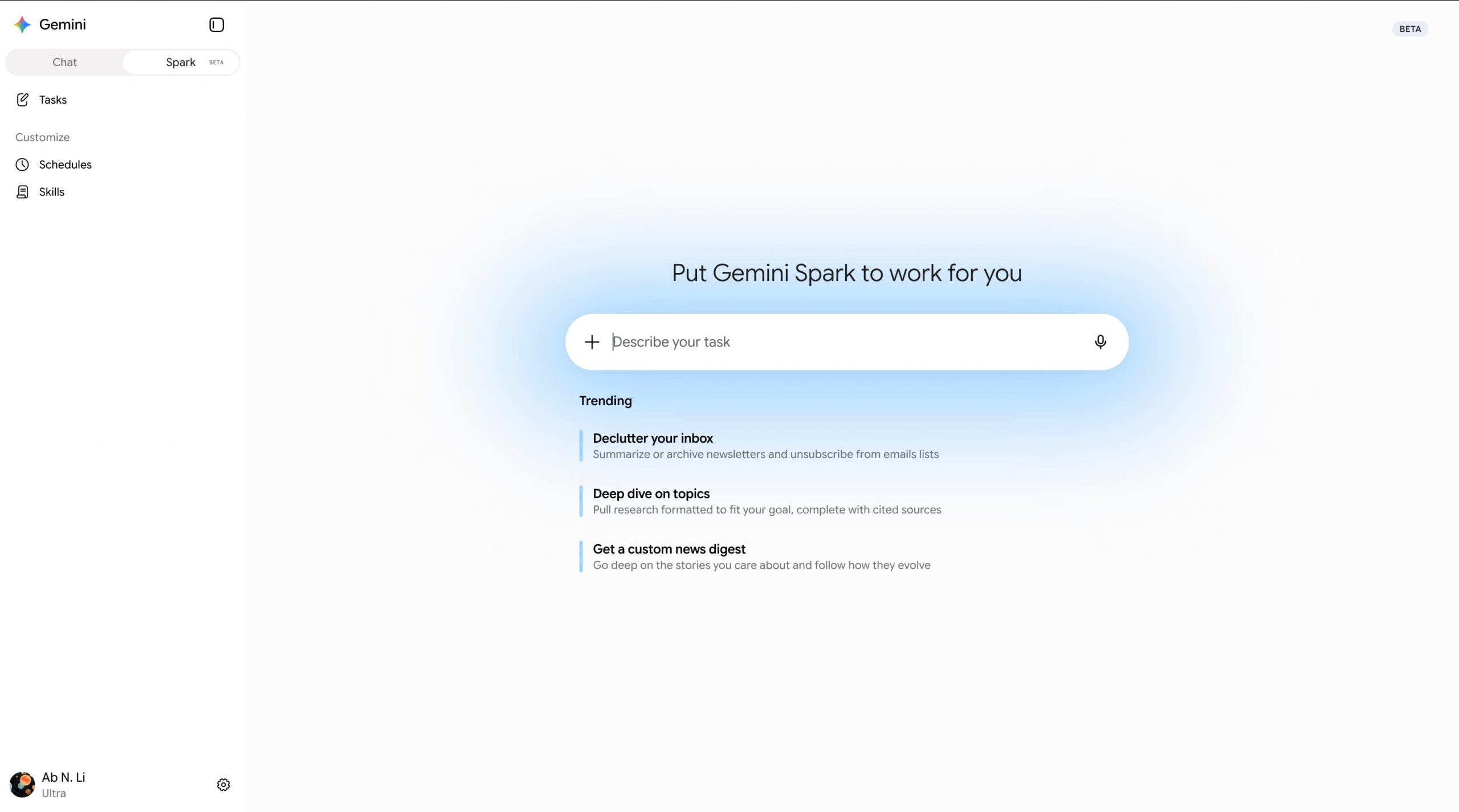
There are three core components to Gemini Spark. A Task is the high-level goal, project, or object you want accomplished.
A Schedule determines when Gemini Spark should automatically run in the background. This can be a specific date/time or in response to an event. for example: “Every day at 8 AM (condition), give me an update on AI news (task).” They are different from scheduled actions in the Gemini Chat experience.
A Skill, or “set of reusable instructions and additional context,” is the final component. They can be accessed using @ or /.
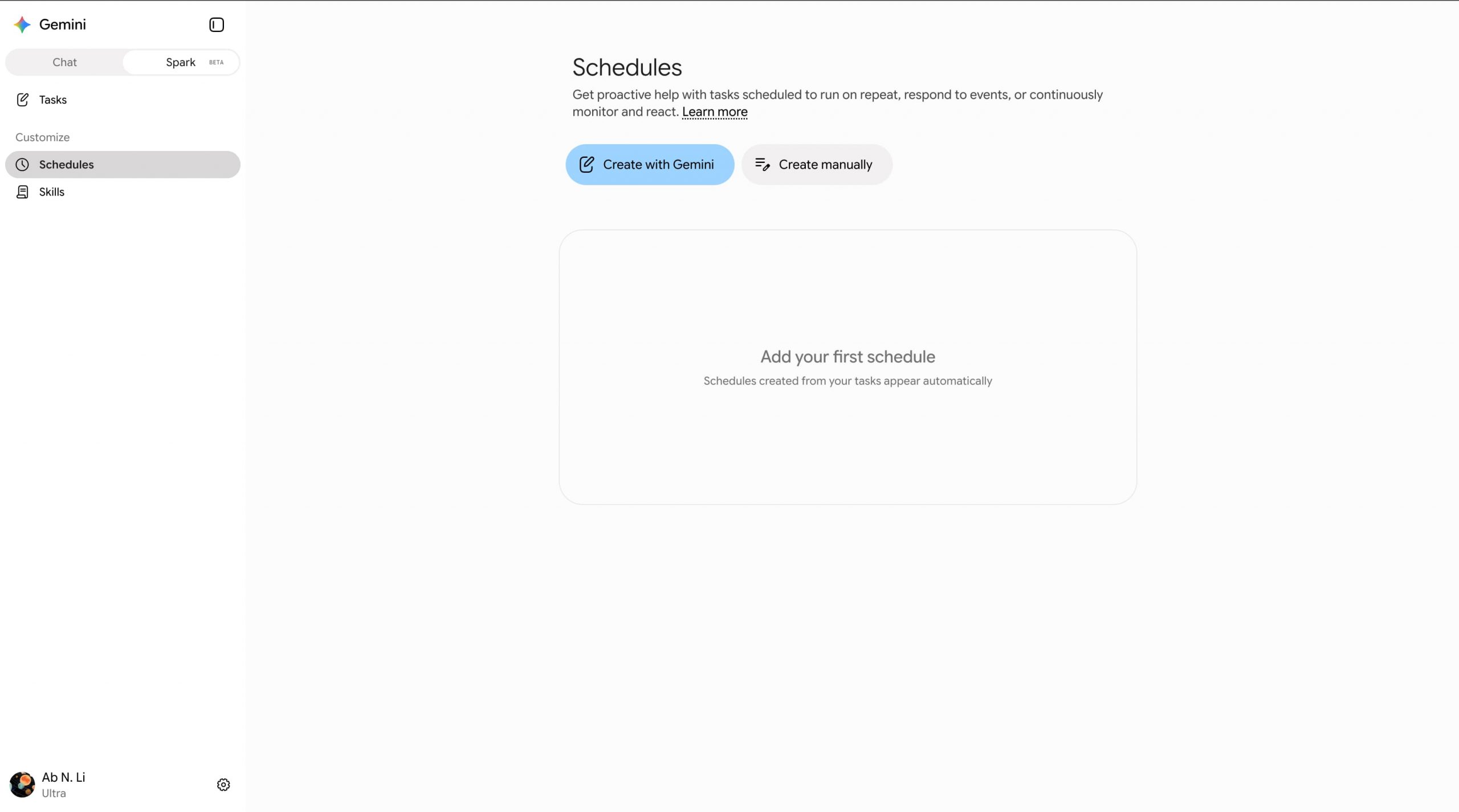
It teaches Gemini how to do a specific task and what tools to use. You can specify the skill Gemini Spark should use for a task or a schedule’s action. Spark can also automatically use a skill when it’s relevant to a task.
In summary, you define the task (what you want), set the schedules (when it should happen), and provide the skills (how to do it) to complete the work.
Use the “Describe your task” field, which supports uploading files and a notebook. The task thread and work panel let you monitor progress, including planned, current, and completed steps. You can take over the Remote browser as needed.
Gemini Spark has the same compute-based usage limits as the rest of Gemini. Additionally:
You can have up to 15 tasks running at a given time. You’ll have to wait for tasks to be completed before making another request. Also, a schedule will not run if there are already 15 tasks running.