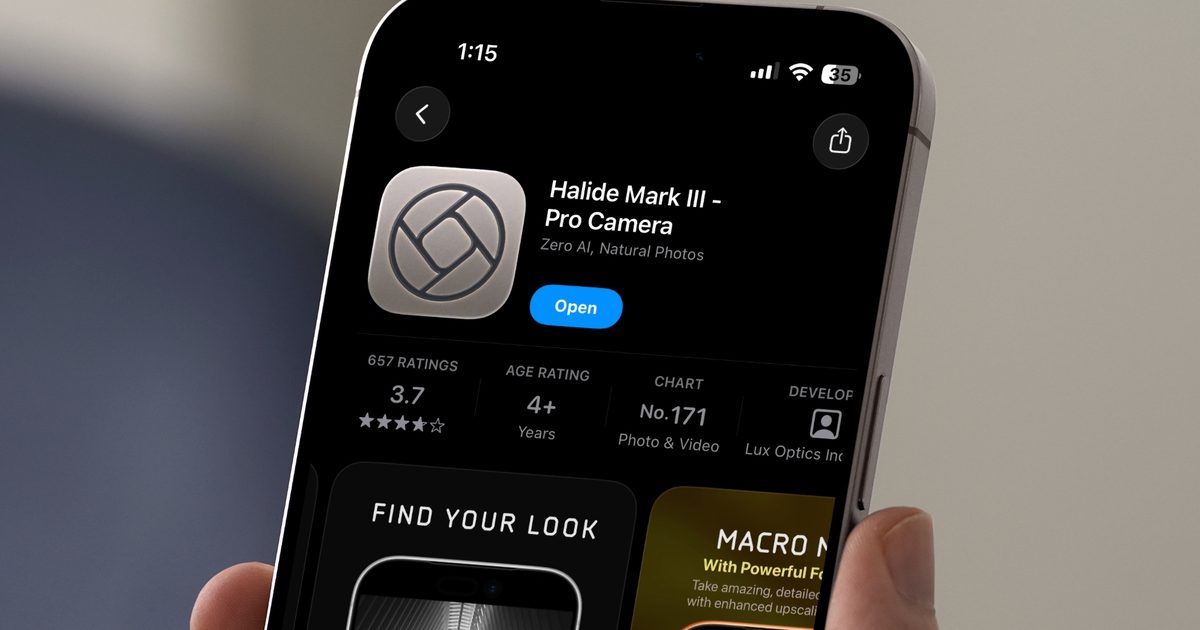
The topic Halide Mark III brings artsy film magic to one of the best iPhone camera apps is currently the subject of lively discussion — readers and analysts are keeping a close eye on developments.
This is taking place in a dynamic environment: companies’ decisions and competitors’ reactions can quickly change the picture.
I hate the overly processed photos iPhones capture these days, and that’s why Halide has become my primary camera app. Its Process Zero capture mode breathes life into photos by removing all the extra processing Apple does, delivering pictures that feel straight out of a classic camera. I mean, the camera app is so goated that even Apple tried to acquire it.
The Halide Mark II was already one of the best iPhone camera apps, and now, Lux Optics, the company behind Halide, has released Halide Mark III, a massive update that aims to make it the only camera app you’ll ever need, and from what I’ve seen, it might just pull it off.
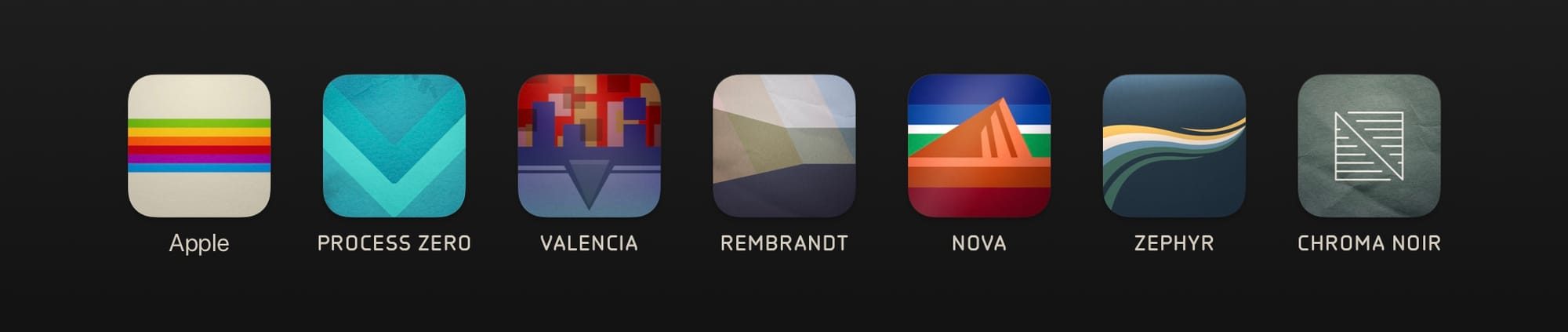
The headline feature is Looks, a curated set of film-inspired color profiles developed in collaboration with Hollywood colorist Cullen Kelly. Instead of dumping hundreds of presets on you, Halide took the opposite approach and built a small but excellent selection. If you have ever used a Fuji camera before, it’s similar to their film simulations.
You get Valencia for landscapes, Rembrandt for portraits, Nova for punchy colors, the restrained Zephyr for everyday scenes, and Chroma Noir for black and white. Every Look also supports HDR, which adds noticeably more detail in highlights and shadows.
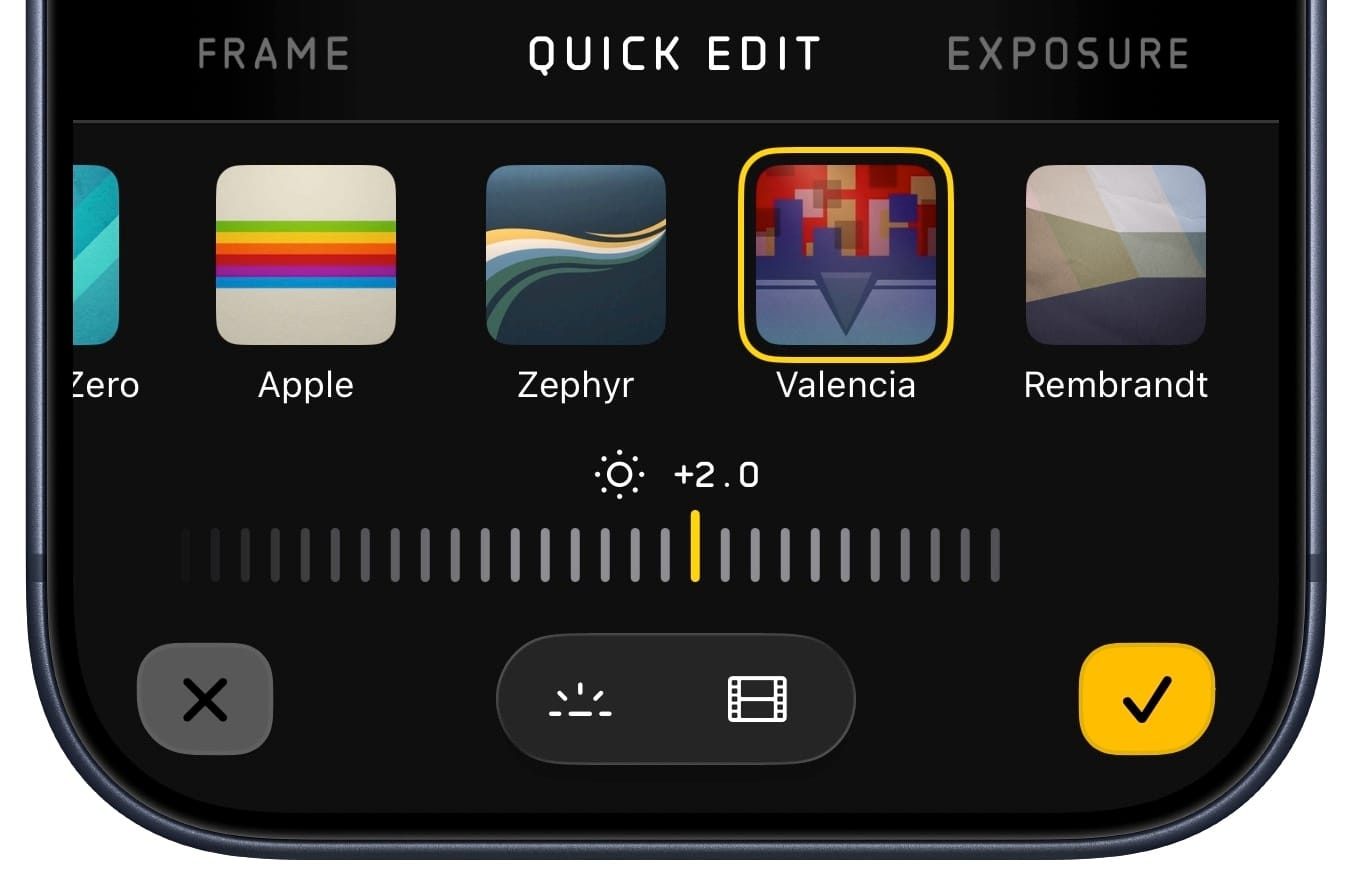
Halide has added a full Photo Lab for editing RAW files right inside the app. There’s a Quick Edit pane for fast adjustments, an Exposure panel with a histogram, and a Film tab where you can dial in grain, halation, and vignetting to your taste.
If all of that sounds like too much, the Quick Edit pane handles most situations without you needing to go any deeper. The Photo Lab also runs on iPad, where the extra screen real estate makes navigation even smoother.
The camera UI has also received some love. The most-used tools, like aspect ratio controls and guide overlays, get the most prominence. There’s a new lens picker that now lets us pick cropped views alongside the standard lenses.
Manual exposure controls now include Shutter Priority and ISO Priority modes. And for those who shoot with regular cameras, Halide now lets you import RAW files from external cameras to process with the same Looks and tools.