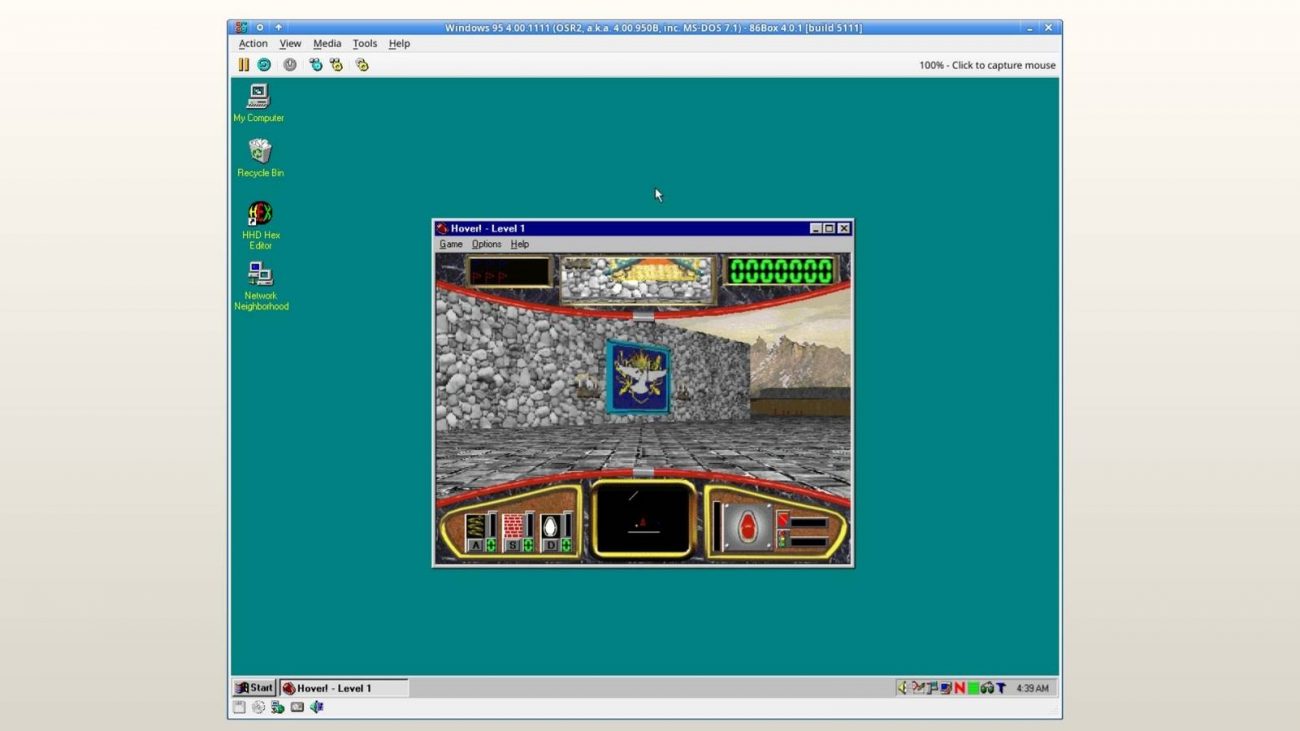
The topic The Virtual OS Museum lets you relive the glory days of Windows 3.1, DOS, PalmOS… is currently the subject of lively discussion — readers and analysts are keeping a close eye on developments.
This is taking place in a dynamic environment: companies’ decisions and competitors’ reactions can quickly change the picture.
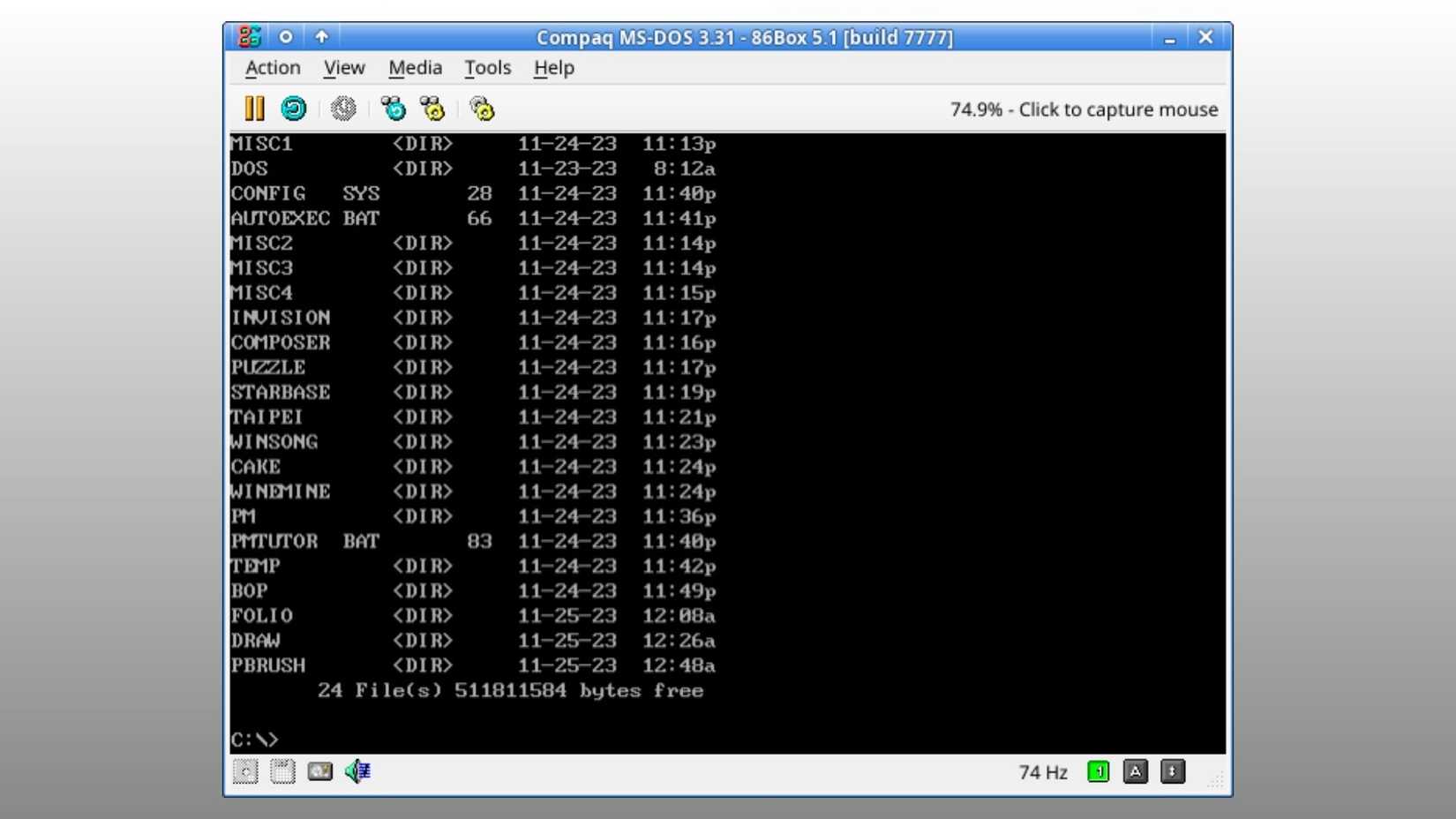
If you’ve been in the computing space for a long time, and you’re tired of Windows 11’s AI focus (thankfully, Microsoft is slowly pulling back on that) and macOS’ awful Liquid Glass look, The Virtual OS Museum is here to remind you of an era when operating systems were far rougher around the edges and at least in some ways, arguably better.
The Virtual OS Museum, curated by Andrew Warkentin, is an interactive virtual operating system museum featuring over 1,700 installations across more than 250 platforms and 570 distinct operating systems, spanning from 1948 to the present. Pretty wild, right? The list is surprisingly expansive and includes early mainframe systems, alongside CTSS, early Unix, and DOS, all the way to classic versions of Windows from 1.0 to early Longhorn betas, OS X, PalmOS, Newton OS, and even early Android and iOS versions.
What’s cool about The Virtual OS Museum is that it’s more than just a collection of screenshots; the operating systems are actually usable on modern hardware through emulation, allowing you to explore them for yourself.
While it’s undeniably fun to go back and check out Commodore BASIC V2, Windows 3.1, Windows 95, and Mac OS X 10.1 Puma, three operating systems I spent a lot of time with as a kid, the Virtual OS Museum also lets you explore lesser-known operating systems like 1981’s Xerox Star Pilot.
The full edition of the collection is 121GB when zipped and 174GB when unzipped. Thankfully, there’s also a lighter version that’s 14GB (it only downloads images when needed). If you’re interested in an operating system blast from the past (and who isn’t, right?), check out The Virtual OS Museum.